

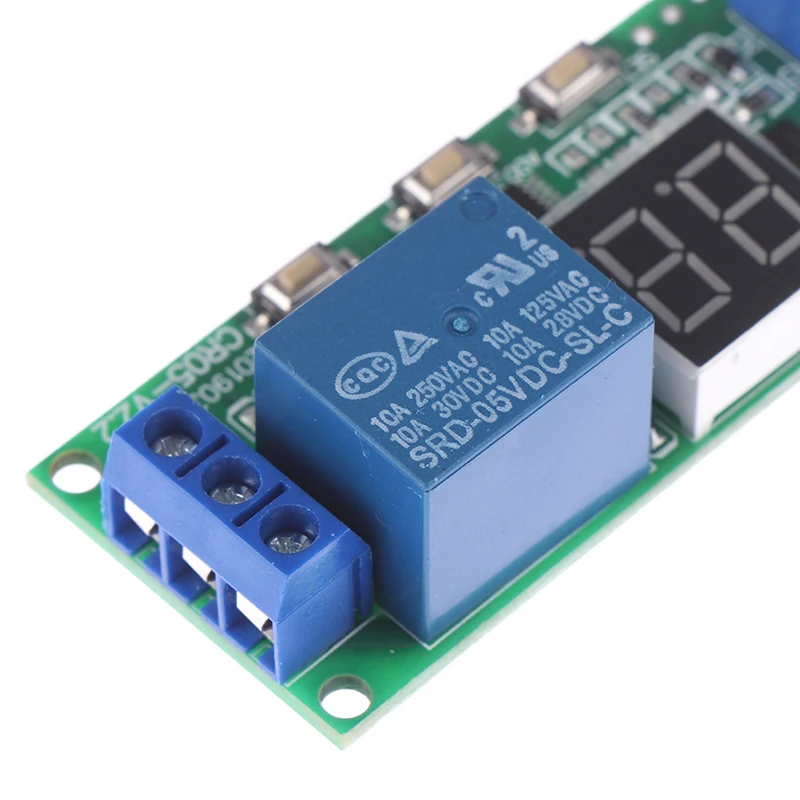
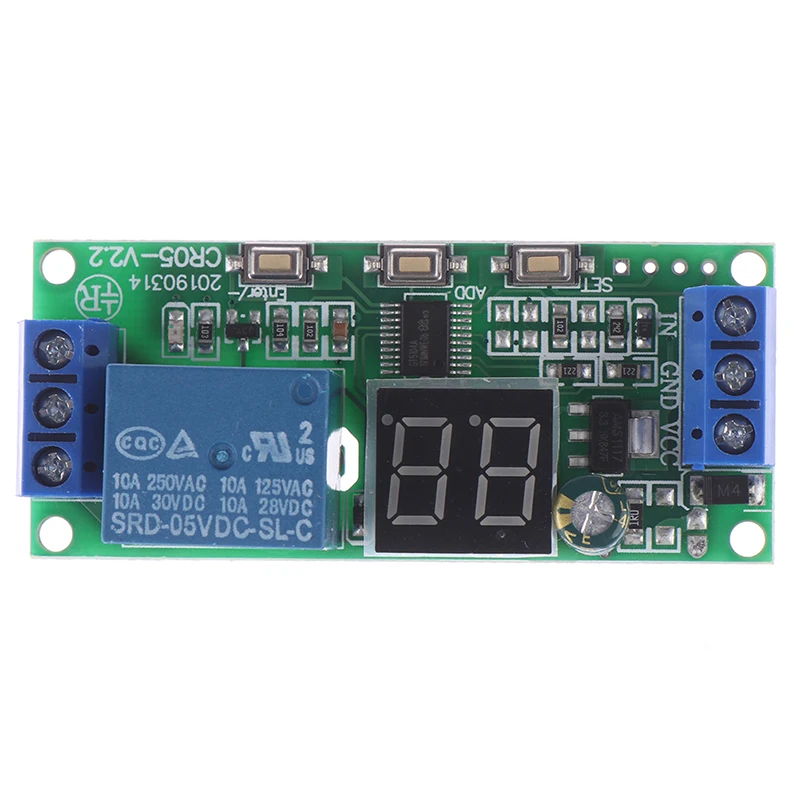
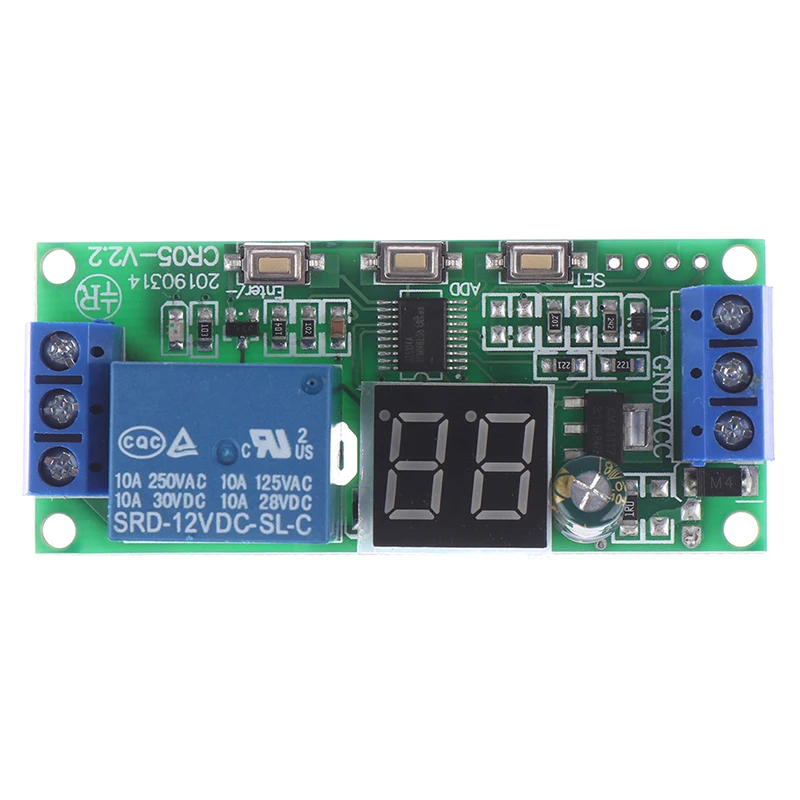
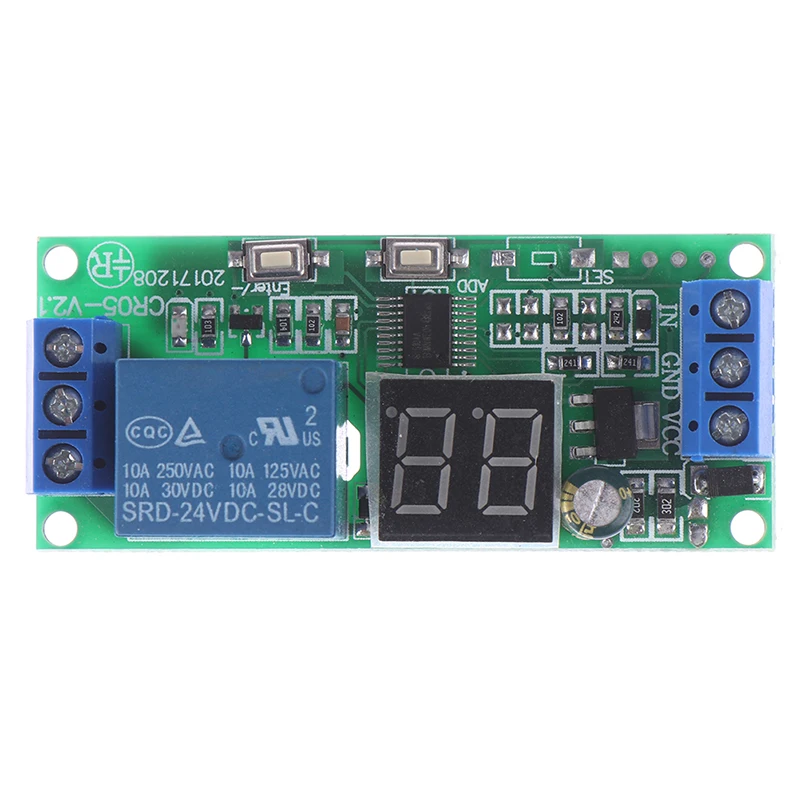
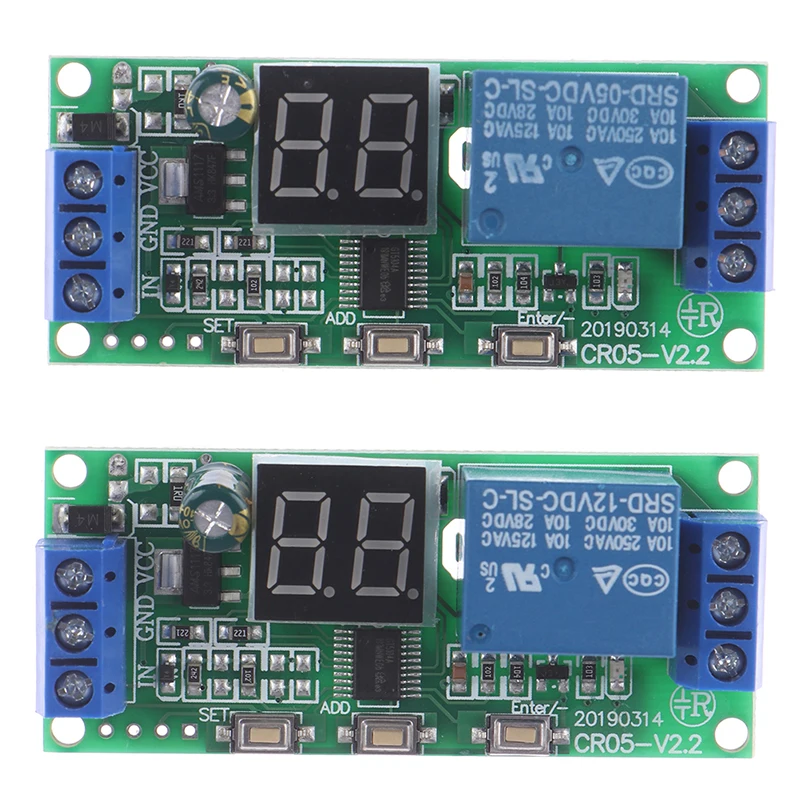
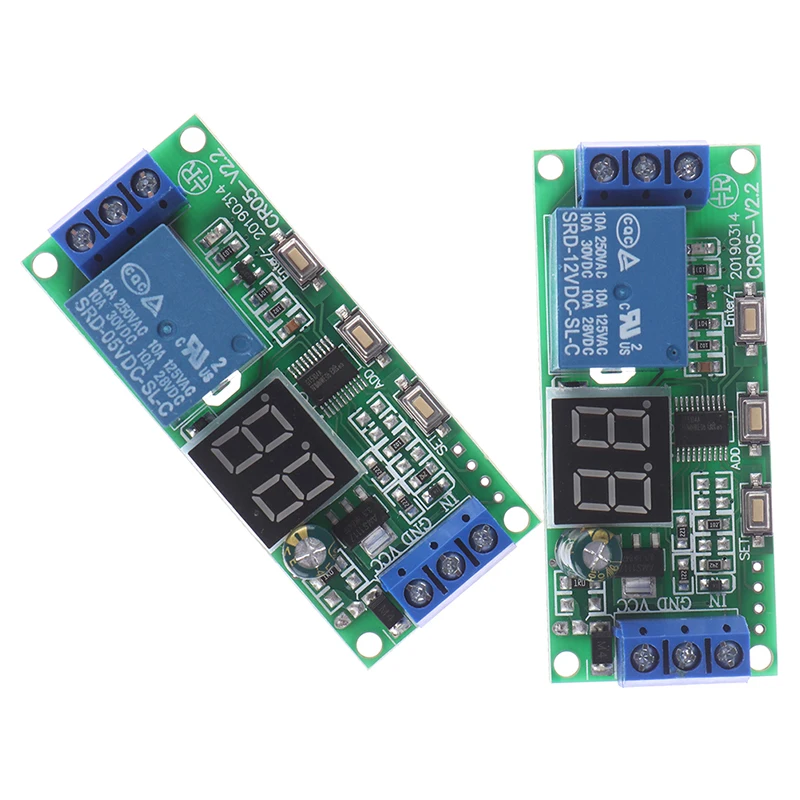
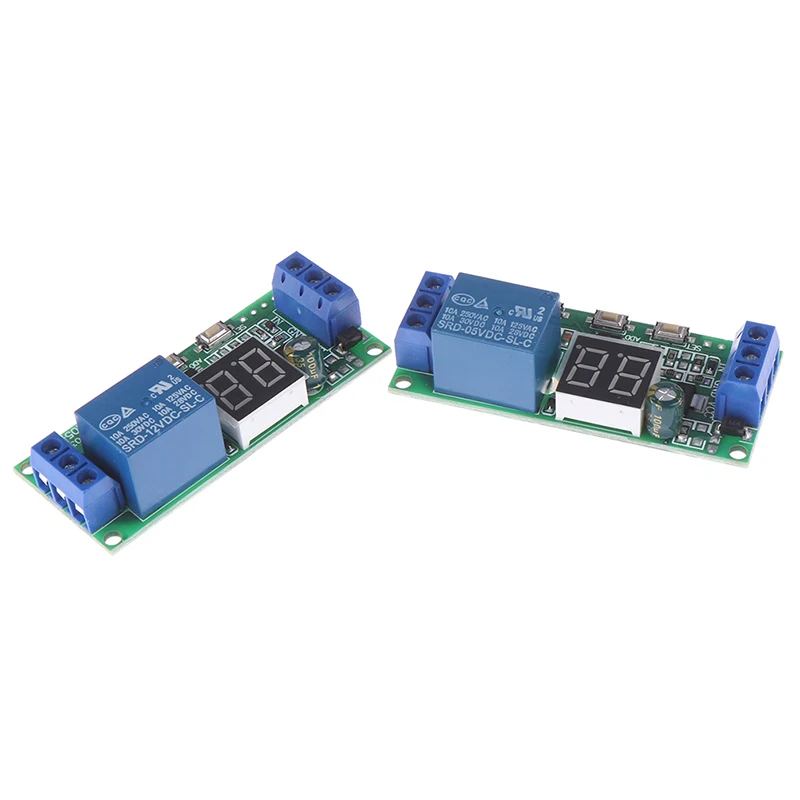
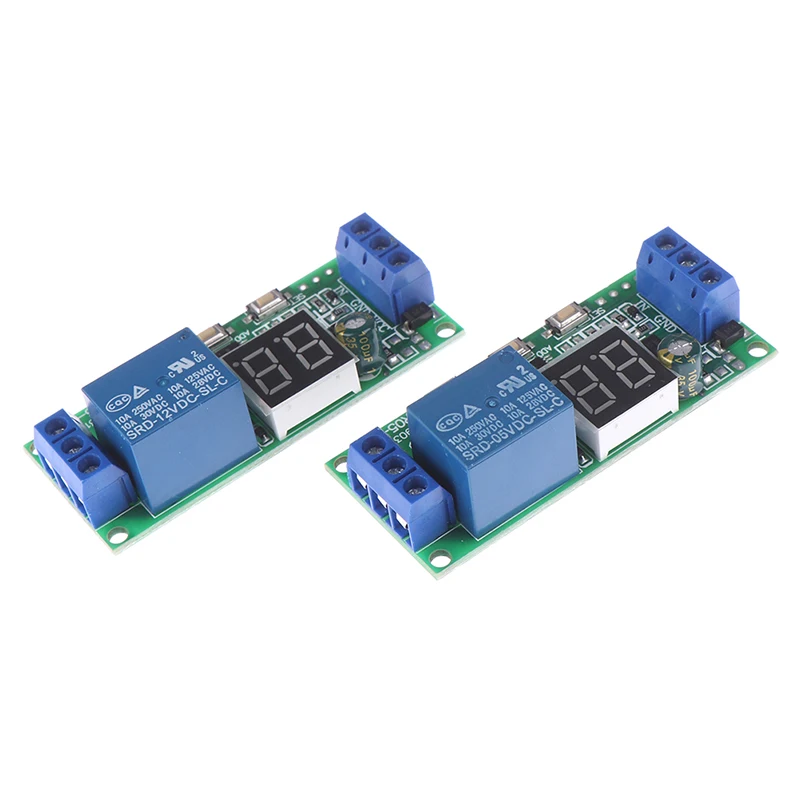
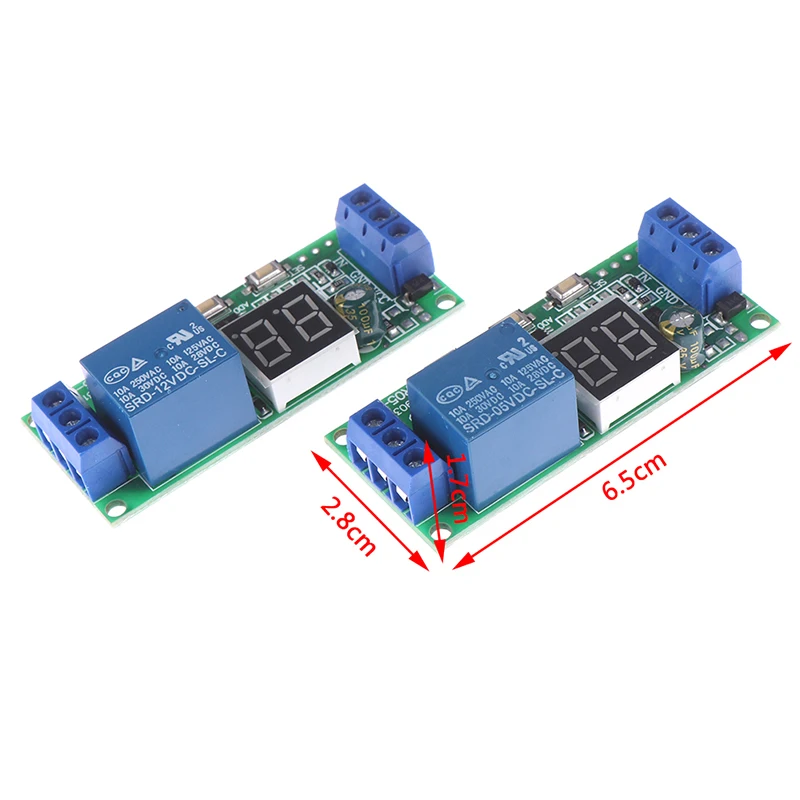
1PCS DC 5V / 12V / 24V Multifunction Digital Time Infinite Delay Switch Timer Relay Module
as pic
$4.91
Sale price
$4.91
Regular price
$0.00
Skip to product information


1PCS DC 5V / 12V / 24V Multifunction Digital Time Infinite Delay Switch Timer Relay Module
$4.91
Sale price
$4.91
Regular price
$0.00
Description
SPECIFICATIONS
Brand Name: JETTING
Certification: NONE
Contact Load: Other
High-concerned chemical: none
Model Number: Relays
Origin: Mainland China
Power Source: DC
Protect Feature: Other
Theory: -
Use: Other
Voltage: Other
is_customized: no
Feature parameters:
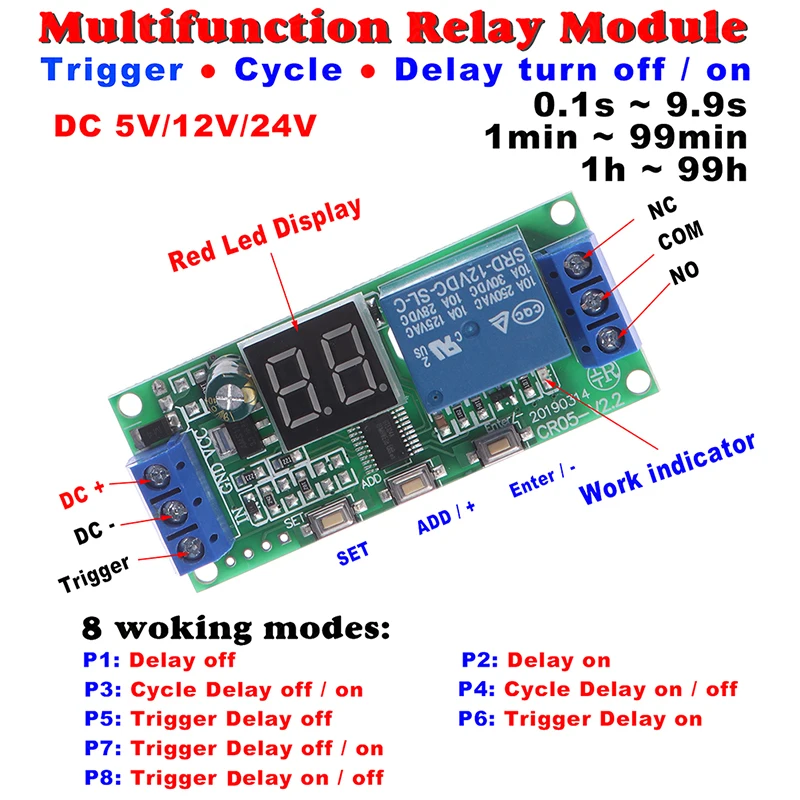
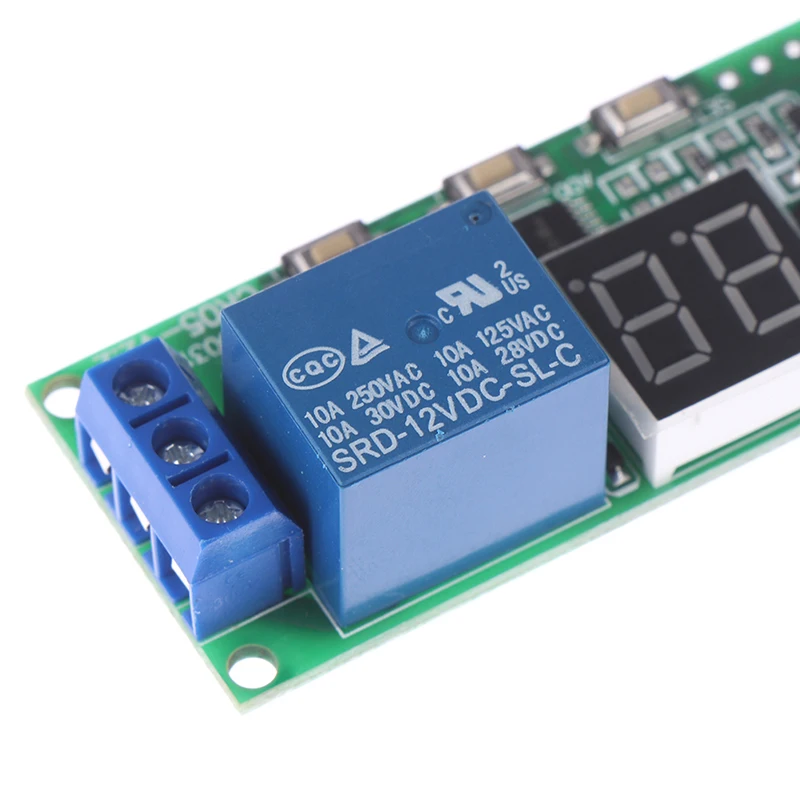
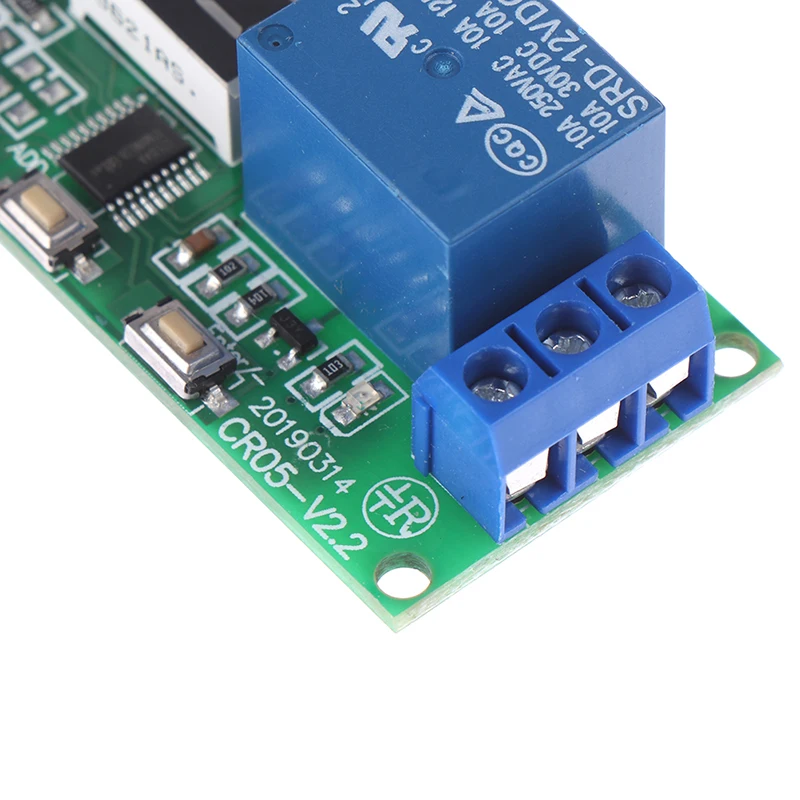
Working voltage: DC 5V / 12V / 24V
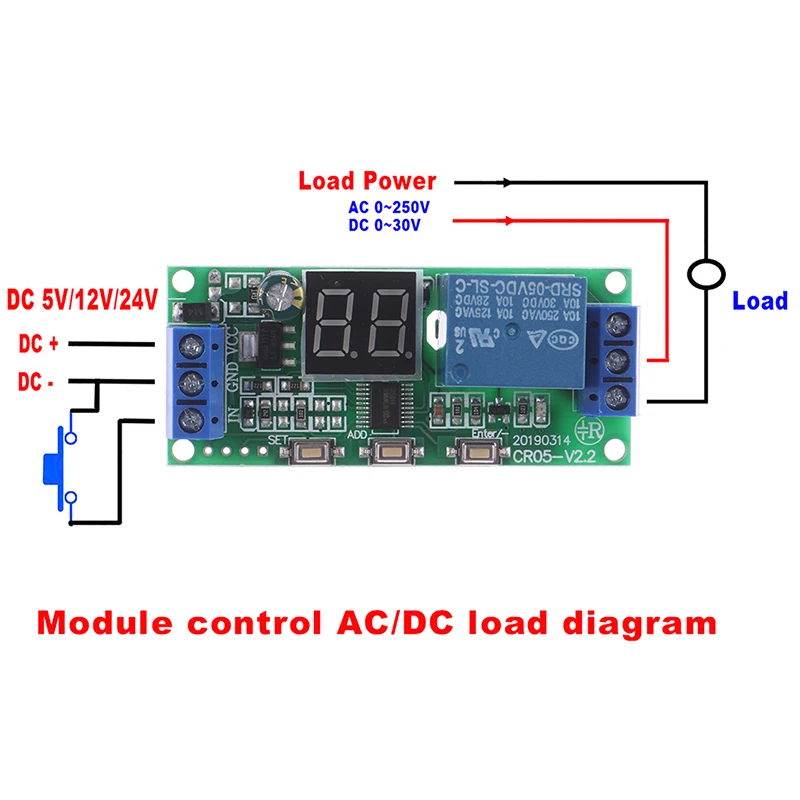
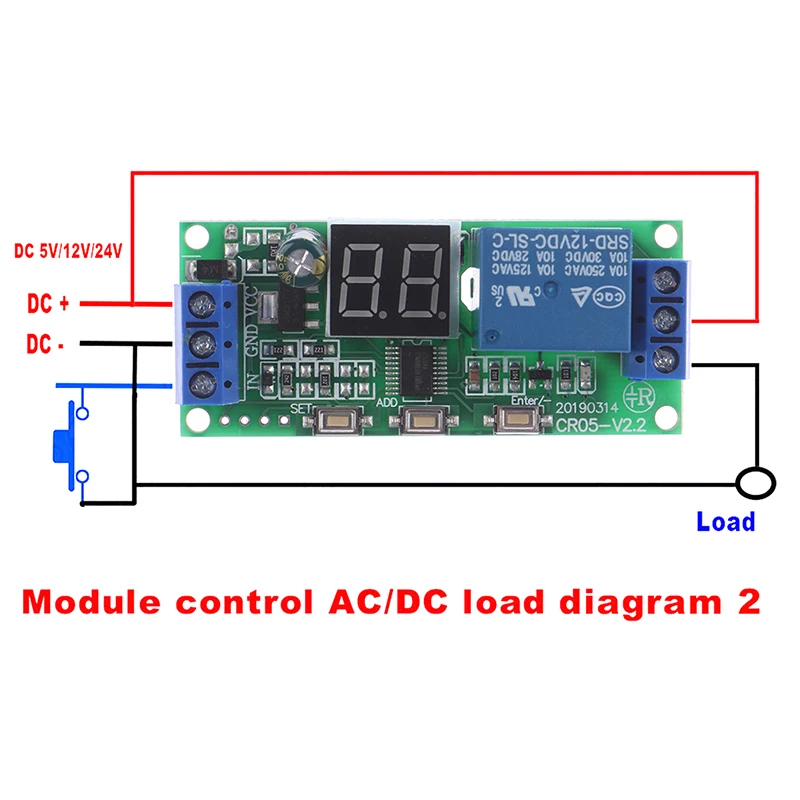
Load Power: DC 0-30V 10A / AC 0-220V 10A
Static current:15mA
Working current:30mA
Service life: 100 thousand times;
Working temperatures: -40-85°
Size: 65*8*18mm
Package included: 1 pcs
Step 1: power on,
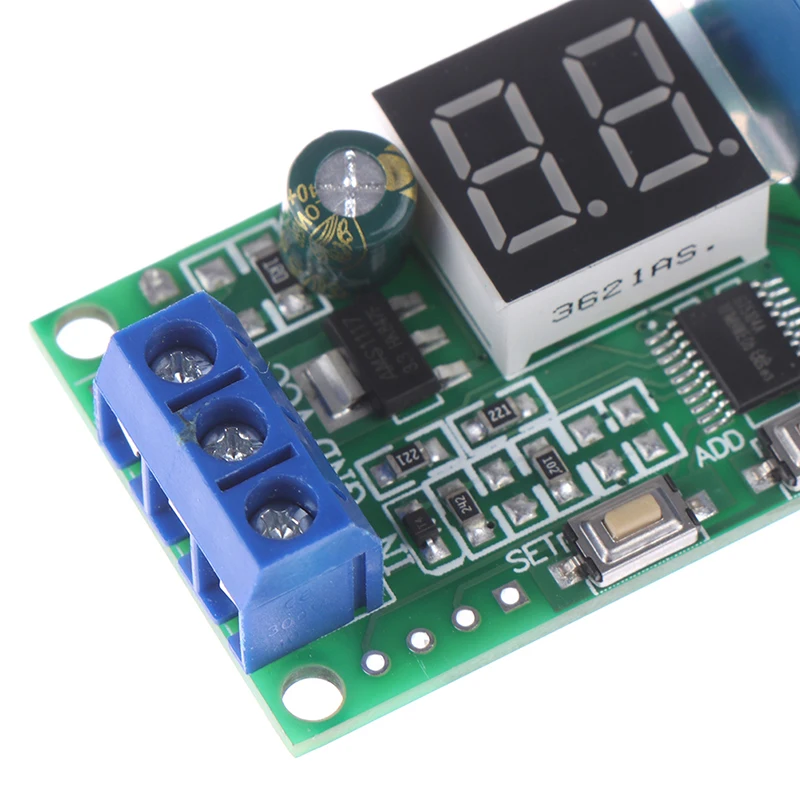
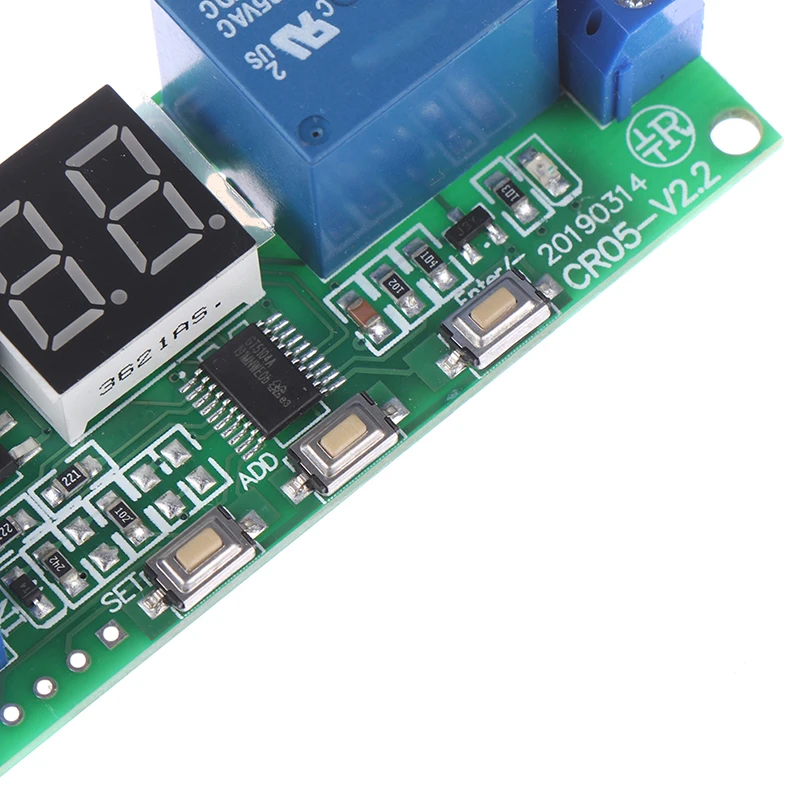
Step 2: Press the SET key for a long time to enter the function selection, and display P1-P8. Press the SET key for a short time to switch between function 1 and function 8.
Step 3: Press ADD to select T1 time unit, display the value (-0/1/2/3), and set T1 time unit. At this time, press ADD to switch between 0/1/2/3. . Time unit:-0: 0.1 second file, time range 0.1 second -9.9 seconds -1: 1 second file, time range 1 second -99 seconds -2: 1 minute, the time range is 1 minute -99 minutes -3: 1 hour, time range 1 small clock -99 hours
Step 4: Press SET key to set T1 time and display T1. At this time, press ADD/Enter key to add and subtract time and display the numerical value (00). In case of functions 1, 2, 5 and 6, press the SET key to confirm saving, and the setting ends. If it is function 3, 4, 7, 8, enter the fifth step.
Step 5: Press the SET key to set T2 time unit. Display "-0/1/2/3", set T2 time unit, and press ADD key to switch between 0/1/2/3. . Time unit:-0: 0.1 second file, time range 0.1 second -9.9 seconds -1: 1 second file, time range 1 second -99 seconds -2: 1 minute, the time range is 1 minute -99 minutes -3: 1 hour, time range 1 small clock -99 hours
Step 6: Press SET to set T2 time and display "T2". At this time, press ADD/Enter to add and subtract time and display the numerical value (00).
Step 7: Press SET key to set the cycle times and display "C-". At this time, press ADD/Enter key to increase and decrease the cycle times and display the numerical value (00). If it is set to 0, it is infinite cycle.
Step 8: Press the SET key to confirm the save.
Free Shipping Over $199
- Standard Shipping: Standard Shipping (12–18 Business Days)
- Express Shipping: Expedited Shipping (5–9 Business Days)
- Free Shipping: Orders over $199 qualify automatically
- Tracking: Full tracking number provided for all orders
30-Day Return Policy
- Returns: 30-day hassle-free return window
- Condition: Items must be unused and in original packaging
- Refund: Full refund processed within 3-5 business days
Why Choose Us?
- Factory Direct: ISO/TS 16949 certified manufacturer
- Quality: 100% electrical continuity tested before shipment
- Experience: 15+ years in automotive connector industry
- Support: Professional technical support available

You may also like
Blog posts
Title
An excerpt of your blog post's content
Title
Date|Author
Subscribe to our emails
Be the first to know about new collections and special offers.