

6Bit Digital Clock 1inch Led Digital Tube Time 12/24 Hour Display Mode Hour Minute Seconds DS3231 Chip Clock Type-C USB POWER
green
$95.67
Sale price
$95.67
Regular price
$0.00
Skip to product information


6Bit Digital Clock 1inch Led Digital Tube Time 12/24 Hour Display Mode Hour Minute Seconds DS3231 Chip Clock Type-C USB POWER
$95.67
Sale price
$95.67
Regular price
$0.00
Description
SPECIFICATIONS
1inch led digital: clock
6Bit Clock: time 12/24 hour
Brand Name: NONE
High-concerned chemical: none
Material: Plastic
Model Number: 6Bit Clock
Origin: Mainland China
Type: Power Tool Parts
Use: Home DIY
is_customized: Yes
6-bit 1 inch digital led tube clock hour minute seconds module diy case
Note :
red : No shell needs to be purchased separately
blue : No shell needs to be purchased separately
green : No shell needs to be purchased separately
white : No shell needs to be purchased separately
Features:
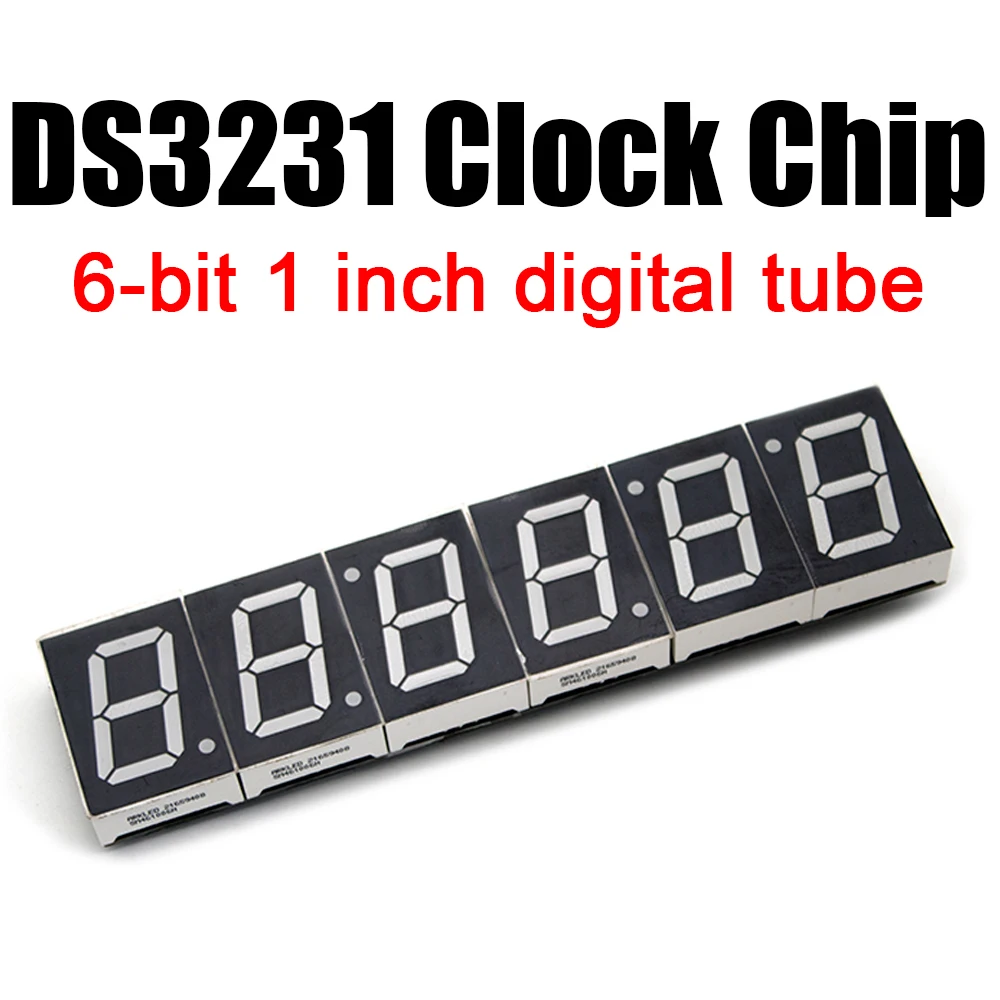
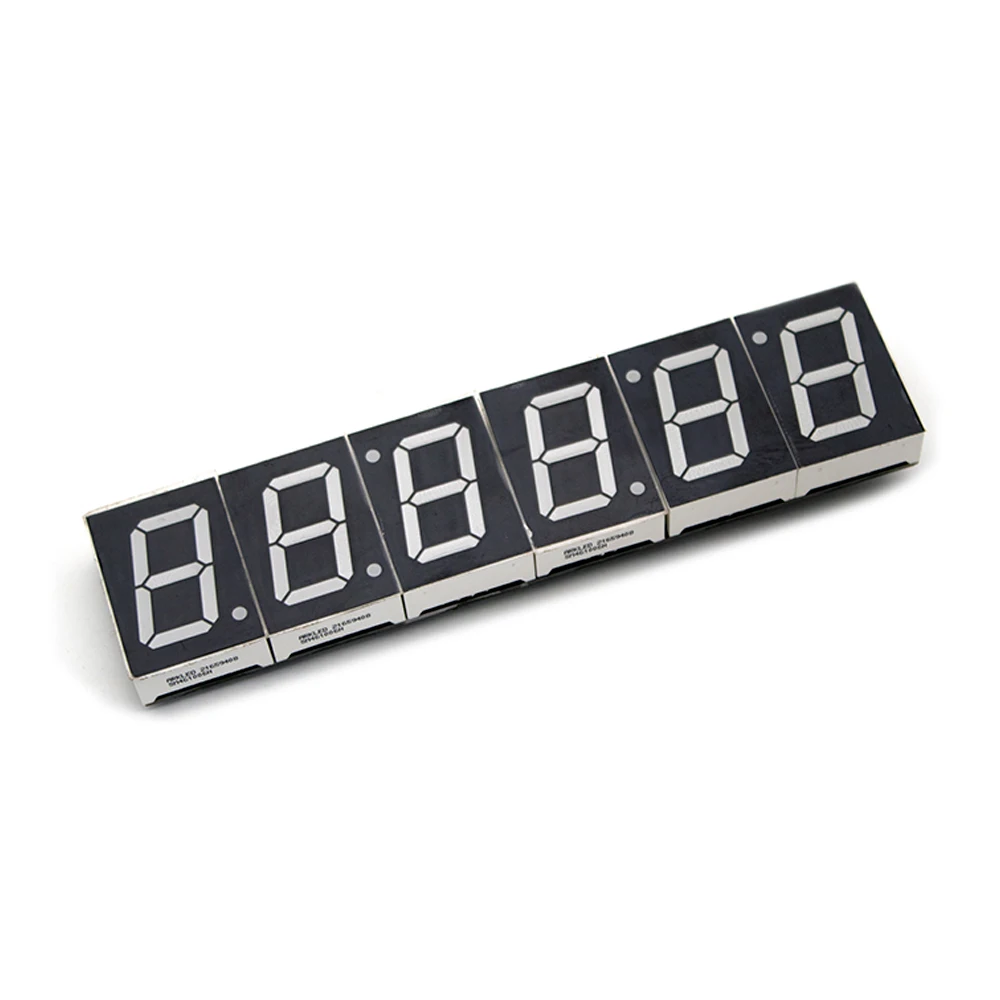
DS3231 clock chip, 6-bit 1 inch digital tube.
Date and time adjustment method
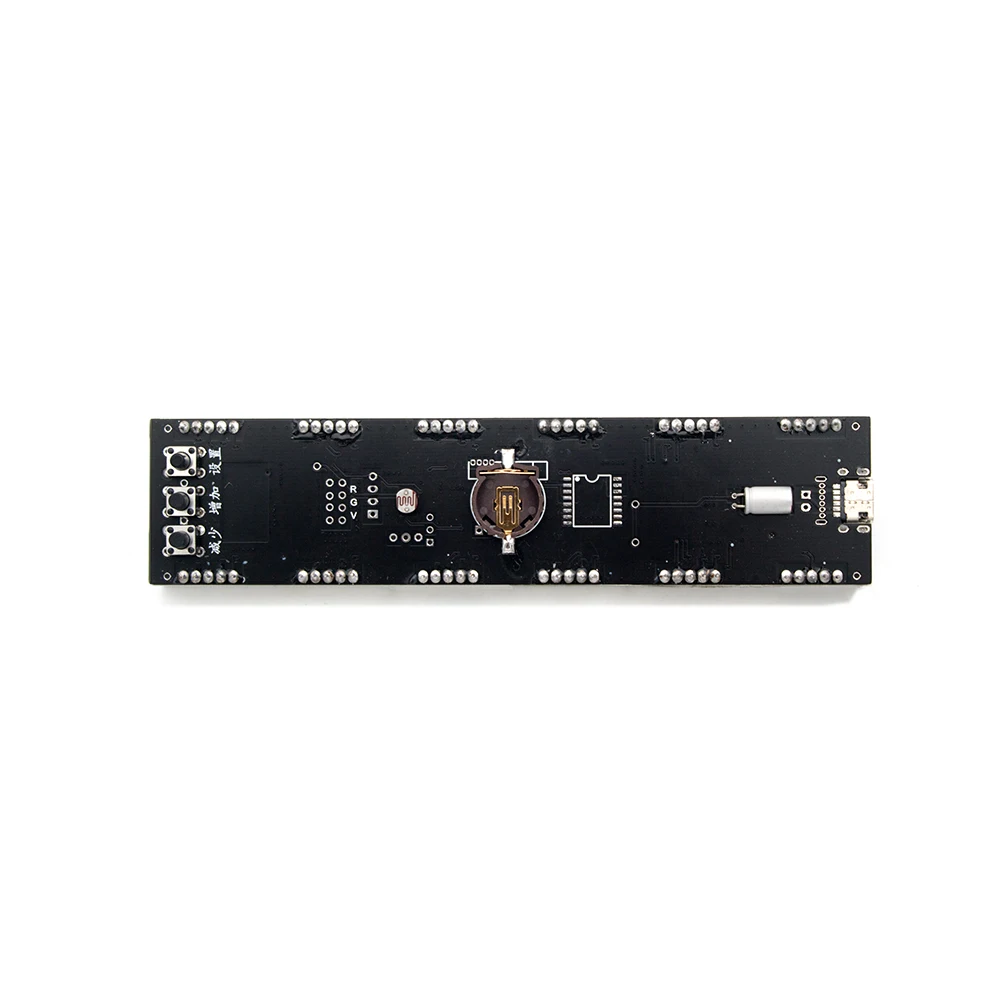
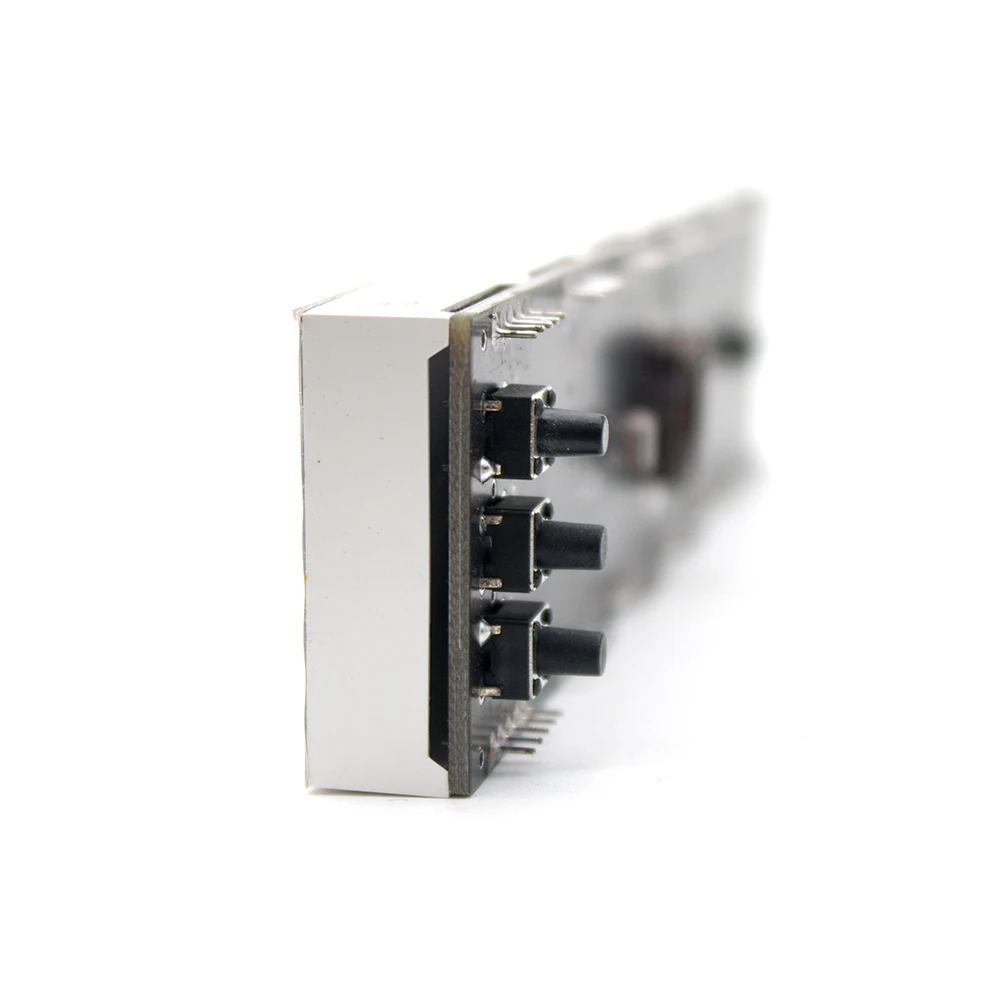
Press and hold the “Set” button to enter the time setting state. Continue to press the “Set” button to move the flashing position. When the corresponding hour, second, and second digits are flashing, press the “Increase” or “Decrease” button to adjust it. Press the second digit to flash. A "set" button to exit the setting. If there is no operation for one minute, the setting status will be automatically exited.
Brightness adjustment method
Disconnect the power and press and hold the "Set" button to turn on the power, the system enters the brightness adjustment state, press the "Settings" button to switch manual or automatic brightness control; automatic brightness control, press "increase" "decrease" button for automatic brightness control sensitivity Adjustment; Press the “Increase” and “Decrease” buttons to adjust the fixed brightness. Adjust after the break
Power on again to exit the brightness adjustment mode.
Display mode switching method
Press "Reduce" to switch the display mode; press "Add" button to hide or Display "time position" ""0" when less than 10
The "Settings" button toggles the 12- or 24-hour display mode.
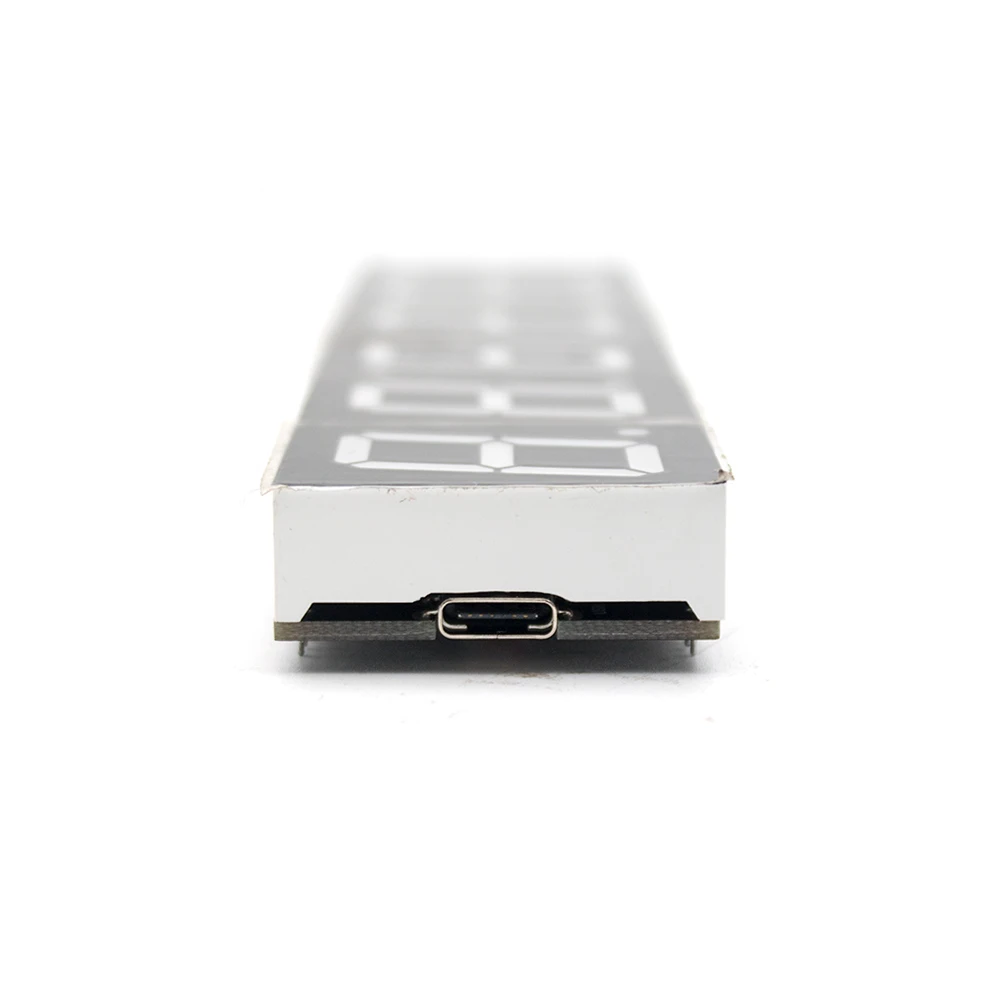
Press and hold the "Add" button to turn the power on. The clock will change the display direction to change the USB socket to the left or right.
Power: Use Micro USB socket 5V power supply, maximum power is less than 0.5W, minimum operating voltage 3V, maximum voltage 5.2V.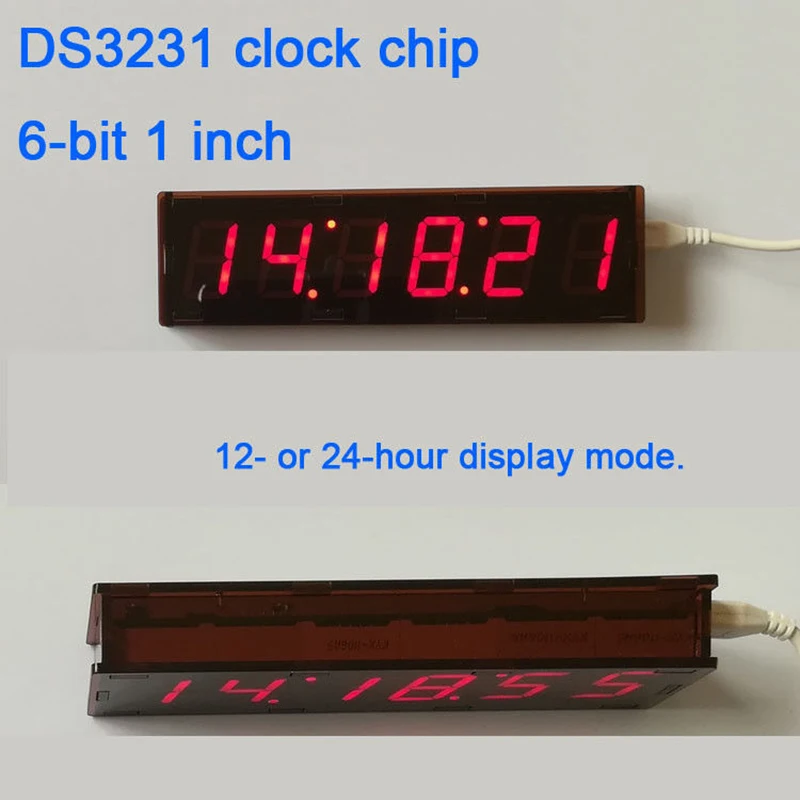
Free Shipping Over $199
- Standard Shipping: Standard Shipping (12–18 Business Days)
- Express Shipping: Expedited Shipping (5–9 Business Days)
- Free Shipping: Orders over $199 qualify automatically
- Tracking: Full tracking number provided for all orders
30-Day Return Policy
- Returns: 30-day hassle-free return window
- Condition: Items must be unused and in original packaging
- Refund: Full refund processed within 3-5 business days
Why Choose Us?
- Factory Direct: ISO/TS 16949 certified manufacturer
- Quality: 100% electrical continuity tested before shipment
- Experience: 15+ years in automotive connector industry
- Support: Professional technical support available

You may also like
Blog posts
Title
An excerpt of your blog post's content
Title
Date|Author
Subscribe to our emails
Be the first to know about new collections and special offers.