

FNIRSI DST-210 Multimeter Oscilloscope 2.8" TFT 48MSa/s 10MHz Signal Generator Handheld Portable Tester USB Rechargeable
T9-DST201
$295.84
Sale price
$295.84
Regular price
$0.00
Skip to product information





FNIRSI DST-210 Multimeter Oscilloscope 2.8" TFT 48MSa/s 10MHz Signal Generator Handheld Portable Tester USB Rechargeable
$295.84
Sale price
$295.84
Regular price
$0.00
Description
SPECIFICATIONS
Battery Included: Yes
Brand Name: FNIRSI
Certification: CE
DIY Supplies: Electrical
Digital Channels: 1
FNIRSI Model: T9-DST210
High-concerned chemical: none
Model Number: T9-DST210
Origin: Mainland China
Semi-finishedproduct: No
T9-DST210 Product Specifications:
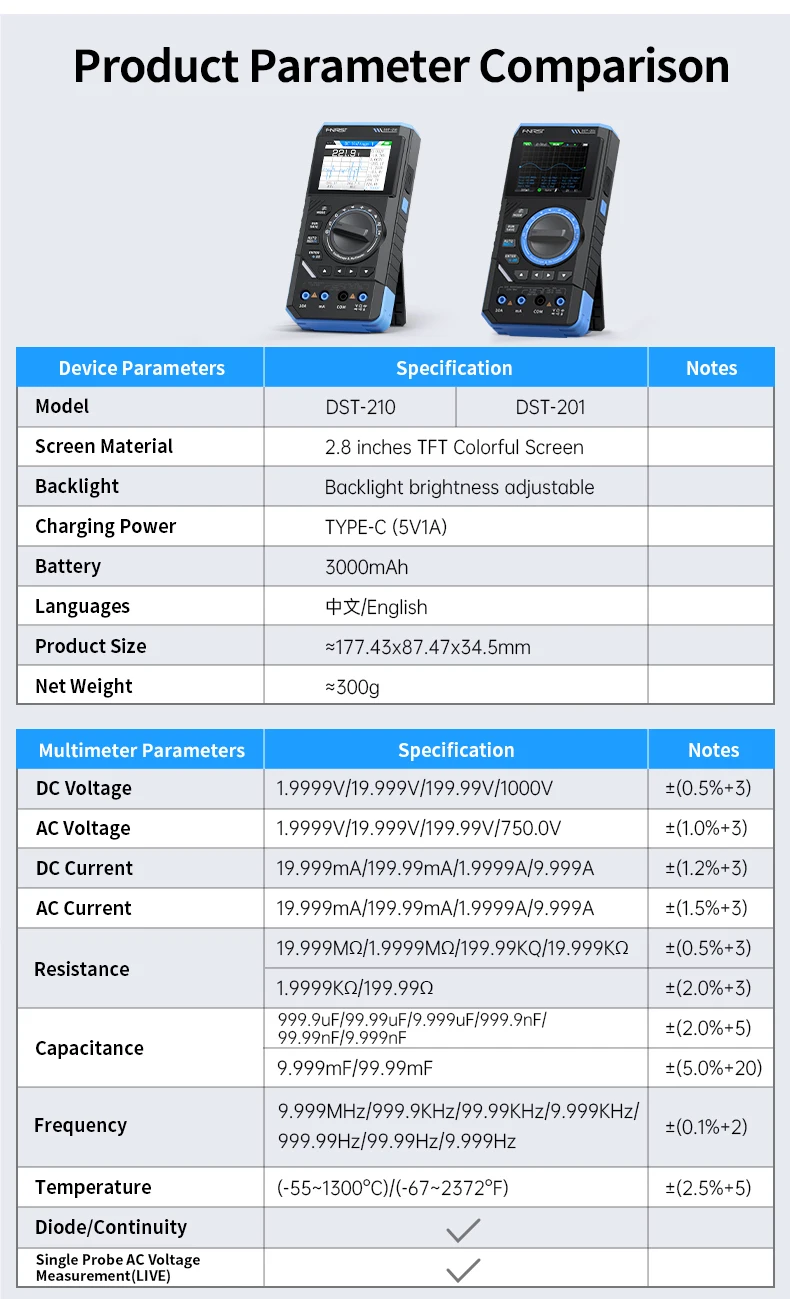
Model:FNIRSI DST-210
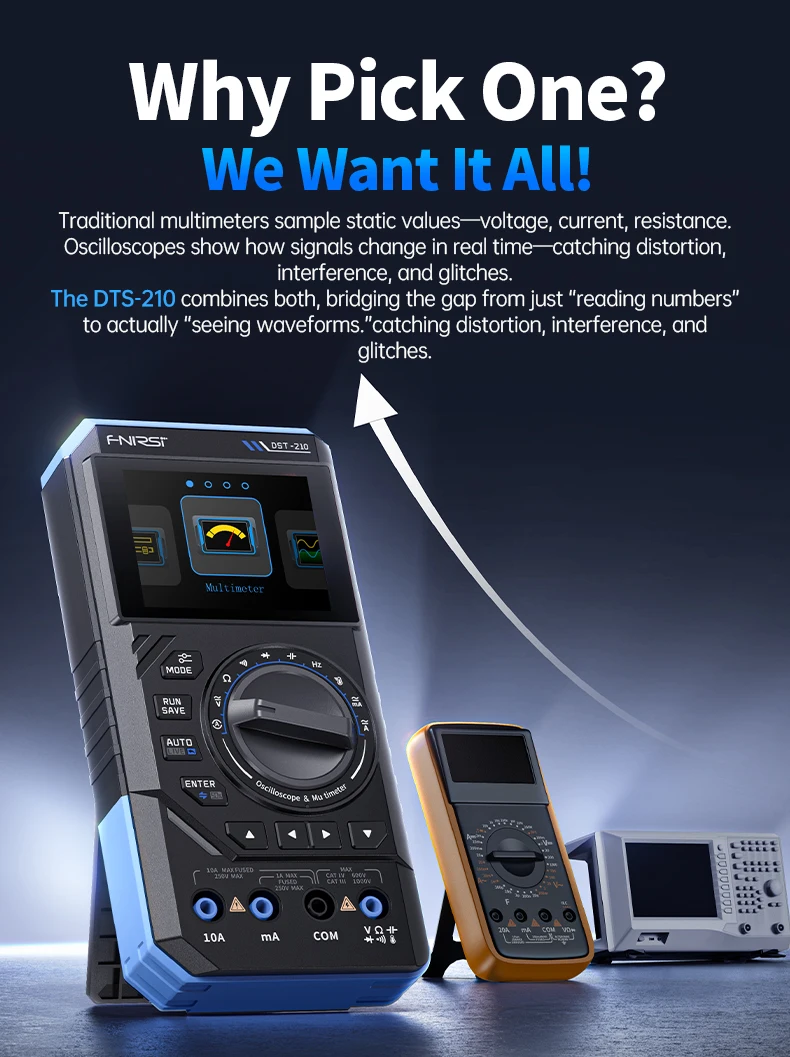
Type:3-in-1 Multimeter + Oscilloscope + Signal Generator
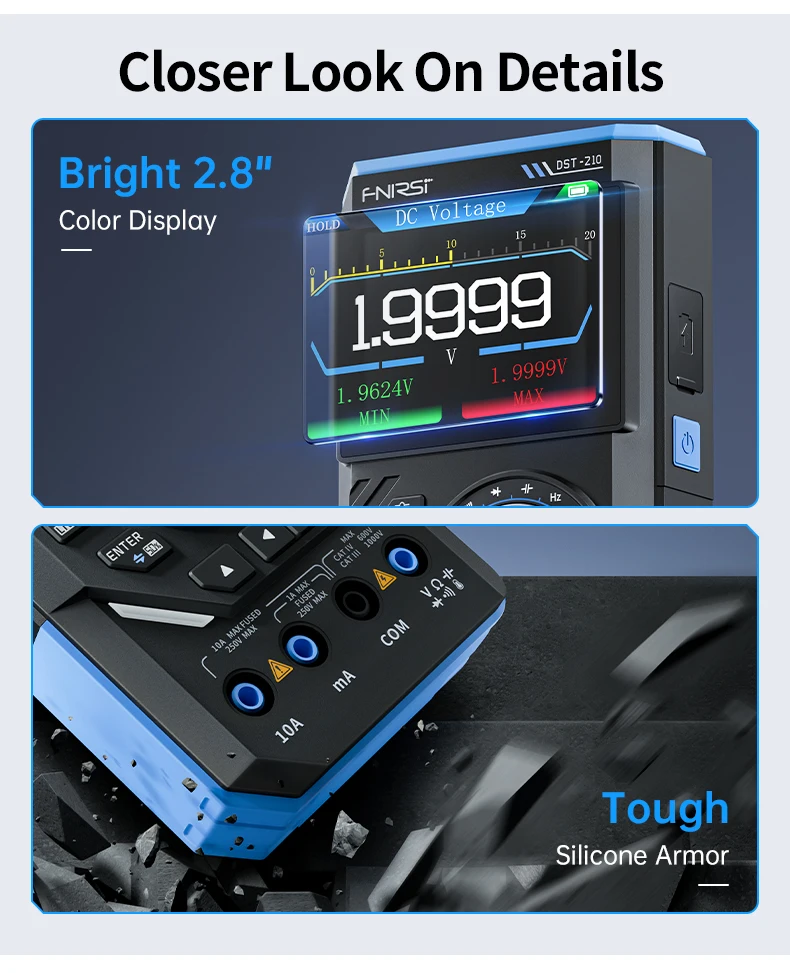
Display:2.8-inch TFT Color Screen (Backlight Adjustable)
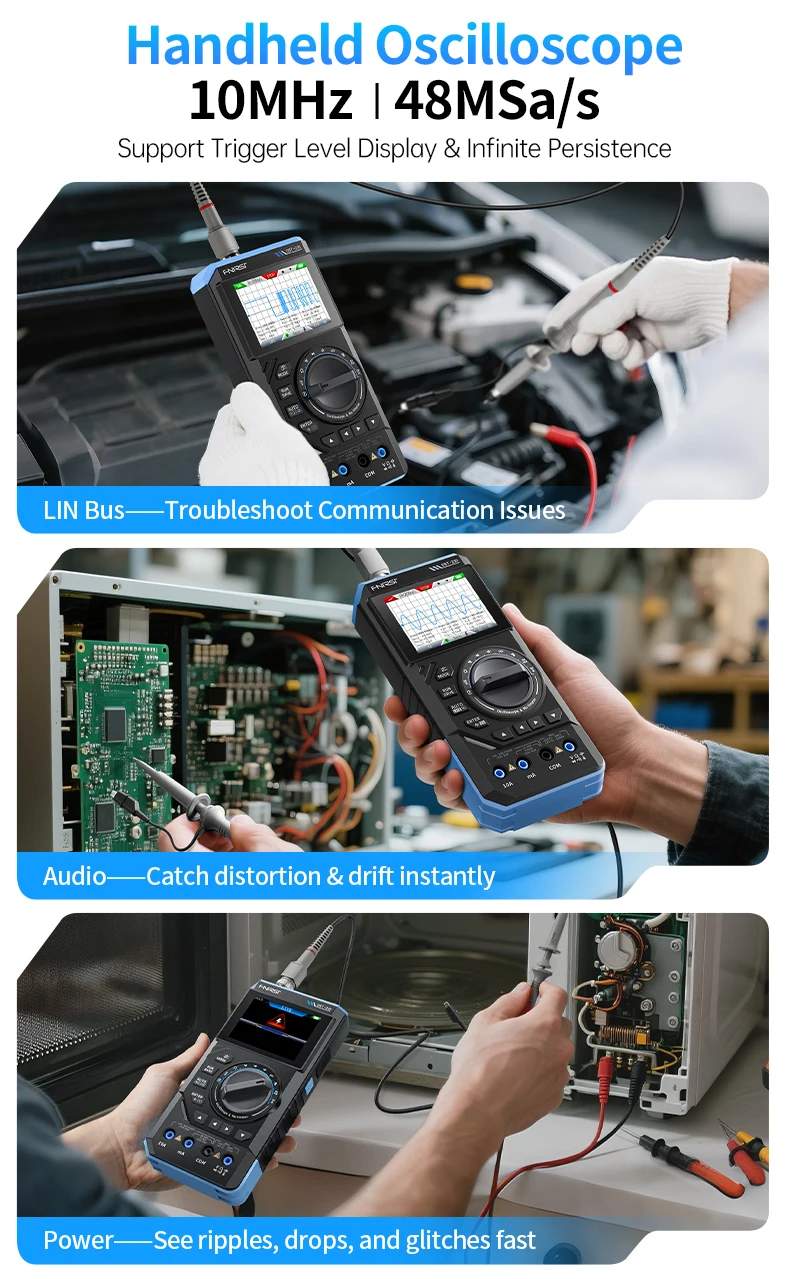
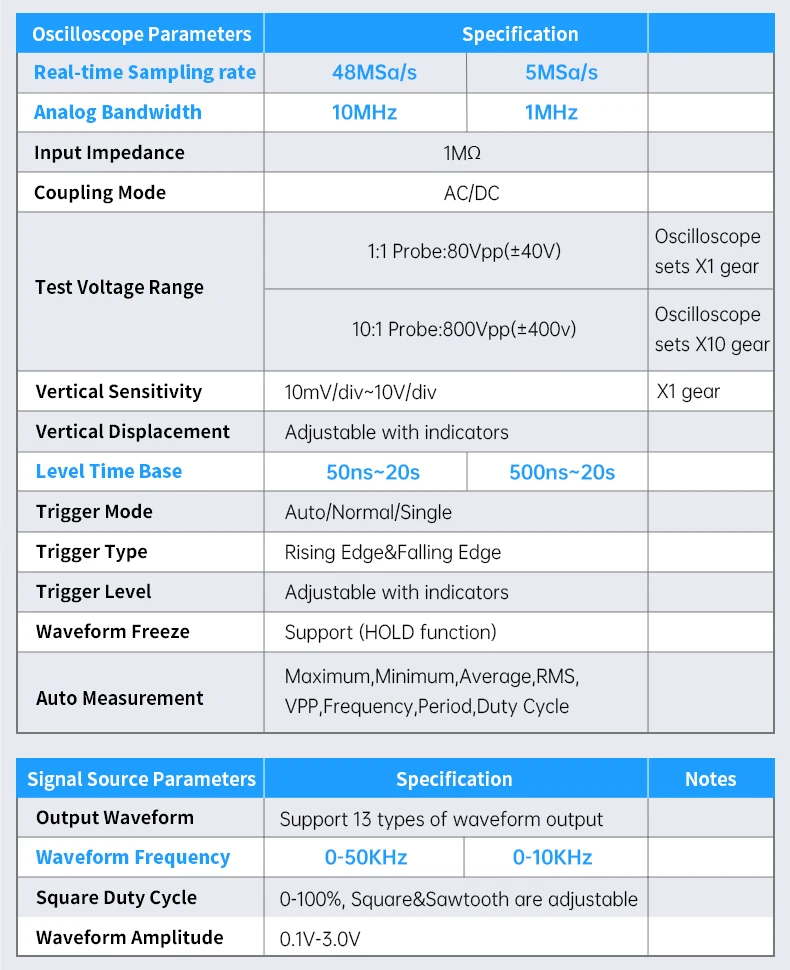
Oscilloscope Bandwidth:10MHz
Oscilloscope Sample Rate:48MSa/s (Real-time)
Input Impedance:1MΩ
Oscilloscope Coupling:AC/DC
Oscilloscope Input Range:X1: 80Vpp (±40V) / X10: 800Vpp (±400V)
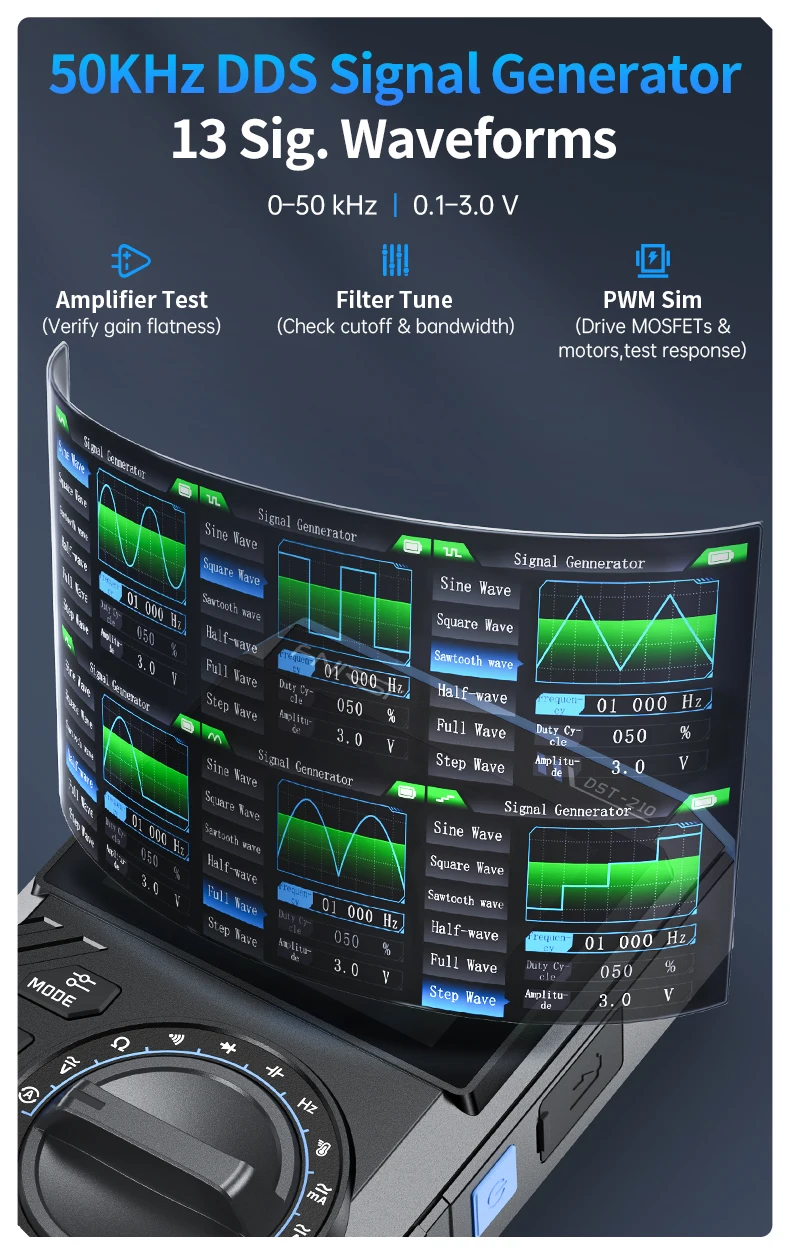
Signal Generator Frequency:0 ~ 50KHz
Signal Generator Amplitude:0.1V ~ 3.0V
Signal Generator Waveforms:13 Types (Sine, Square, Triangle, etc.)
Multimeter (DC Voltage):1.9999V ~ 1000V ±(0.5%+3)
Multimeter (AC Voltage):1.9999V ~ 750.0V ±(1%+3)
Multimeter (DC/AC Current):19.999mA ~ 9.999A ±(1.2%+3 / 1.5%+3)
Multimeter (Resistance):199.99Ω ~ 19.999MΩ ±(0.5%+3)
Multimeter (Capacitance):9.999nF ~ 99.99mF ±(2.0%+5)
Multimeter (Temperature):-55°C ~ 1300°C (-67°F ~ 2372°F) ±(2.5%+5)
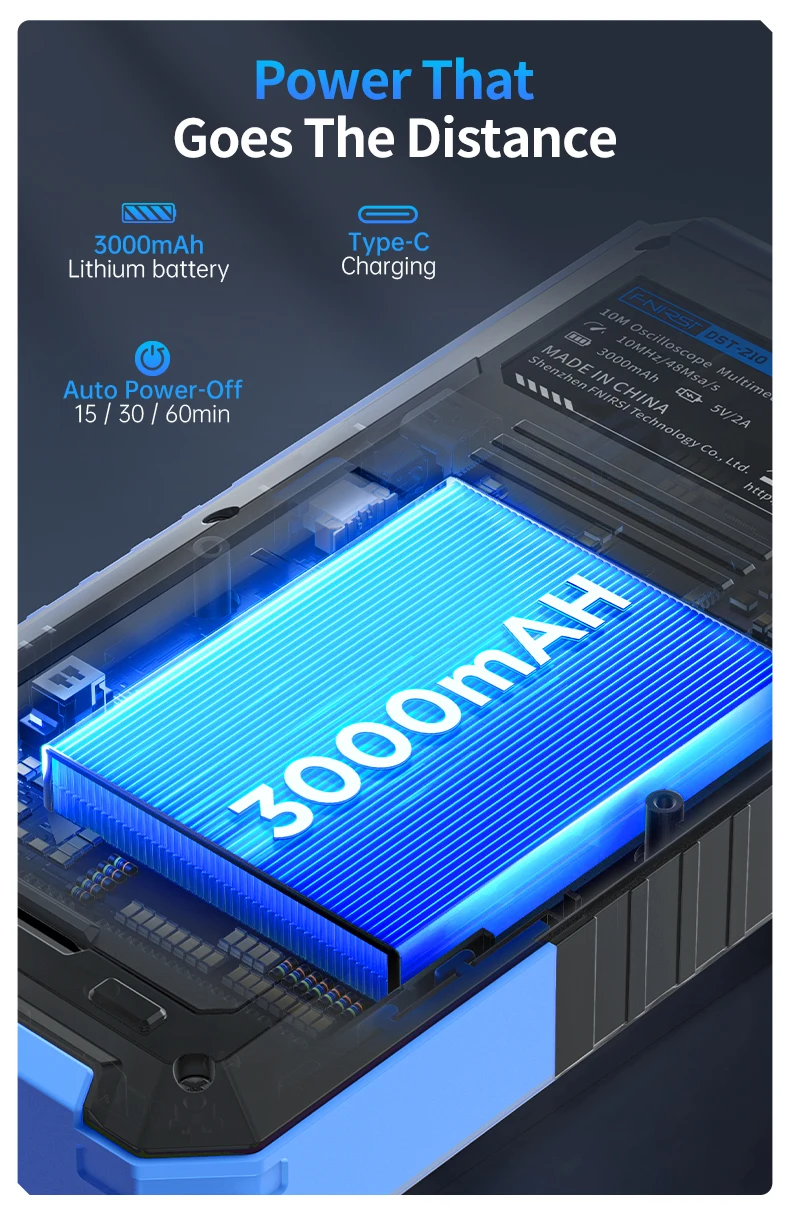
Power Supply:TYPE-C (5V/1A), 3000mAh Rechargeable Battery
Product Size:Approx. 177.43 x 87.47 x 34.5 mm
Weight:Approx. 300g
Languages:Chinese, English
T9-DST201 Product Specifications:
Product Model:DST-201
Display:2.8-inch TFT Color Screen (Brightness Adjustable)
Battery:3000mAh Rechargeable Lithium Battery
Standby Time:Up to 15 Hours
Charging Port:TYPE-C (5V/1A)
Product Size:≈177.43 × 87.47 × 34.5mm
Net Weight:≈300g
Languages:Chinese, English
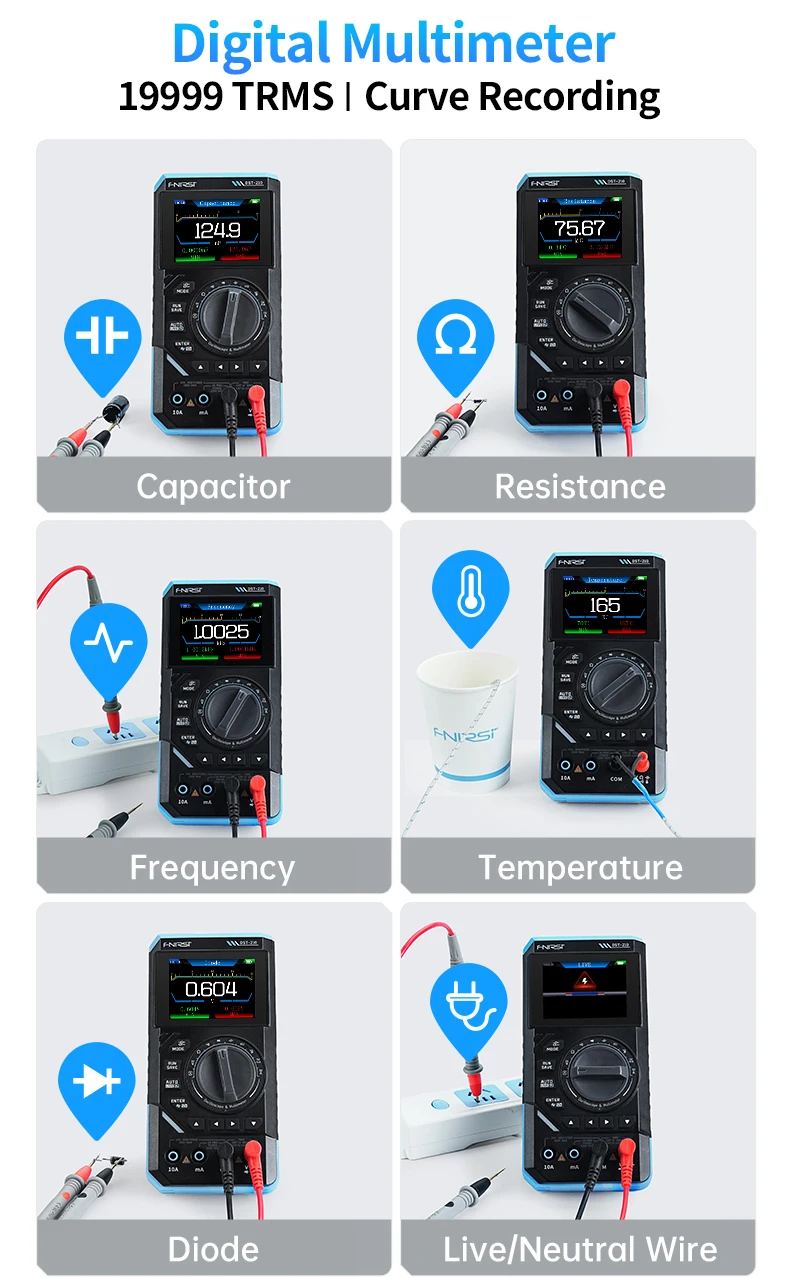
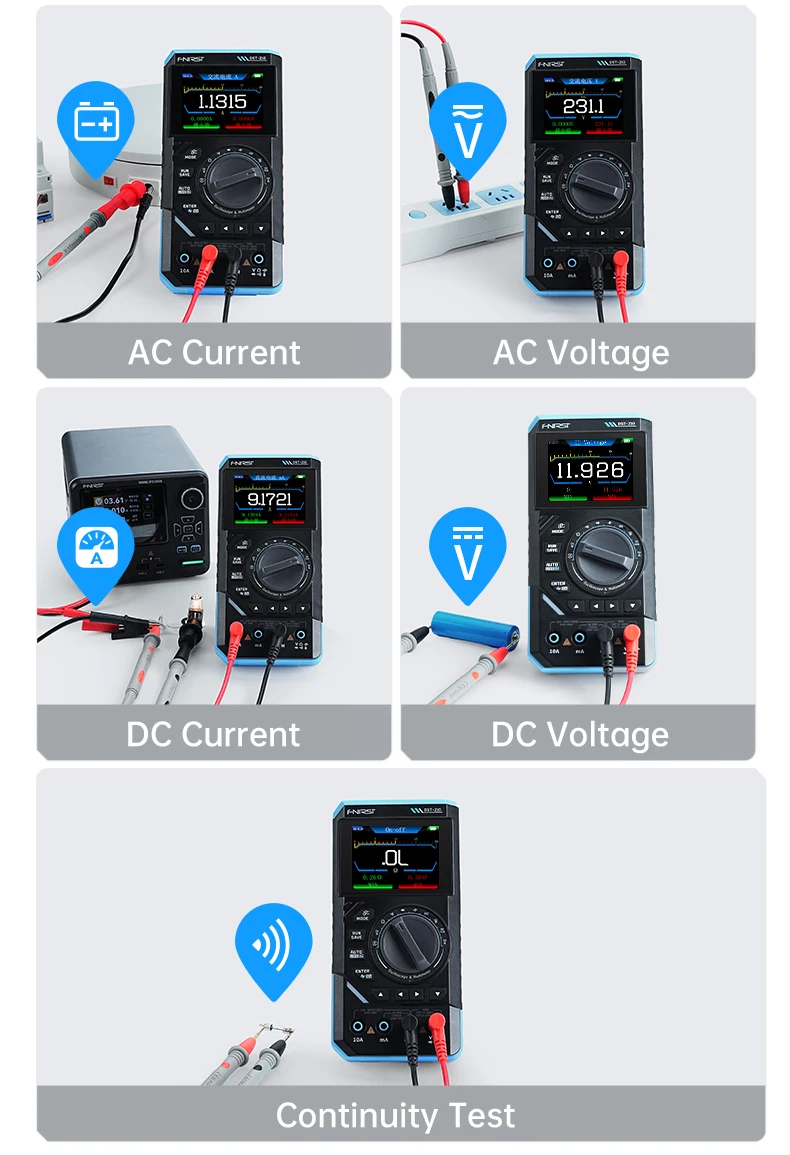
DC Voltage:1.9999V / 19.999V / 199.99V / 1000V ±(0.5%+3)
AC Voltage:1.9999V / 19.999V / 199.99V / 750.0V ±(1%+3)
DC Current:19.999mA / 199.99mA / 1.9999A / 9.999A ±(1.2%+3)
AC Current:19.999mA / 199.99mA / 1.9999A / 9.999A ±(1.5%+3)
Resistance:199.99Ω ~ 19.999MΩ ±(0.5%~2.0%+3)
Capacitance:9.999nF ~ 99.99mF ±(2.0%~5.0%+5/20)
Frequency:9.999Hz ~ 9.999MHz ±(0.1%+2)
Temperature:-55℃ ~ 1300℃ / -67℉ ~ 2372℉ ±(2.5%+5)
Sampling Rate:5MSa/s (Real-time)
Analog Bandwidth:1MHz
Input Impedance:1MΩ
Test Voltage Range:1:1 Probe: 80Vpp (±40V) / 10:1 Probe: 800Vpp (±400V)
Vertical Sensitivity:10mV/div ~ 10V/div (X1)
Time Base Range:500ns ~ 20s
Trigger Modes:Auto / Normal / Single
Trigger Types:Rising Edge / Falling Edge
Signal Generator Output:13 Waveforms
Frequency Range:0 ~ 10kHz
Amplitude Range :0.1V ~ 3.0V
Duty Cycle Range :0% ~ 100%
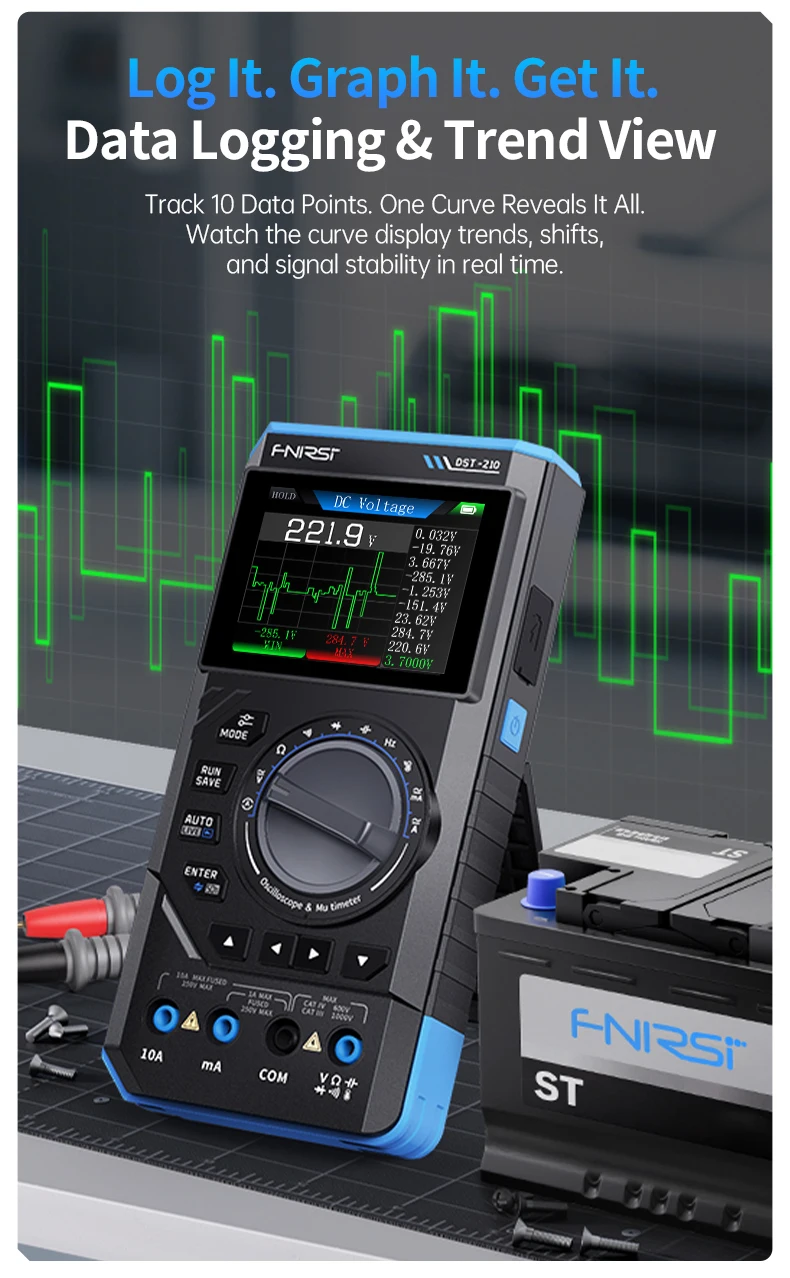
Data Logging:Yes (Visual Recording Mode)
Auto Power-Off:15min / 30min / 1hour (User Selectable)
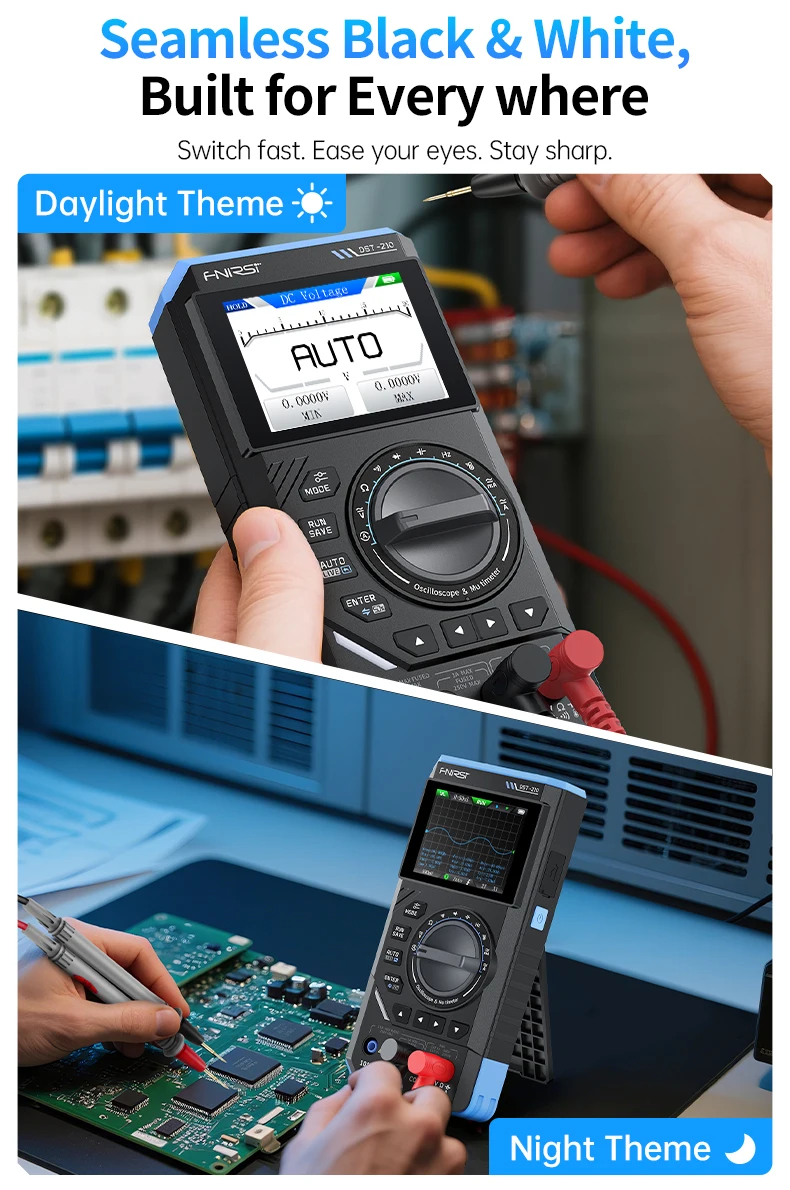
Themes:Night / Daylight
Firmware Upgrade:Yes (Windows 10+)
Listing 5-Point Description:
🔧 1. 3-IN-1 MULTIFUNCTIONAL TOOL
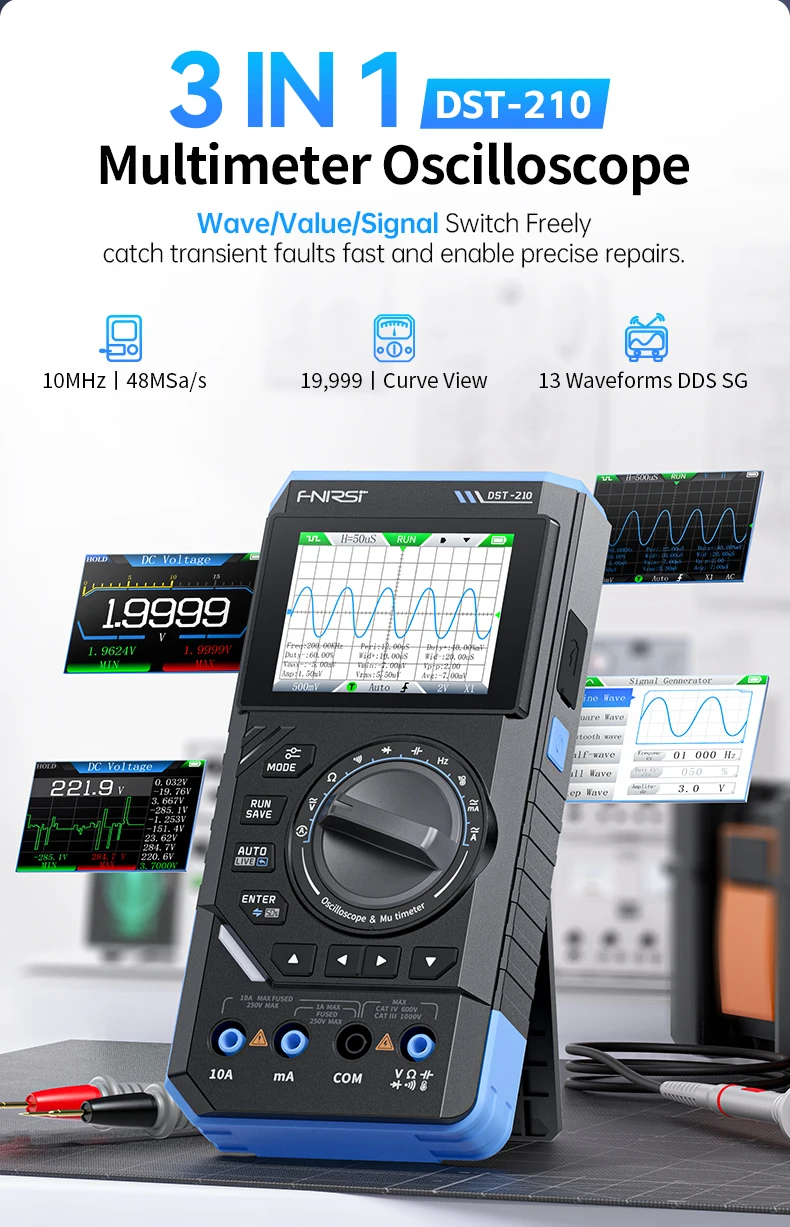
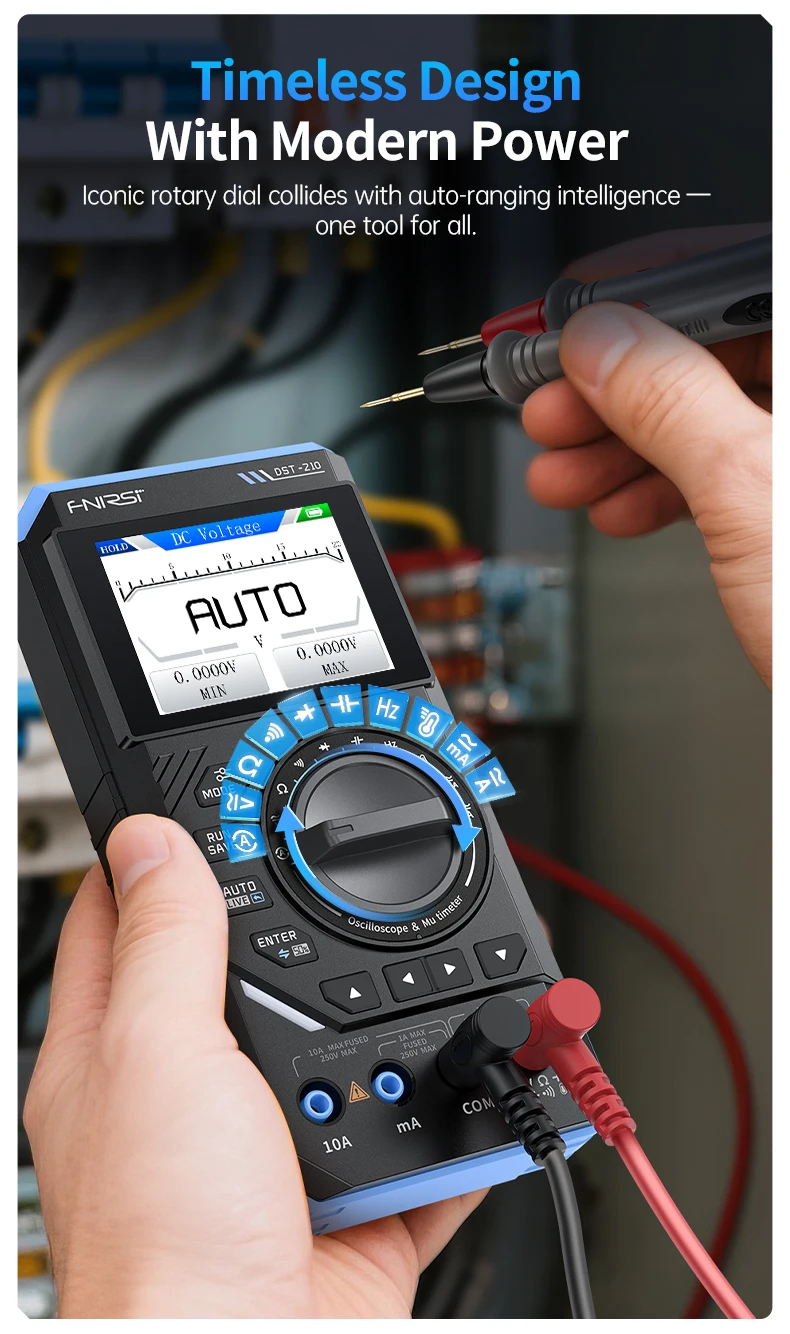
Combine the power of a Digital Multimeter (DMM) , a Digital Oscilloscope, and a Signal Generator in one portable device. Ideal for R&D, repair, field service, and educational use. Save workspace and cost with this versatile handheld tester.
⚡ 2. ADVANCED OSCILLOSCOPE & SIGNAL GENERATOR
Equipped with a 48MSa/s real-time sampling rate and 10MHz analog bandwidth, perfect for capturing and analyzing various waveforms. The built-in Signal Generator supports 13 waveform types (Sine, Square, Triangle, etc.) with adjustable Frequency (0-50KHz), Amplitude (0.1V-3.0V), and Duty Cycle (0-100%), making it a comprehensive waveform generator for your testing needs.
📊 3. PRECISION MULTIMETER FUNCTIONS
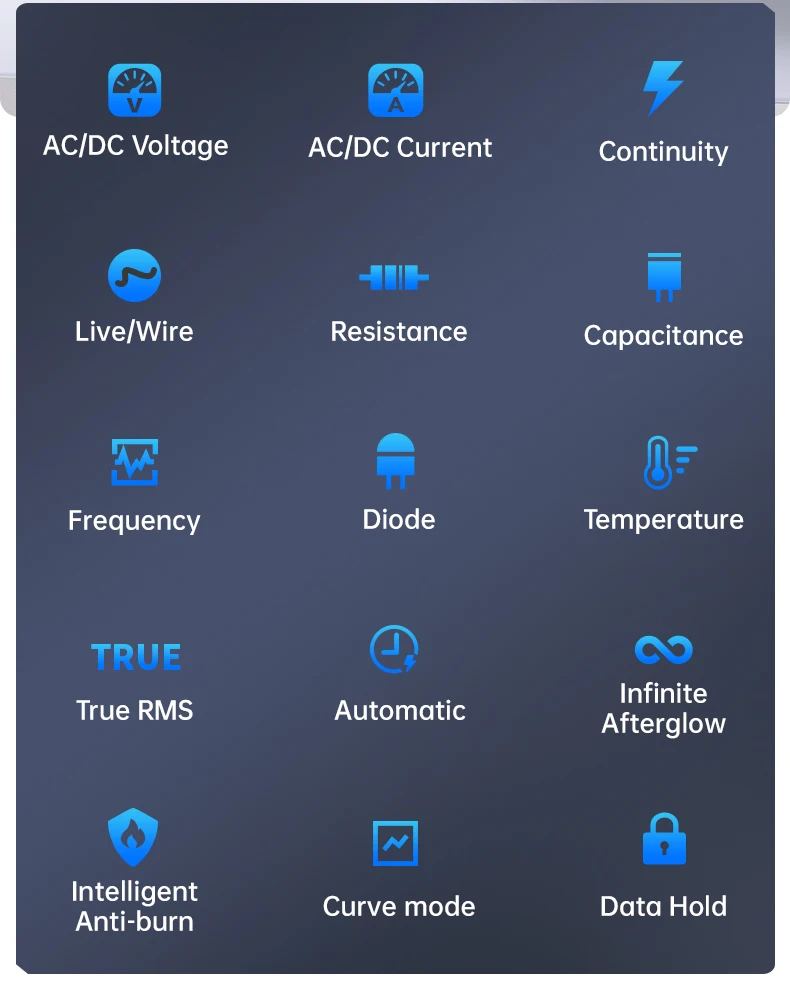
This full-featured Auto-ranging multimeter provides accurate measurements for AC/DC Voltage (up to 1000V/750V) , AC/DC Current (up to 10A) , Resistance, Capacitance, Frequency, Temperature (-55~1300°C), and Diode/Continuity. Features Data Hold (HOLD), Max/Min recording, and a Live (LIVE) wire detection function for enhanced safety.
📱 4. USER-FRIENDLY & PORTABLE DESIGN
Navigate easily with the intuitive 2.8-inch TFT color display and a simple button interface. The powerful 3000mAh rechargeable battery supports up to 10 hours of standby time for all-day work. Additional features include waveform/screenshot storage, adjustable backlight, and USB-C connectivity for data sharing and firmware upgrades.
📈 5. DATA LOGGER & ADVANCED FEATURES
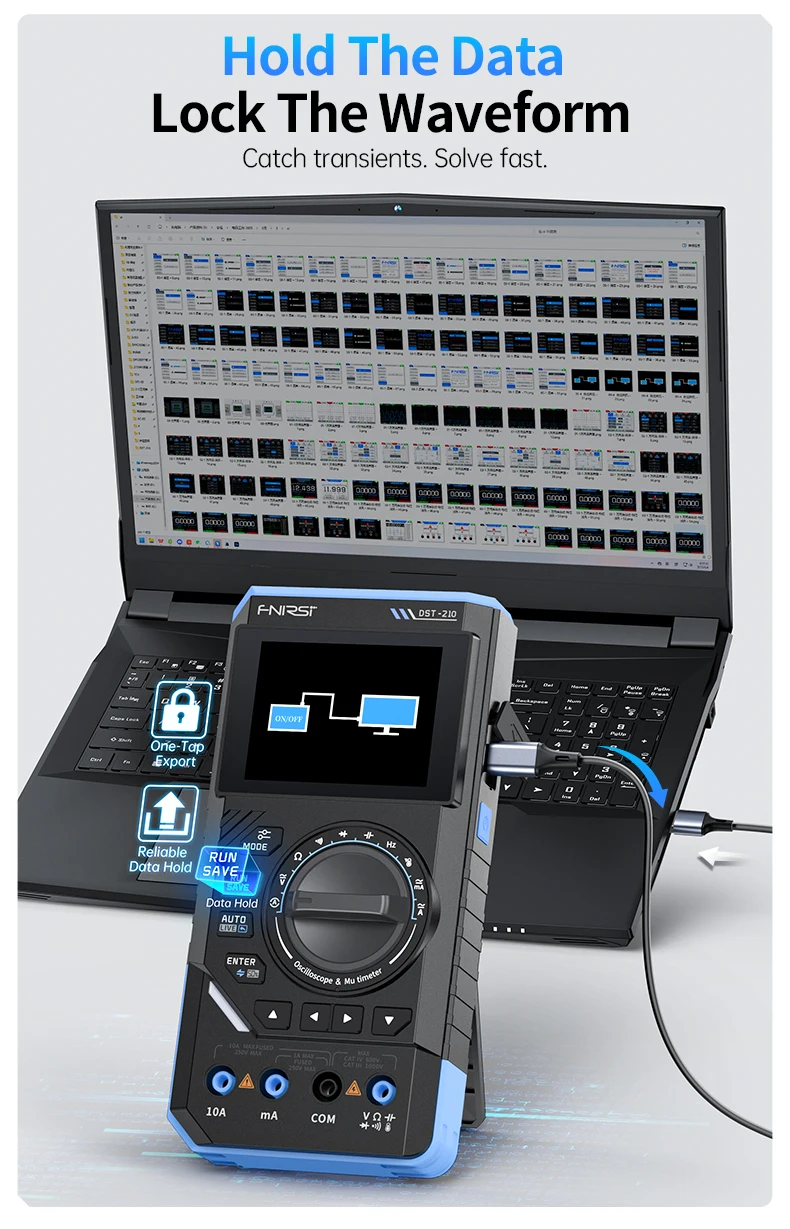
Go beyond basic testing with the Data Logger (Recording Mode) to visualize measurement trends. The Oscilloscope offers Auto/Normal/Single trigger modes, adjustable trigger level, and automatic measurements (Vpp, Frequency, Duty Cycle, etc.). With USB sharing, you can easily export screenshots or customize your boot logo. Backed by a 1-year warranty and professional technical support.
Q&A :
Q1: What is the difference between the X1 and X10 probe settings on the oscilloscope?
A: According to the manual (Page 13 & 31), the X1 setting allows for a test voltage range of 80Vpp (±40V), while the X10 setting allows for a much higher range of 800Vpp (±400V). Always match your probe setting to the oscilloscope setting to ensure accurate readings and prevent damage.
Q2: The device won't turn on. What should I do?
A: As per the troubleshooting guide (Page 17 & 35), first check if the battery is depleted and charge it. If it still doesn't power on, the battery connection may be loose or the battery may be damaged, requiring a reinstall or replacement.
Q3: How do I save a screenshot of a waveform I captured?
A: On the Oscilloscope page (Page 9 & 26), you can long-press the RUN/SAVE button to take a screenshot. To transfer these images to a PC, you need to enable USB Sharing in the system settings (Page 11 & 28), connect via USB-C, and access the [Screenshot file] folder on your computer.
Q4: How do I update the firmware?
A: The manual (Page 16 & 34) states that you must turn off the device, then long-press the MODE button and Power button simultaneously. Connect to a Windows 10+ PC via USB-C, and copy the firmware file to the drive that appears.
Q5: Can I adjust the brightness and backlight?
A: Yes. Go to the System Settings menu, select "Sound and Light" settings (Page 11 & 15). You can use the left and right buttons to adjust the brightness level and mute the buzzer.
Free Shipping Over $199
- Standard Shipping: Standard Shipping (12–18 Business Days)
- Express Shipping: Expedited Shipping (5–9 Business Days)
- Free Shipping: Orders over $199 qualify automatically
- Tracking: Full tracking number provided for all orders
30-Day Return Policy
- Returns: 30-day hassle-free return window
- Condition: Items must be unused and in original packaging
- Refund: Full refund processed within 3-5 business days
Why Choose Us?
- Factory Direct: ISO/TS 16949 certified manufacturer
- Quality: 100% electrical continuity tested before shipment
- Experience: 15+ years in automotive connector industry
- Support: Professional technical support available

You may also like
Blog posts
Title
An excerpt of your blog post's content
Title
Date|Author
Subscribe to our emails
Be the first to know about new collections and special offers.