

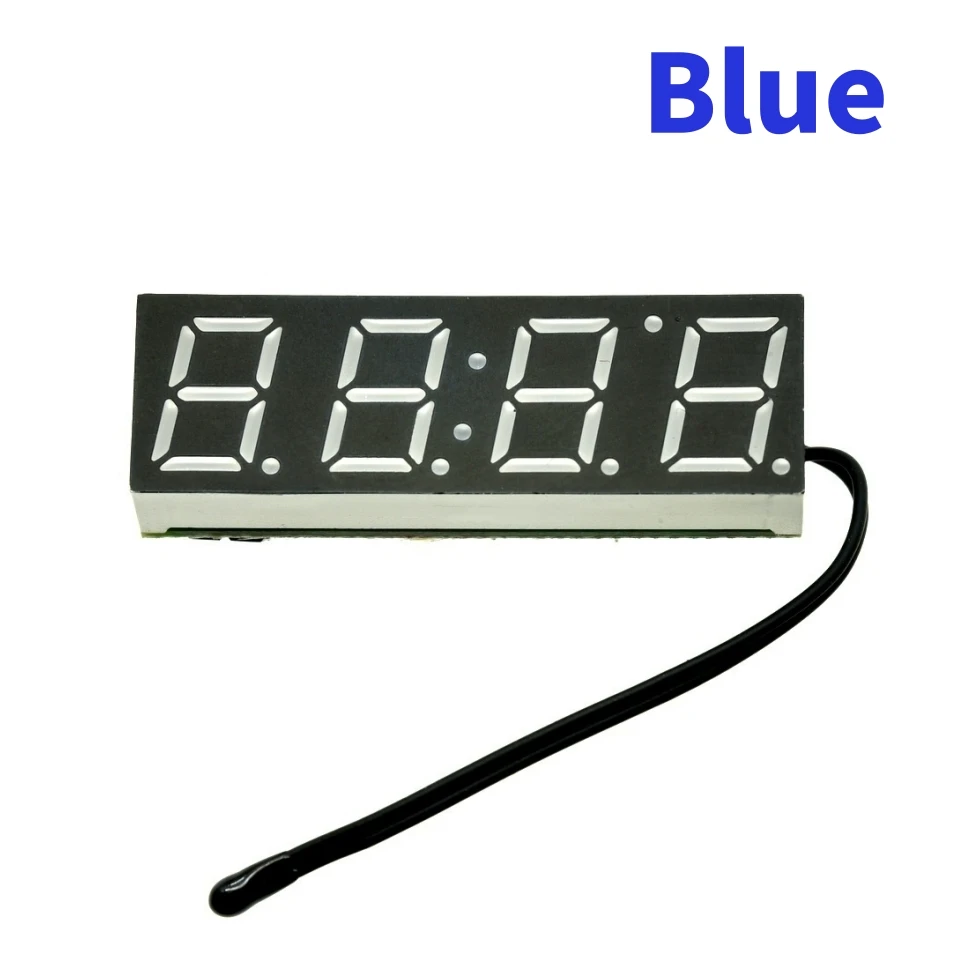
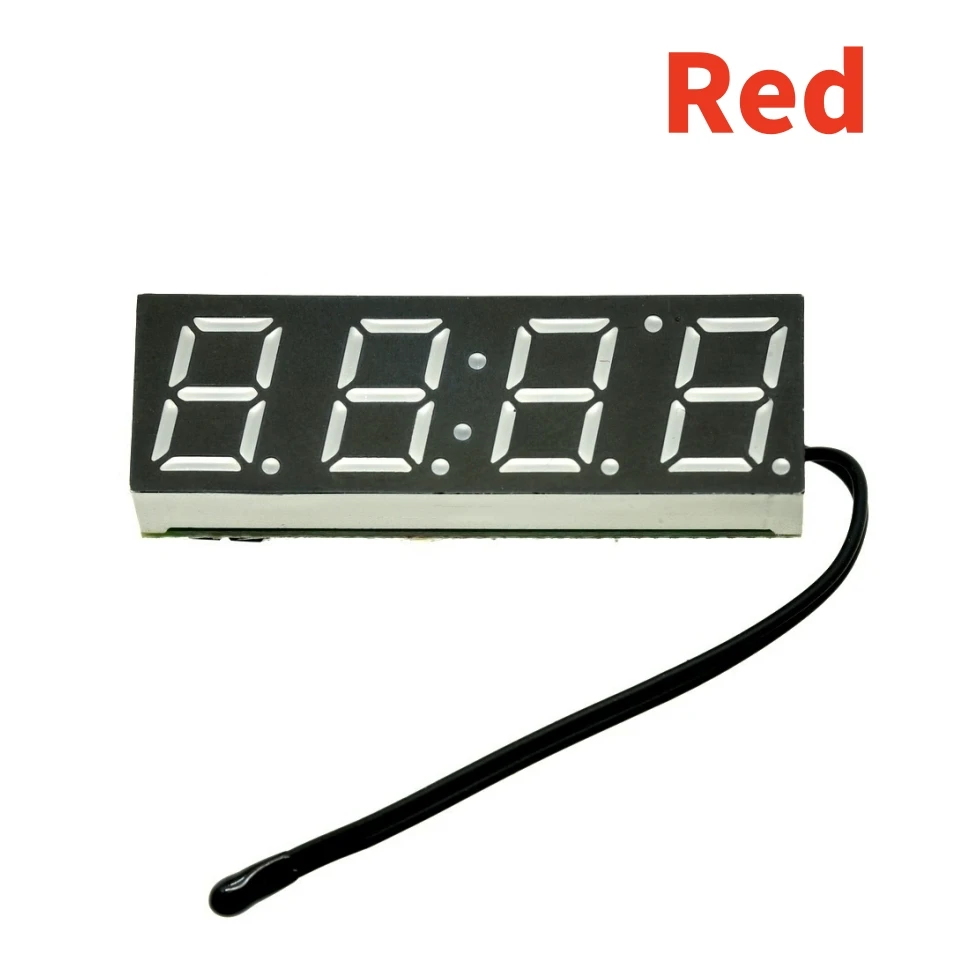
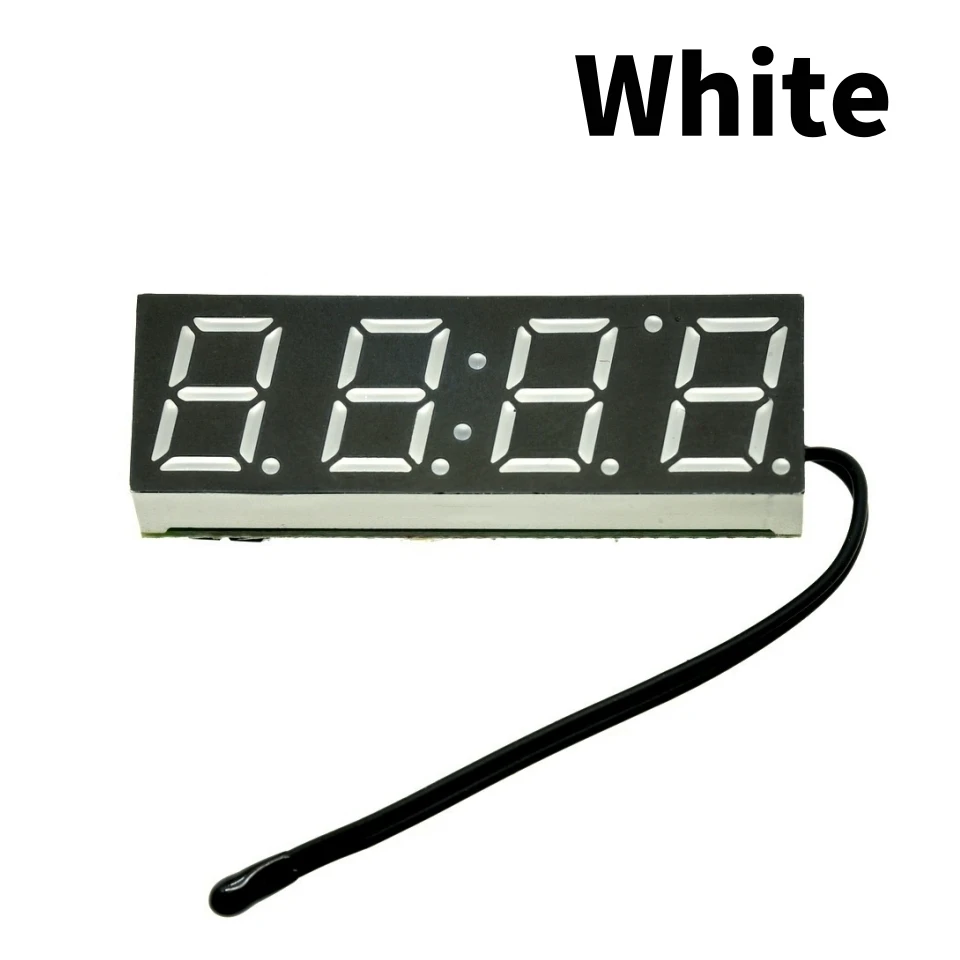
LED RX8025T Digital Clock Temperature Voltage Module DIY Time/Thermometer/Voltmeter DC 5-30V For Arduino
White
$19.26
Sale price
$19.26
Regular price
$0.00
Skip to product information


LED RX8025T Digital Clock Temperature Voltage Module DIY Time/Thermometer/Voltmeter DC 5-30V For Arduino
$19.26
Sale price
$19.26
Regular price
$0.00
Description
SPECIFICATIONS
Application: Computer
Brand Name: SZYTF
Choice: yes
Condition: New
Dissipation Power: n/a
High-concerned chemical: none
Operating Temperature: n/a
Origin: Mainland China
Supply Voltage: n/a
Type: Module
is_customized: Yes
Detail
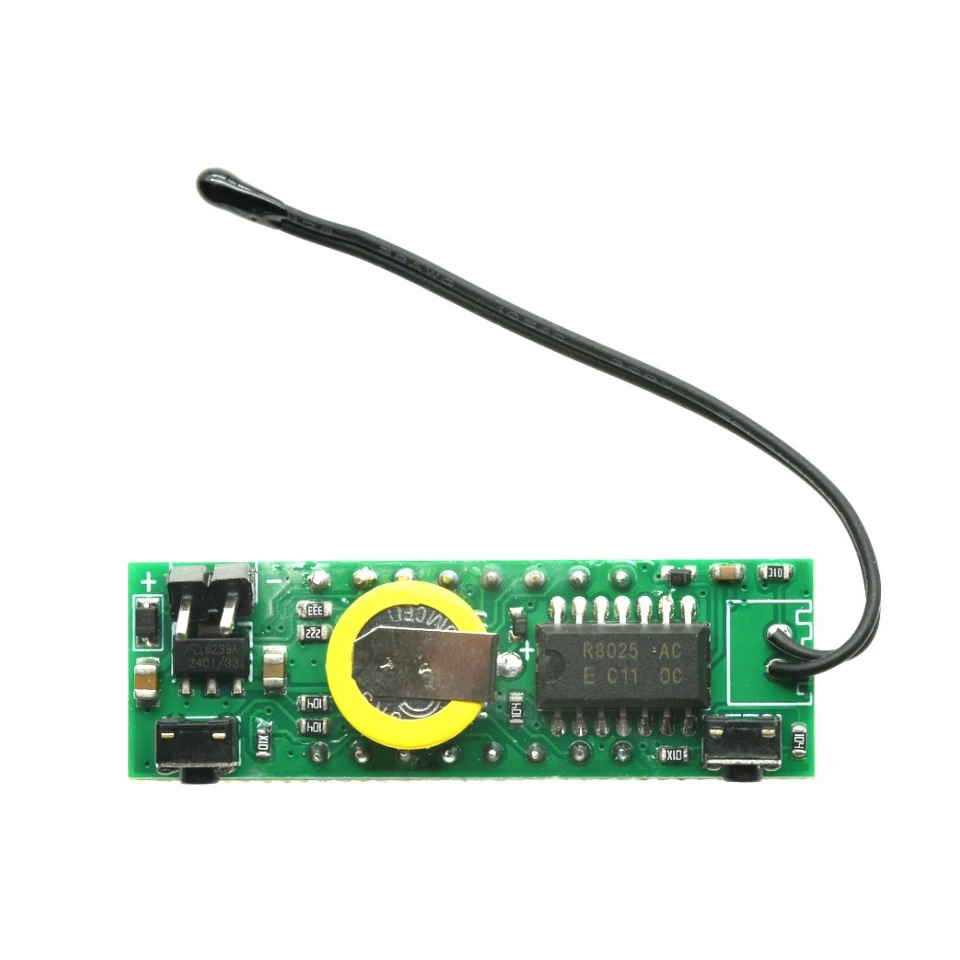
The latest 3 in 1 module, set the time, thermometer, voltmeter three kinds of practical functions in one,
using the DS3231 comes TCXO clock chip, with ultra-high timing accuracy and stability,
extended temperature probe, effective solution to a temperature module temperature insufficient registration problems.
Wide supply voltage, supports 5 ~ 30V DC.
Product parameters:
1, power supply voltage: DC5.0 ~ 30V
2, the temperature function range: -40 to 120 degrees, resolution 0.1 degrees.
3, voltmeter function Range:DC5 ~ 30V(need pure DC power supply,
24V battery is not recommended for use because of possible charging voltage is too high, burning)
4. size: 40x13mm
How to use
Under non-setting state, press the left button of adjustment time (note in the middle of the colon is bright),
1. At this time "minute" starts flashing, increase press right, adjust the range 00 to 59. After a good tune, "minute",
2. Press the left button, then the "hour" starts flashing, increase press right, adjust the range 00 to 23.
3. tuned "hour", then press the left into the adjustment date (note in the middle of the colon is off), then "day" starts flashing, press right to increase adjustment range 1-31.
4. tuned "day", then press the left button, then the "month" starts flashing, press right to increase adjustment range 1-12.
5. After adjusting the date, then the left, then "year" starts flashing, increase press right, adjust the range 2012-2049.
6. adjust the "year", then press the left button, go to show the error voltage calibration function [x. xU], the unit is 0.1V, a positive number indicates an increase, a negative number indicates decrease.
7. Then press the left button, enter the temperature error calibration settings [Ac: xx], xx on behalf of the correction value, increased by right, a positive number indicates an increase, a negative number indicates decrease in degrees.
8. Press the left, into the cycle defined function dd option status display items, press the right to change the value: (dd: 0) time + temperature + voltage, (dd: 1) time + voltage, (dd: 2 ) time + temperature, (dd: 3) Temperature + voltage. Press the left button, the display alternately into circulation interval dF option, press right to change the value, the greater the value the longer the interval. DF Do not set to 0, otherwise it will be black.
9. Finally press the left button to save all settings value and return to normal display.
How to change
Second, switch the display items
Under non-setting state, press the right key to switch the display,
the display will be in time ---> Date ---> Temperature ---> voltage ---> alternately
switched between the circular display.
NOTE
When used, the temperature of the probe as far away from the board,
or the clock will heat affect the temperature measurement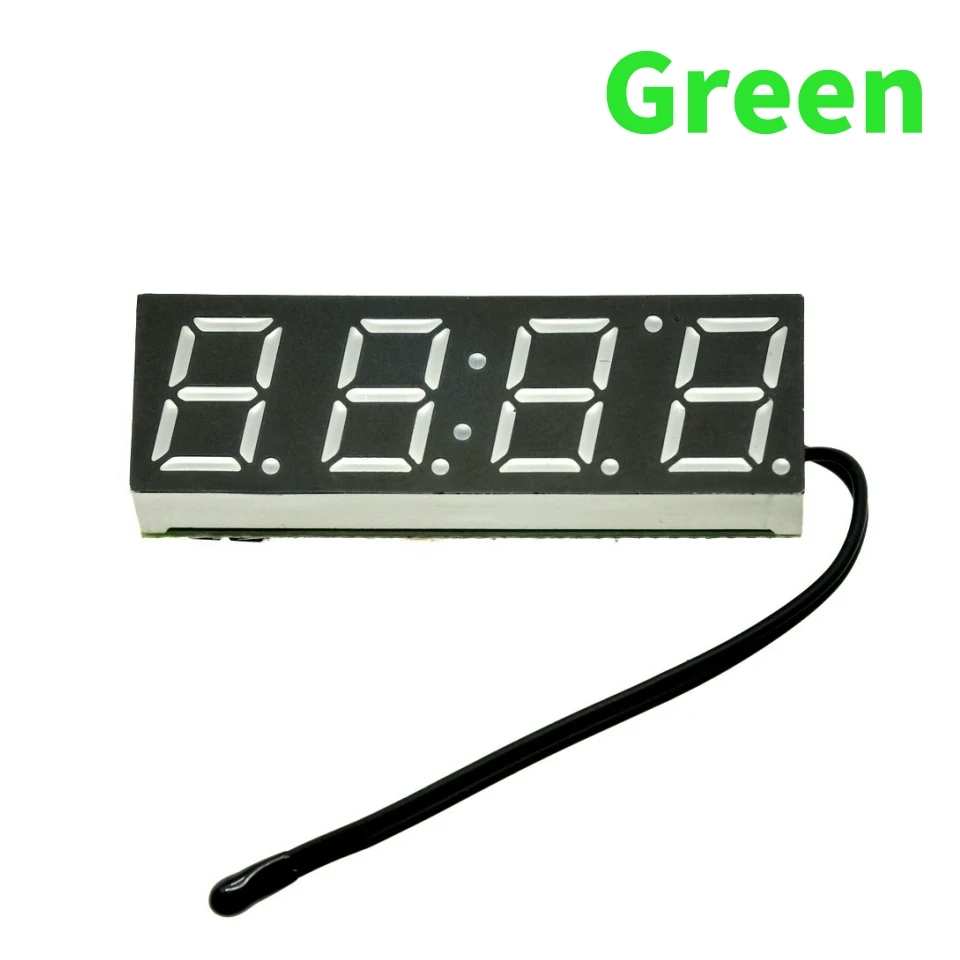
Free Shipping Over $199
- Standard Shipping: Standard Shipping (12–18 Business Days)
- Express Shipping: Expedited Shipping (5–9 Business Days)
- Free Shipping: Orders over $199 qualify automatically
- Tracking: Full tracking number provided for all orders
30-Day Return Policy
- Returns: 30-day hassle-free return window
- Condition: Items must be unused and in original packaging
- Refund: Full refund processed within 3-5 business days
Why Choose Us?
- Factory Direct: ISO/TS 16949 certified manufacturer
- Quality: 100% electrical continuity tested before shipment
- Experience: 15+ years in automotive connector industry
- Support: Professional technical support available

You may also like
Blog posts
Title
An excerpt of your blog post's content
Title
Date|Author
Subscribe to our emails
Be the first to know about new collections and special offers.