SPECIFICATIONS
Accessories Type: Chip/Modchip
Brand Name: DJKD
Choice: yes
Compatible Brand/Model: None
Electric: No
Electronic: no
High-concerned chemical: none
Model Number: Hydra 424 Module
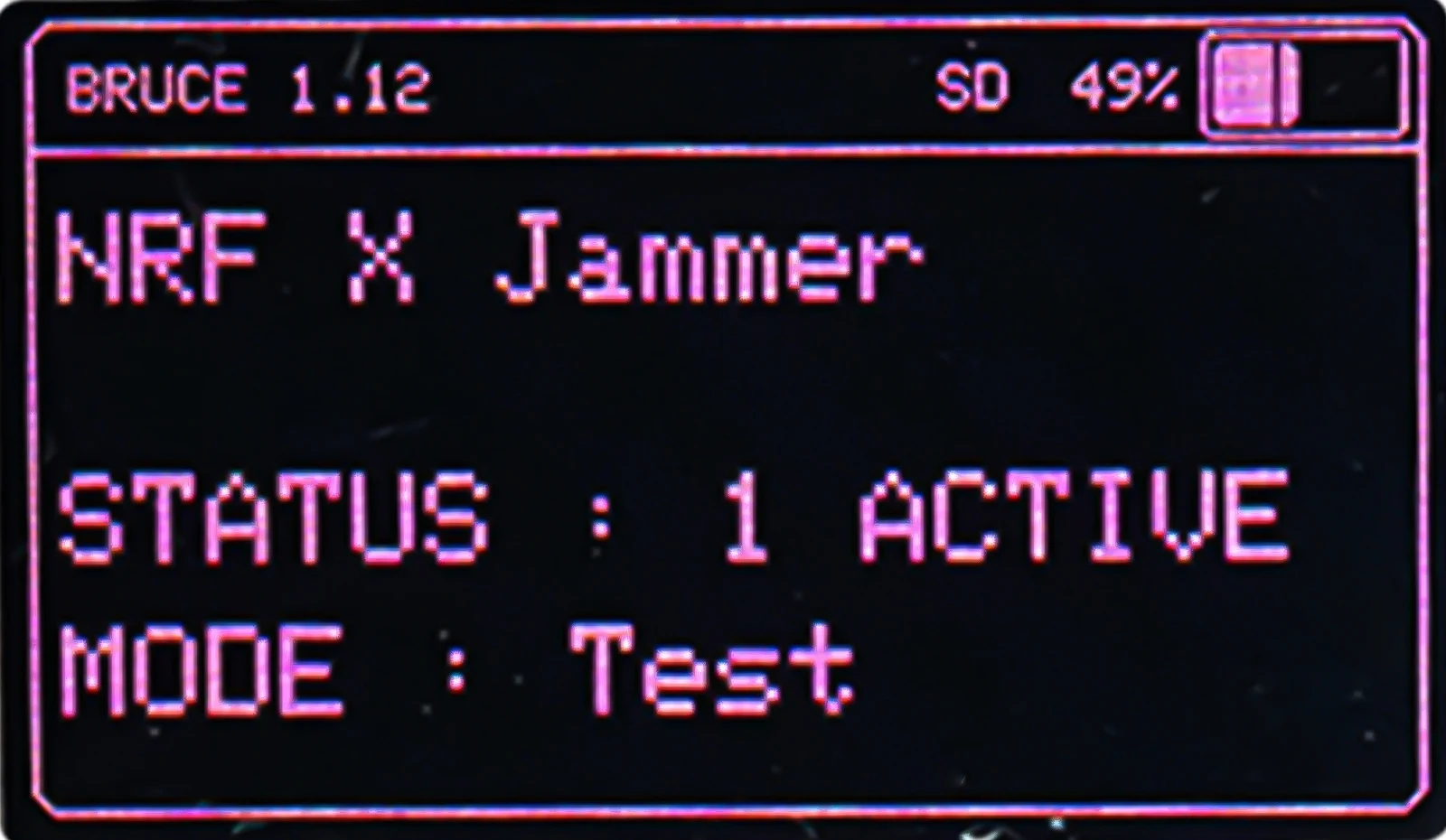
Origin: Mainland China
With USB: No
is_customized: No
semi_Choice: yes
|
PINGEQUA LAB
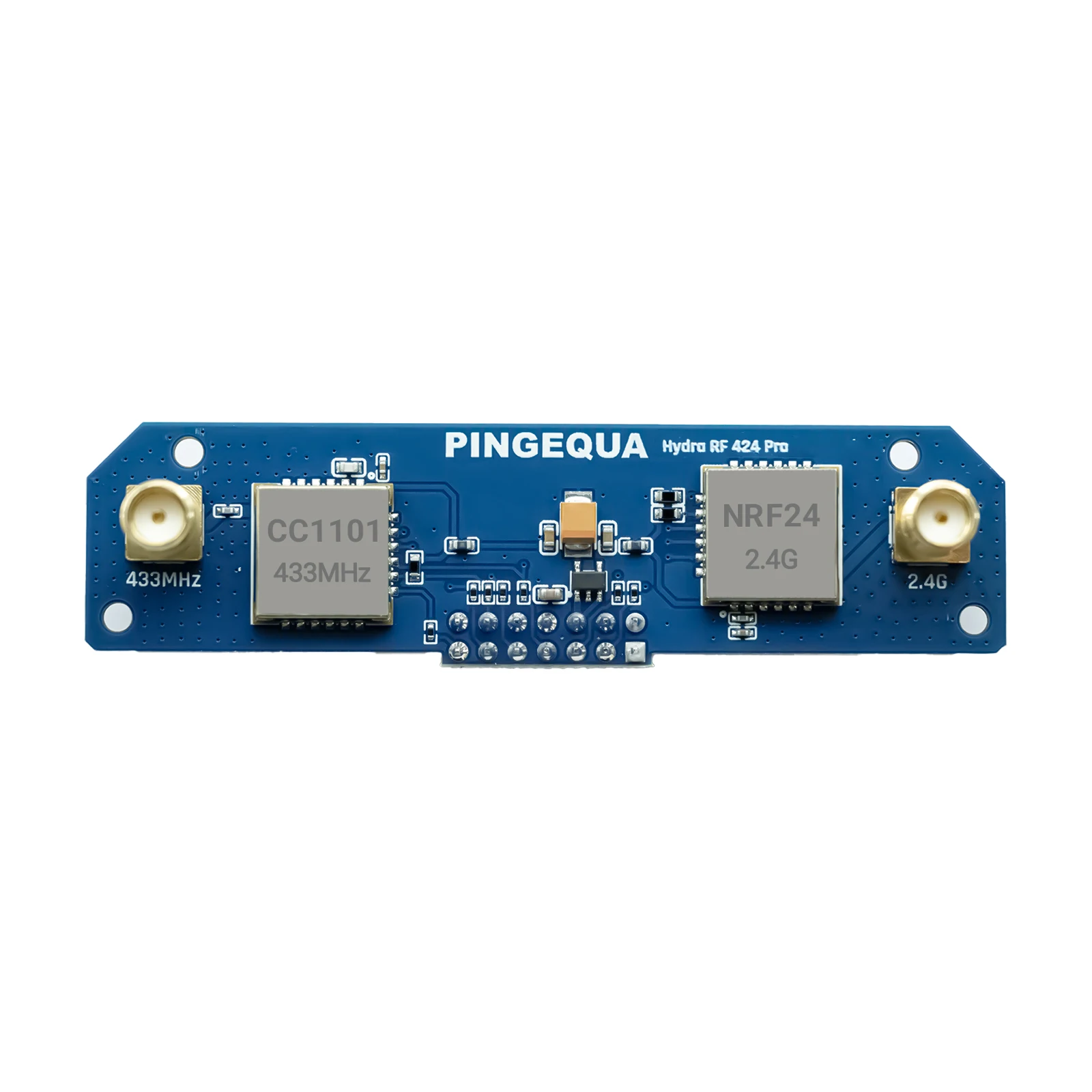
Hydra RF 424 Pro
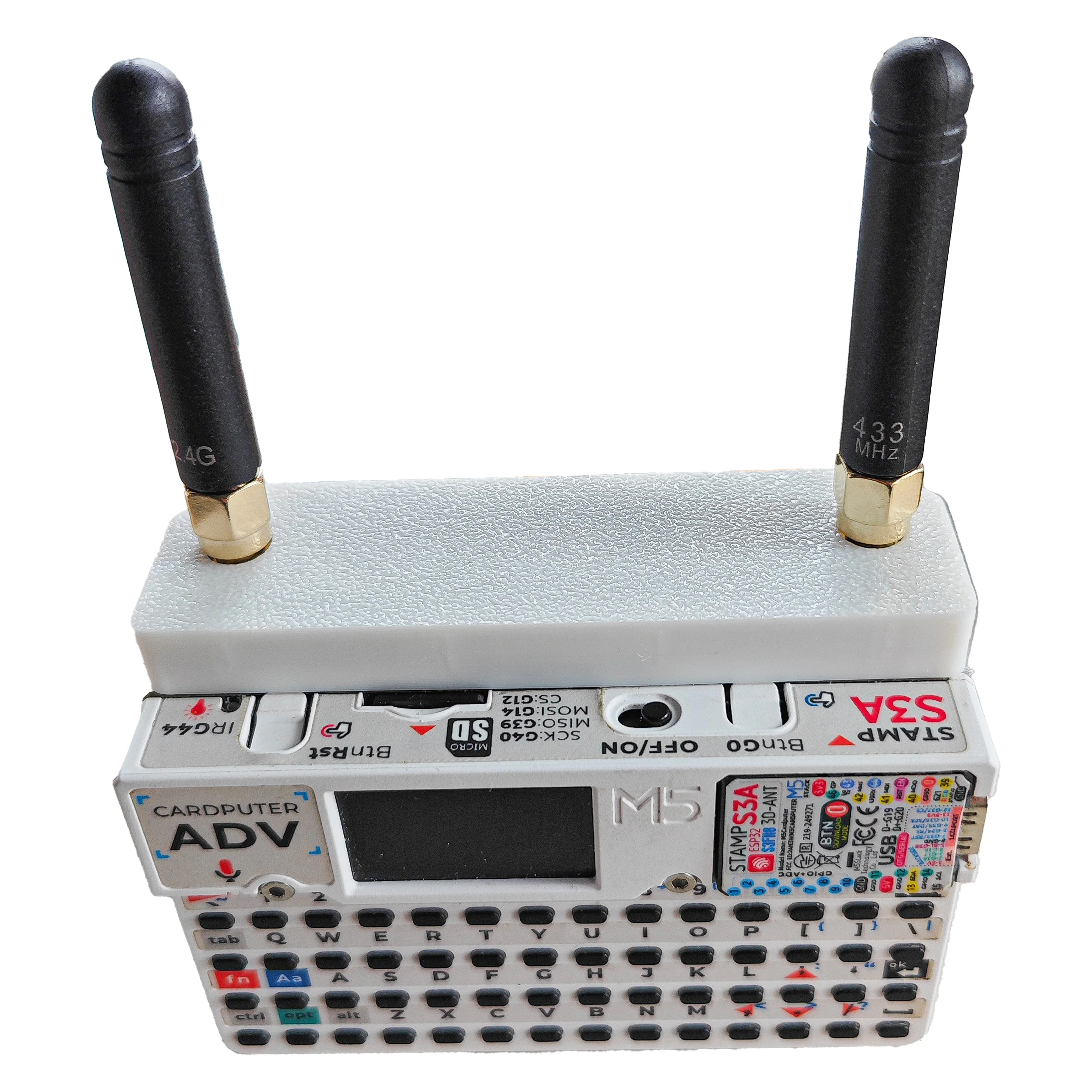
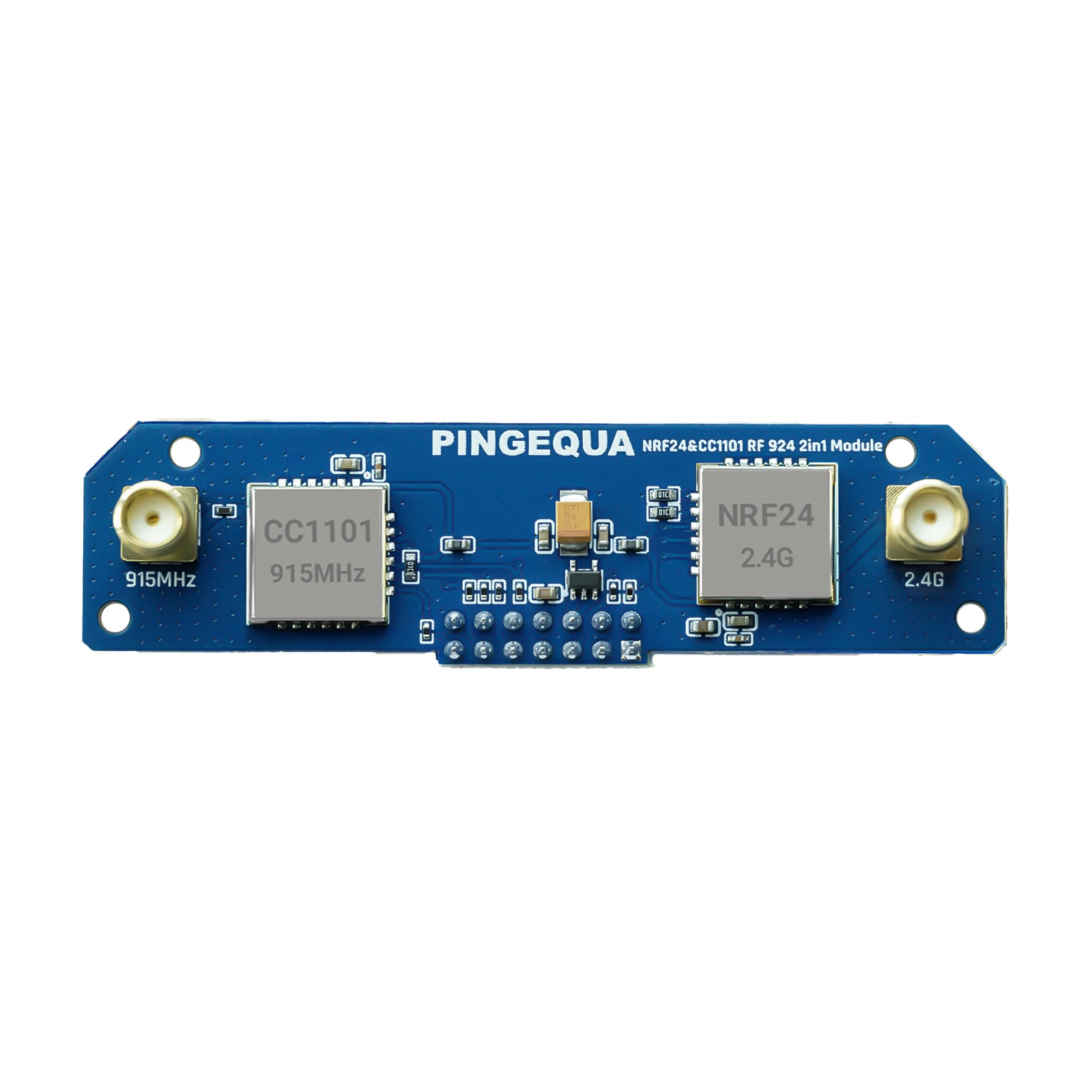
Dual-band CC1101 Sub-GHz & 2.4 GHz RF expansion Board for M5Stack Cardputer ADV.
|
|
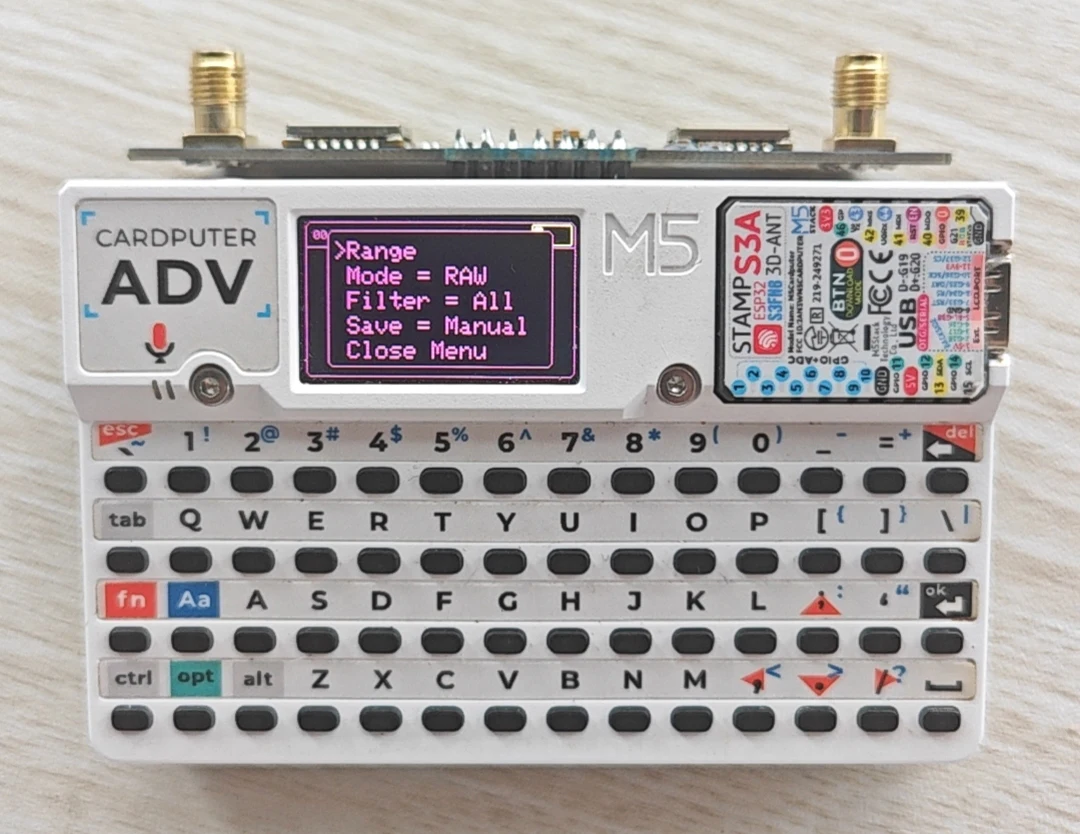
A plug-and-play dual-band RF module for Cardputer ADV. Integrates CC1101 (Sub-GHz) and NRF24L01 (2.4 GHz) on one PCB with hardware auto-switching — no jumpers, no soldering, no custom code. Natively supported by Bruce firmware.
More resources: https://github.com/pingequalab/cardputer-adv-hydra-rf
|
|
⚠️ Firmware Notice
|
Bruce firmware v1.15 has a known bug.
In RF Scan on Cardputer ADV, pressing the next key (>) triggers a device reboot.
We recommend using v1.14 for stable operation. Please select v1.14 when downloading firmware.
This is a software issue only — hardware is unaffected. Contact us if you need help.
|
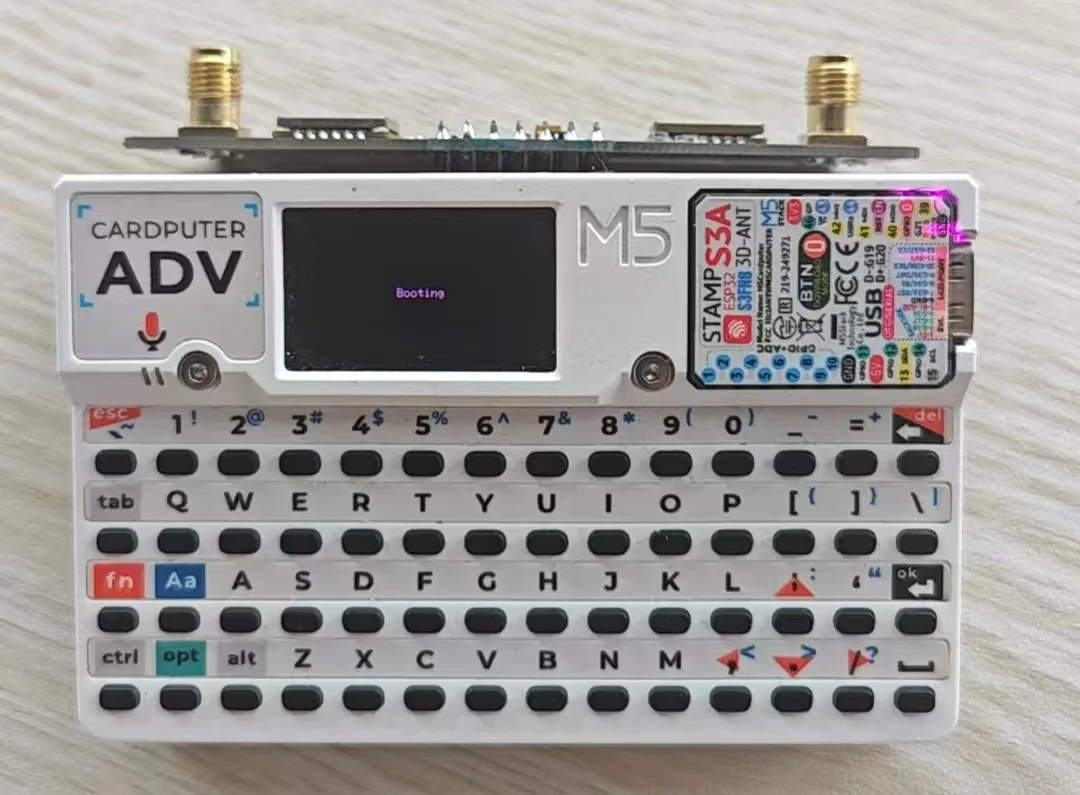
✅ v1.14 — Working |

|
|
❌ v1.15 — Reboot |

|
|
|
✨ Key Features
Feature |
Description |
🔄 Auto Dual-Band |
Hardware mutual-exclusion — firmware activates one chip, the other is electronically isolated. No manual switching. |
⚡ Stable Power Rail |
ME6211 LDO + 100µF tantalum caps keep voltage clean during scan, sniff & replay. |
📡 Tuned Antenna |
Independent RF front-end per band with built-in high-gain antenna for better range and sensitivity. |
🔧 Zero-Mod |
Uses the standard 14-pin header. No soldering needed. |
✅ Bruce Native |
Set GPIO pins via WebUI — fully activated. No custom code needed. |
|
|
🛠️ Setup Guide
|
Before using this expansion board, you need to configure the Cardputer ADV host's brucepins.conf file.
Please refer to the included manual or contact our store support for setup assistance.
|
|
|
🌍 Use Cases
Band |
Applications |
📻 Sub-GHz (CC1101) |
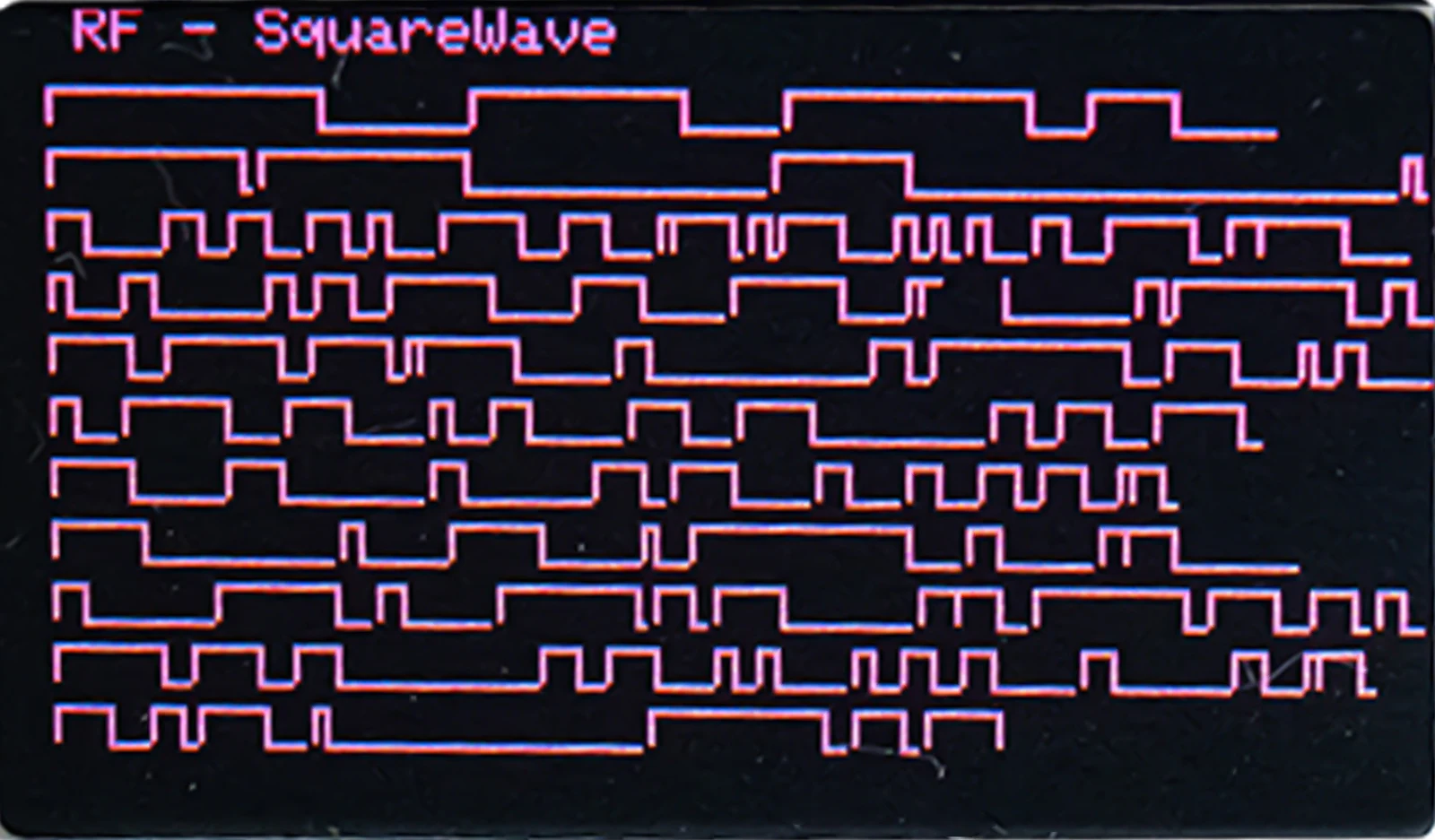
Capture ISM signals: key fobs, garage remotes, sensors, weather stations Raw logging & replay for protocol analysis Frequency sweep across Sub-GHz spectrum LoRa & Z-Wave adjacent-band monitoring |
📡 2.4 GHz (NRF24L01) |
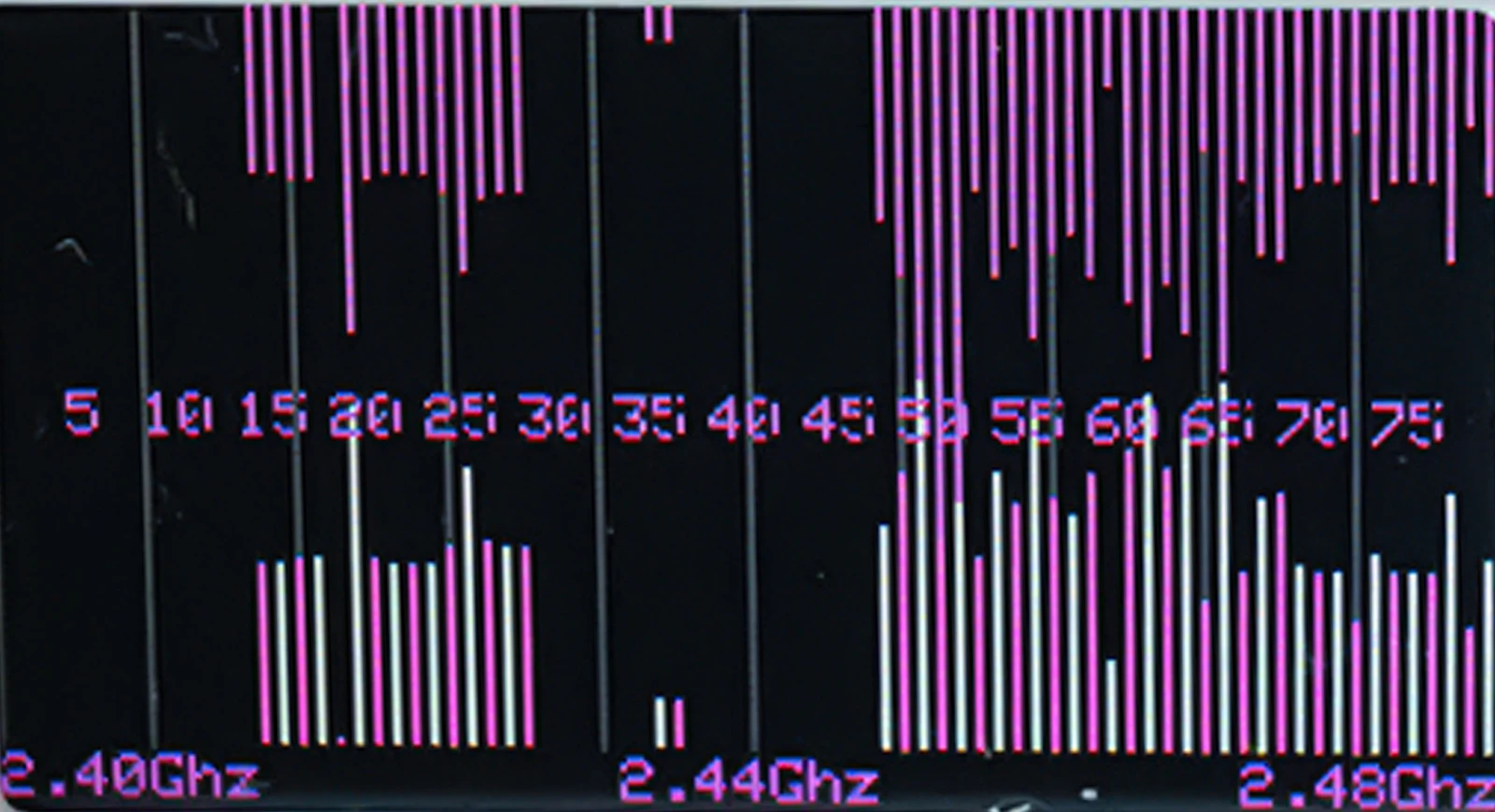
2.4 GHz spectrum visualization & interference analysis NRF24 protocol sniffing & channel hopping BLE adjacent-band monitoring |
|
|
📊 Hydra RF Pro Series Comparison
Compare Hydra RF Development Boards
⚠️ Cardputer ADV host device is not included. Please confirm the Sub-GHz frequency allowed in your country before purchasing.
Module |

|

|

|
Sub-GHz Band |
433 MHz |
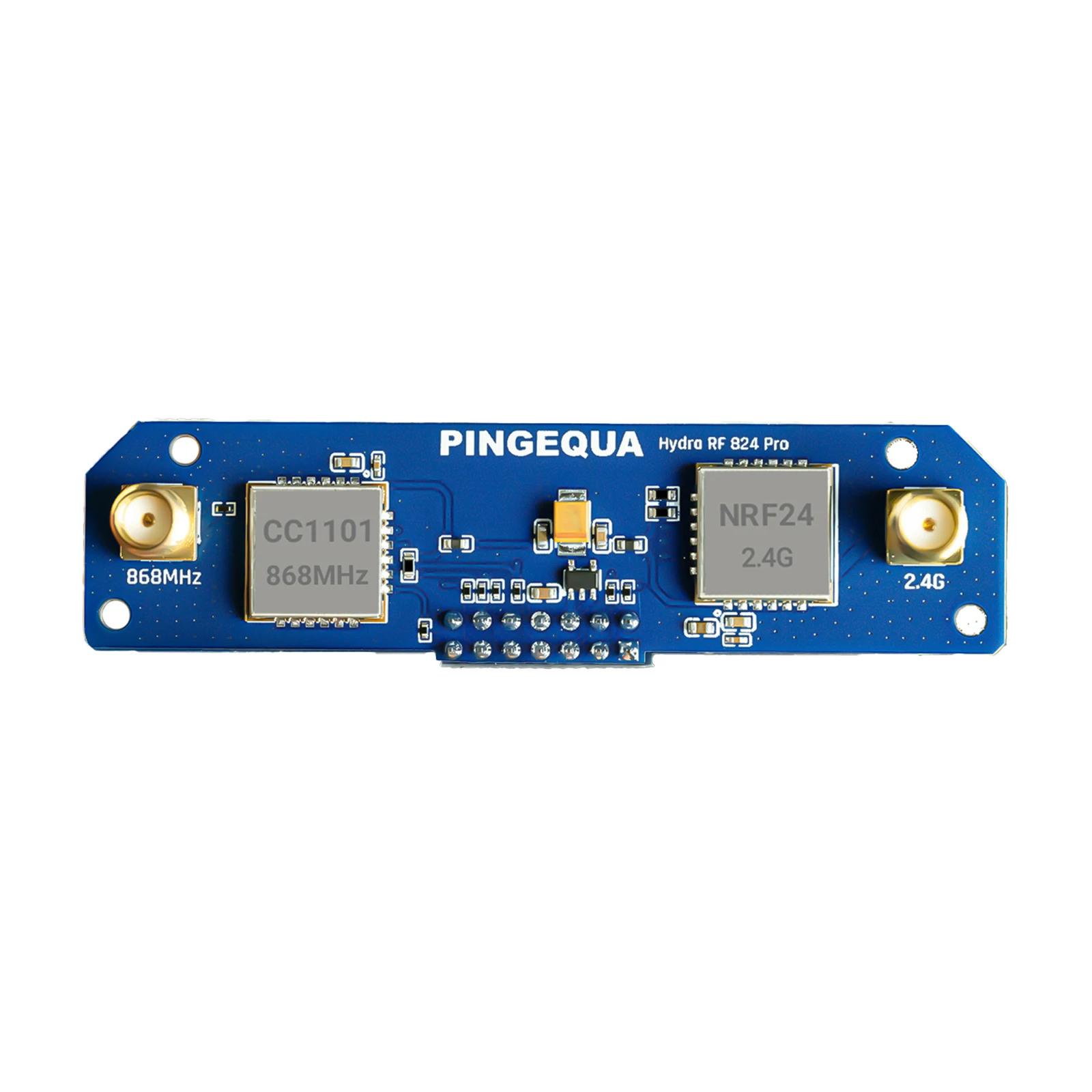
868 MHz |
915 MHz |
Primary Regions |
China, Japan Southeast Asia, EU |
EU, UK Germany, France, Netherlands |
USA, Canada Australia, Brazil |
2.4GHz Module |
NRF24L01 |
Compatible Host |
M5Stack Cardputer ADV only |
3D Printed Case |
Included |
Antenna |
433 MHz + 2.4 GHz |
868 MHz + 2.4 GHz |
915 MHz + 2.4 GHz |
Common Features |
Long-range communication · Low power consumption · Open source · Auto-switch RF module |
|
|
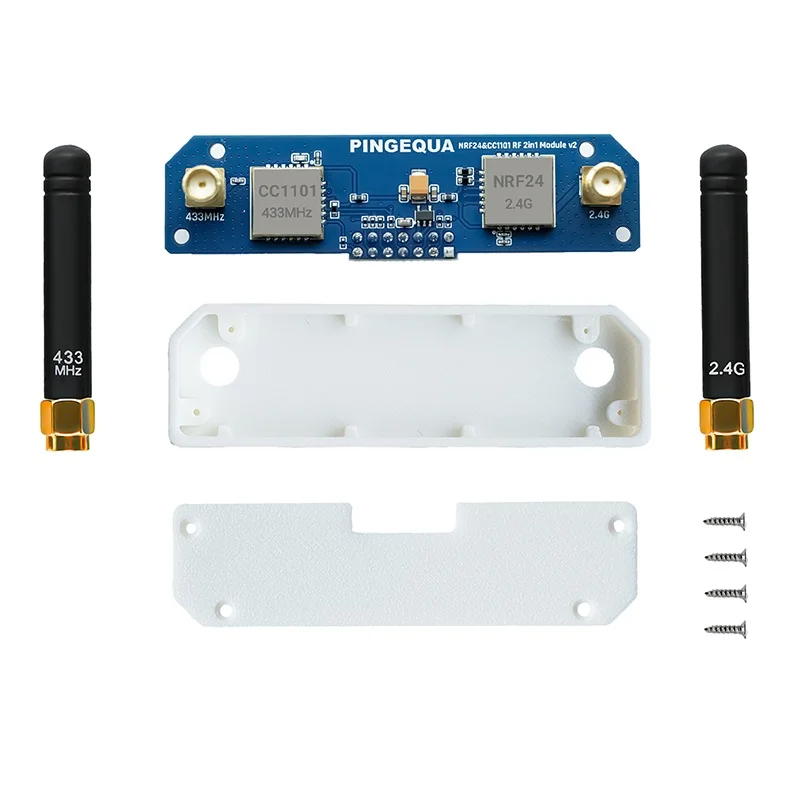
📦 Packing List
No. |
Qty |
Item |
1 |
×1 |
Hydra RF 424 Pro Module |
2 |
×2 |
Antenna |
3 |
×1 |
3D Printed Case (1 set) |
4 |
×1 |
Quick Start Guide |
|

|
|
|
🔧 Troubleshooting
Problem |
Cause |
Fix |
Module not detected |
Config not updated in both locations |
Edit SD card AND LittleFS, then reboot |
Detected but no signal |
Antenna not connected / loose |
Fully tighten both SMA antennas |
WebUI not accessible |
Device not in WebUI mode |
Go to Files → WebUI; reconnect Wi-Fi |
Frequency options grayed out |
RF module not set to CC1101 |
RF → Config → RF Module → select CC1101 |
Crashes during TX |
Unstable host power |
Ensure battery is fully charged |
Changes lost after reboot |
Edited wrong storage location |
Save to both SD and LittleFS |
|
|