

T12 Series T65 Digital Electric USB Soldering Iron Kit Set Mini Smart Adjustable Temperature Welding Tool 180-500℃ wireless
T65 SET1
$53.12
Sale price
$53.12
Regular price
$0.00
Skip to product information


T12 Series T65 Digital Electric USB Soldering Iron Kit Set Mini Smart Adjustable Temperature Welding Tool 180-500℃ wireless
$53.12
Sale price
$53.12
Regular price
$0.00
Description
SPECIFICATIONS
Brand Name: lefavor
Certification: CE,RoHS
Choice: yes
High-concerned chemical: none
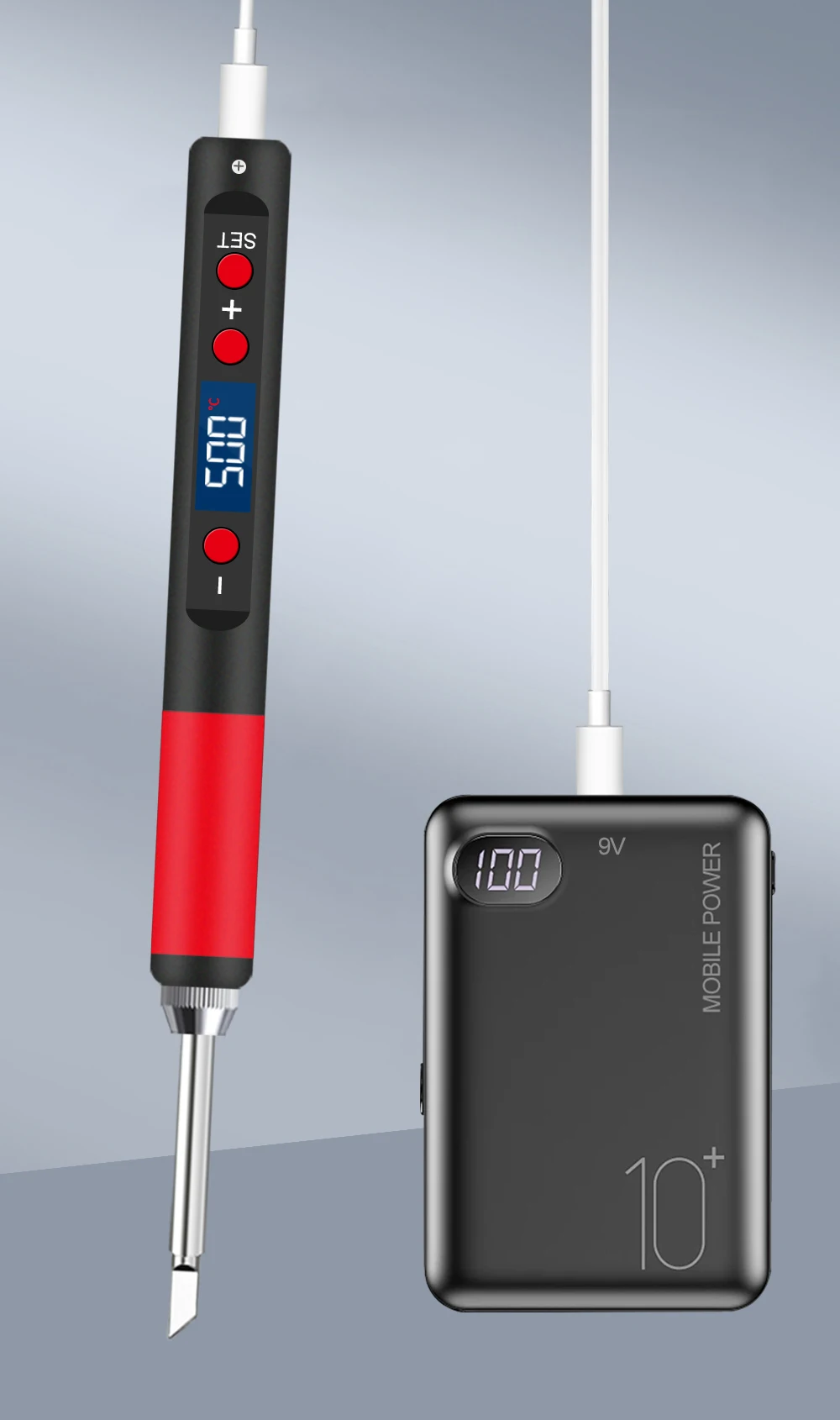
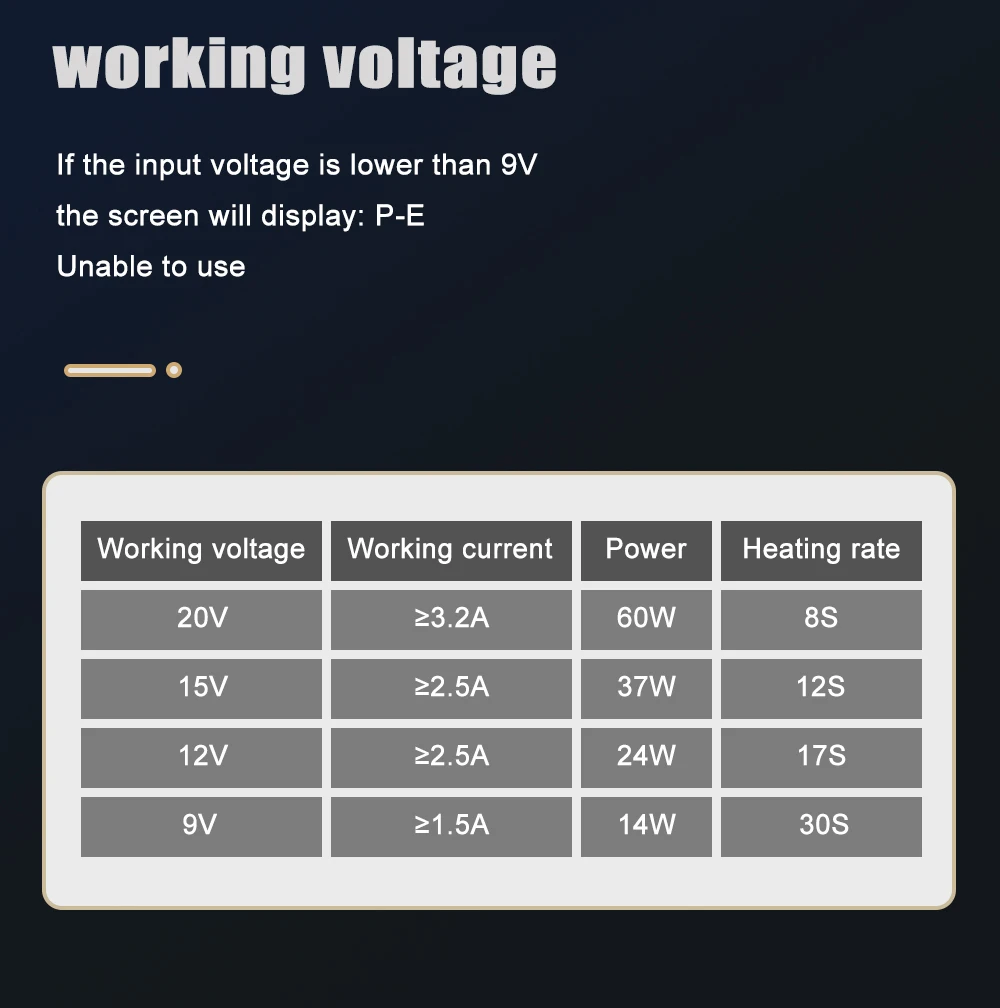
Input Voltagle: DC9V-20V
Is Smart Device: no
Model Number: T65
Origin: Mainland China
Output Temperature: 180C-500C
Voltage: Below-75V DC (Safety Extra-Low Voltage DC, SELV DC)
T12 Series T65 Digital Electric USB Soldering Iron Kit Set Mini Smart Adjustable Temperature welding tool 180-500℃
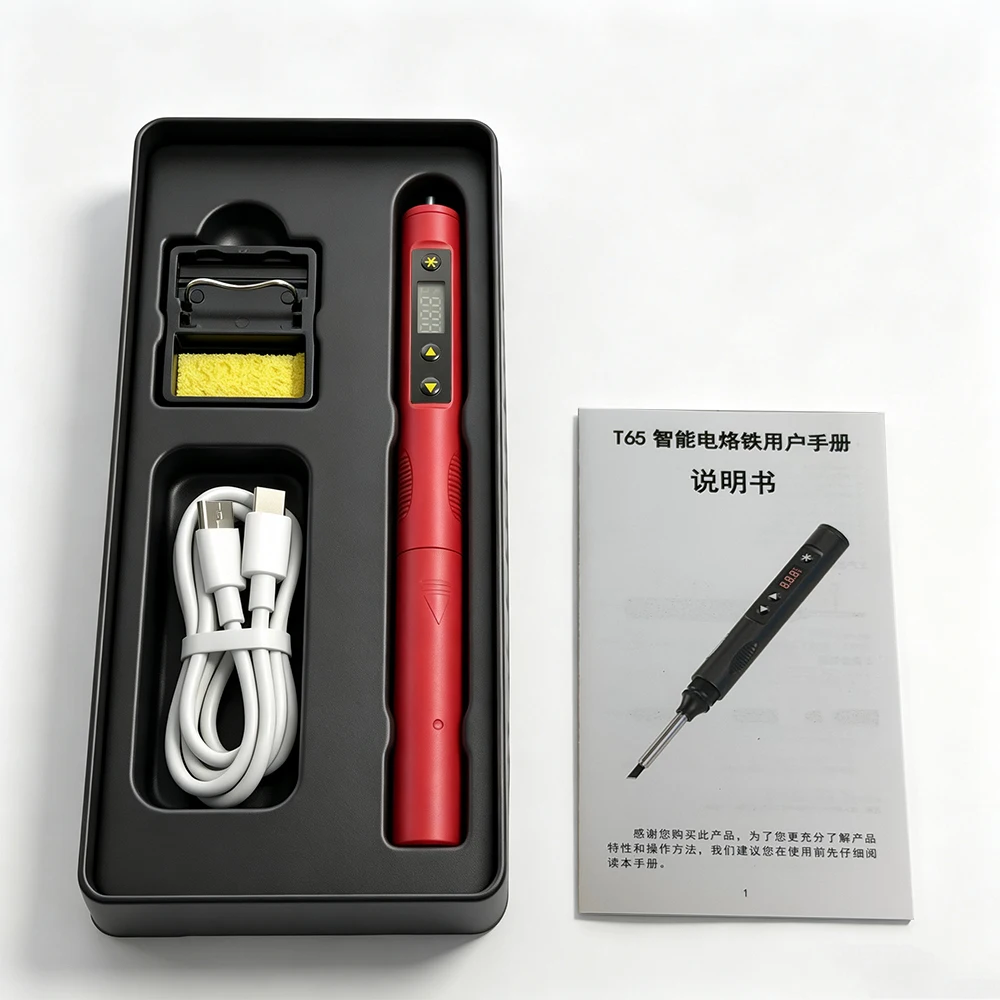
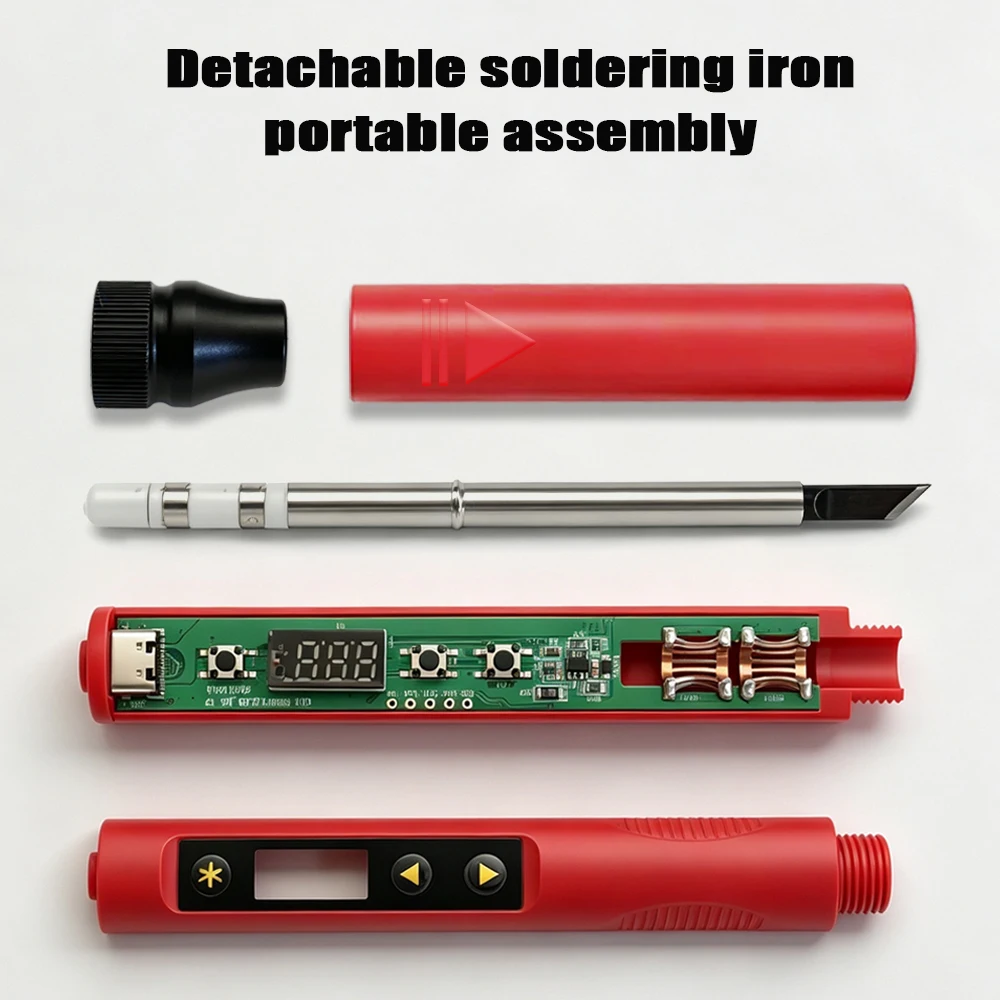
Please note: These 3pcs soldering irons do not have built-in batteries and require customers to provide their own power supply
Specifications:
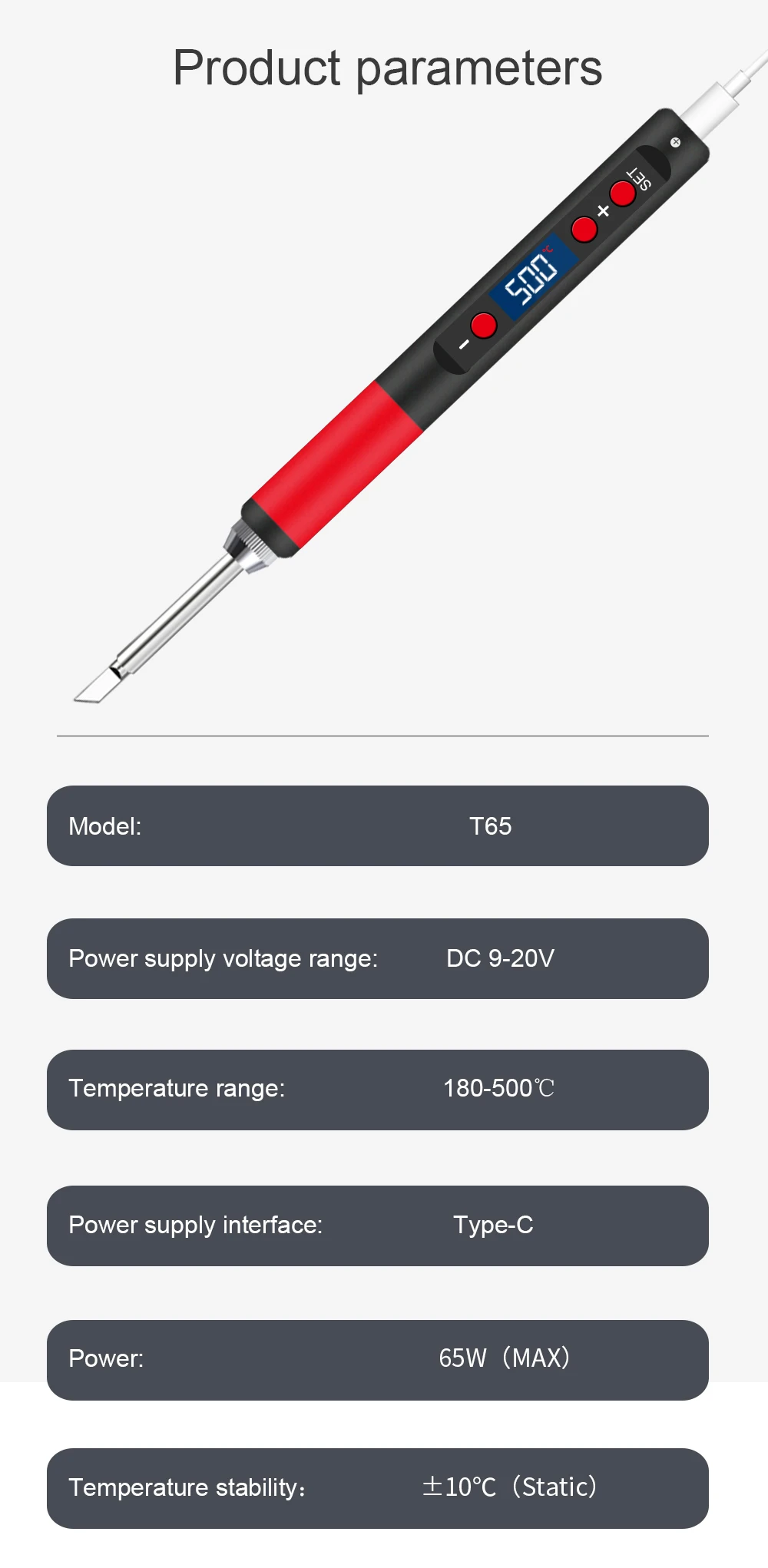
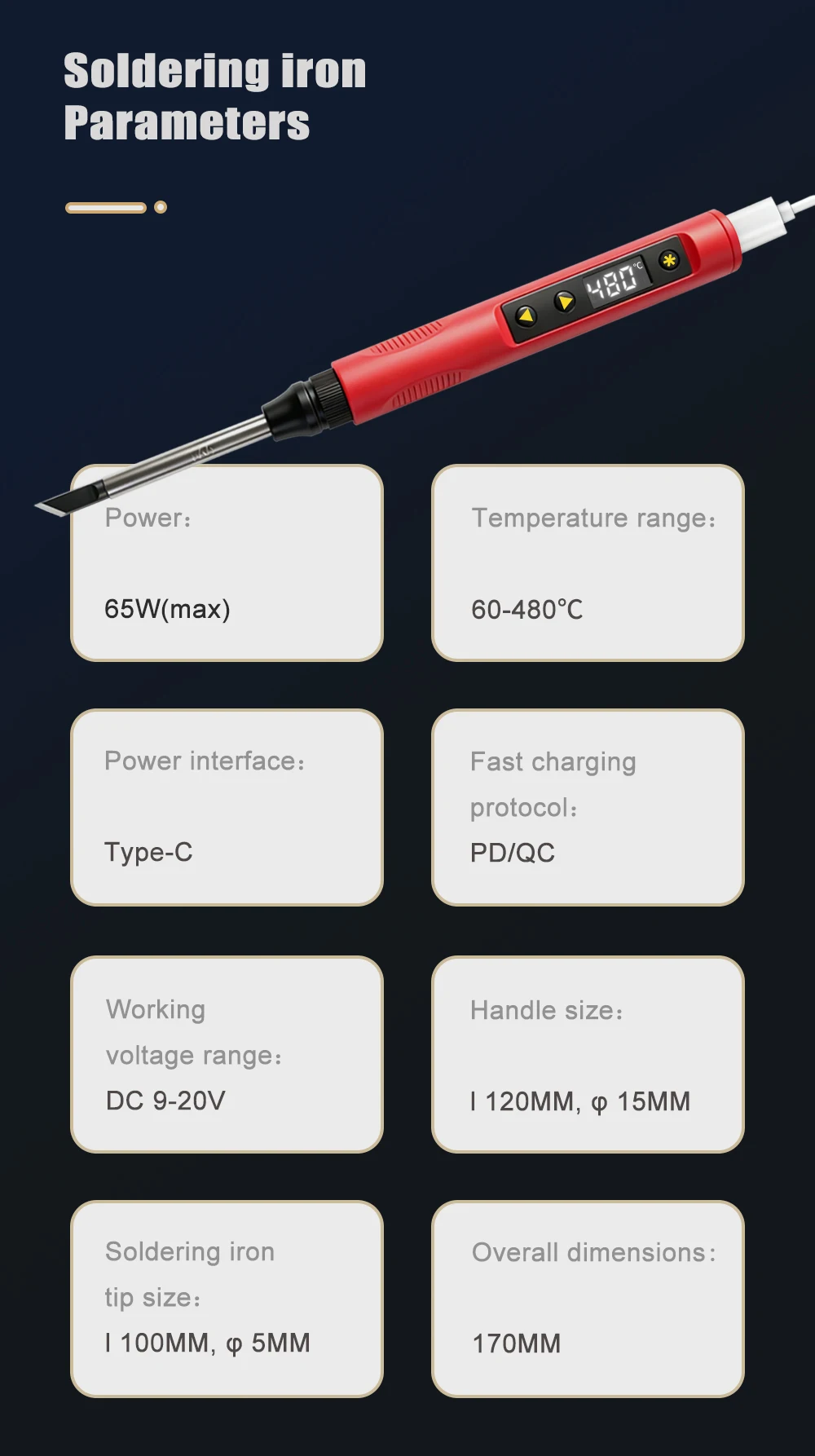
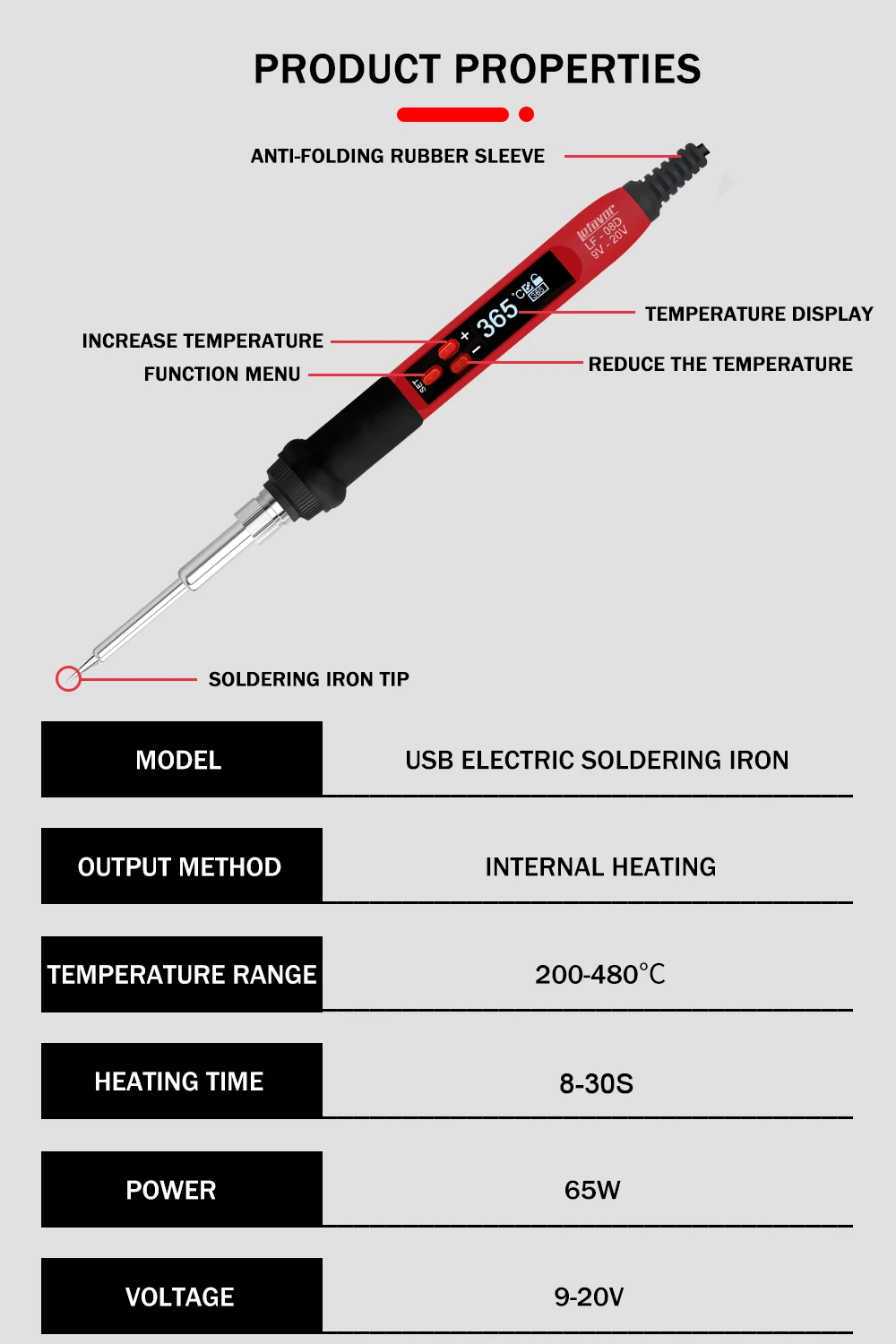
Model:T65
Input voltage:DC9-20V
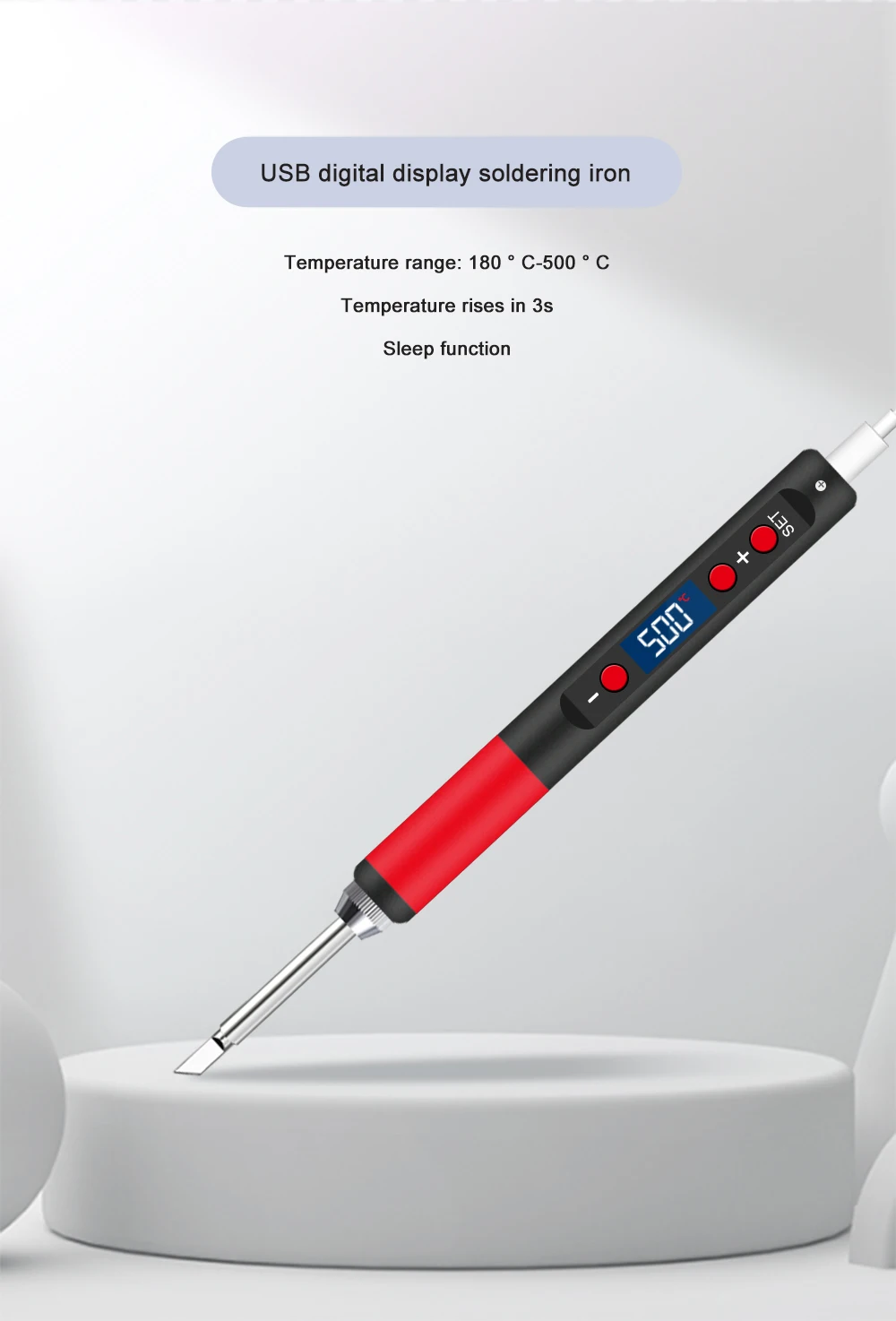
Temperature range:180-500℃
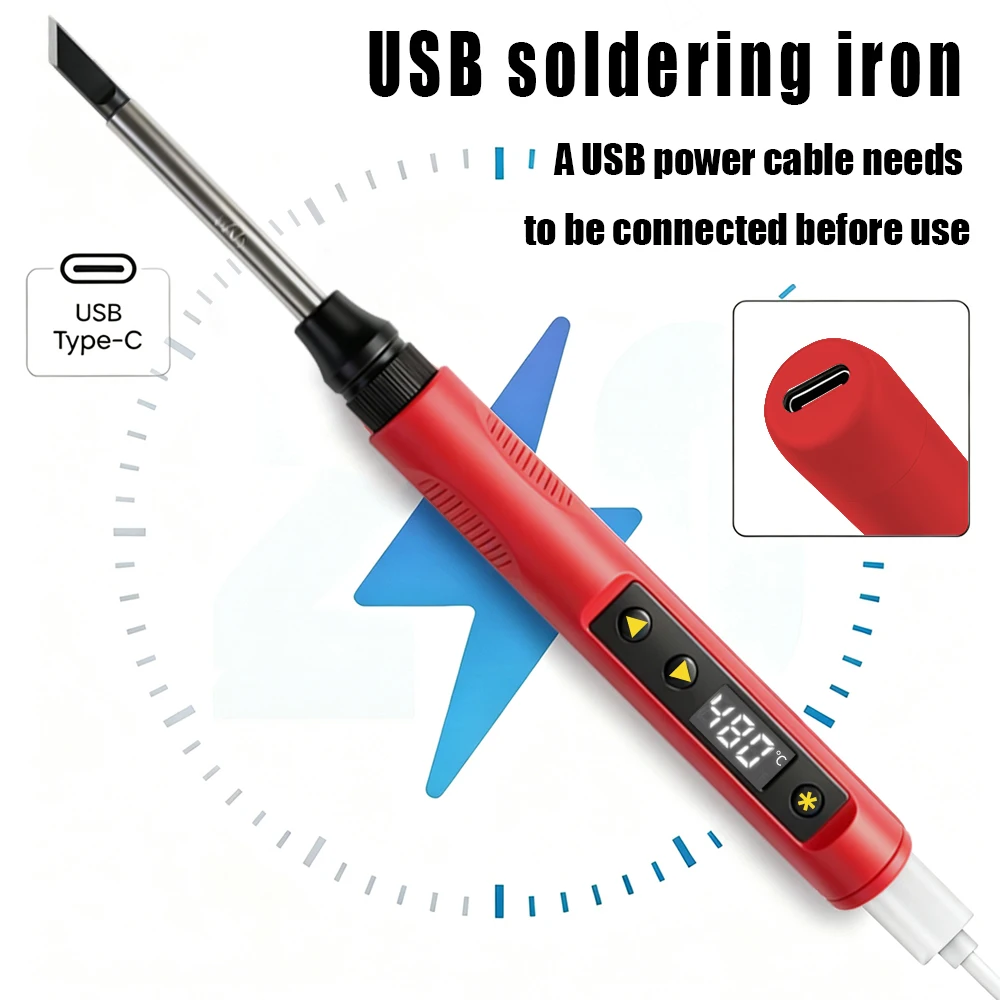
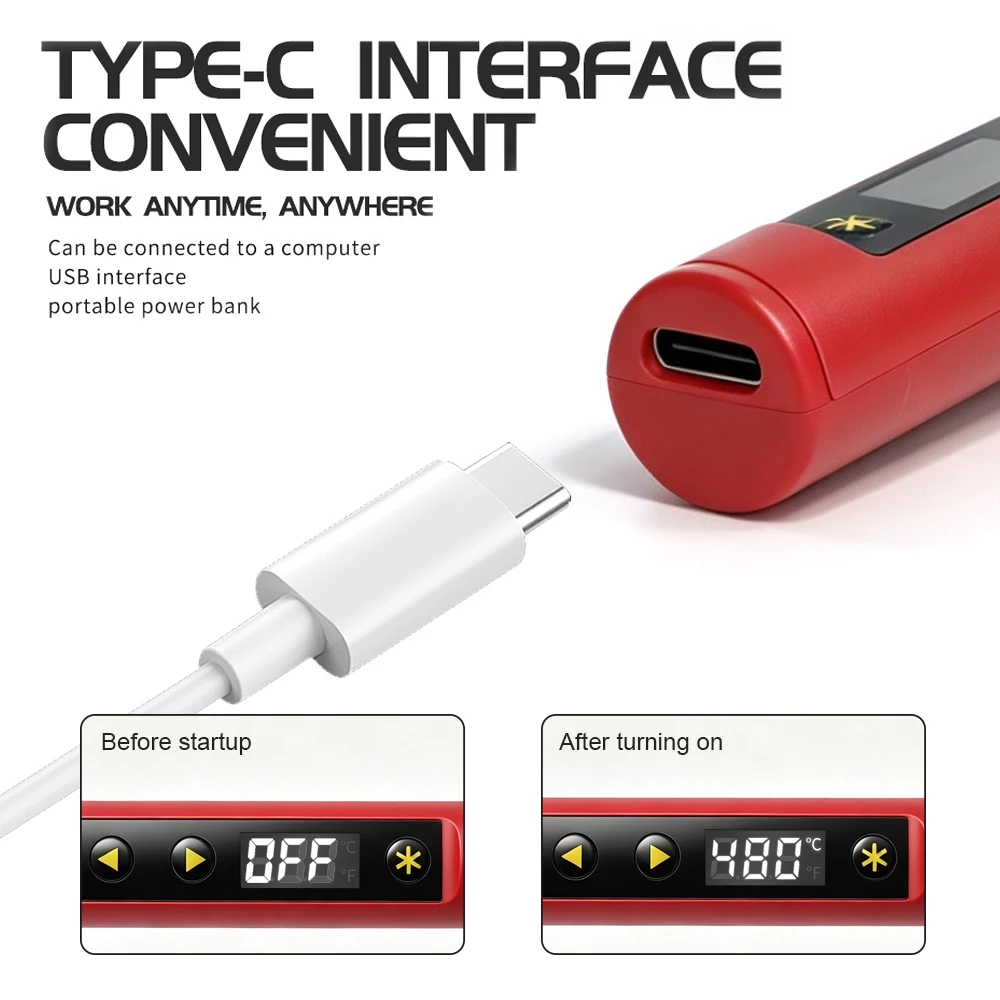
Power supply interface:type-C
Power:65W max
Temperature stability:+/-10C
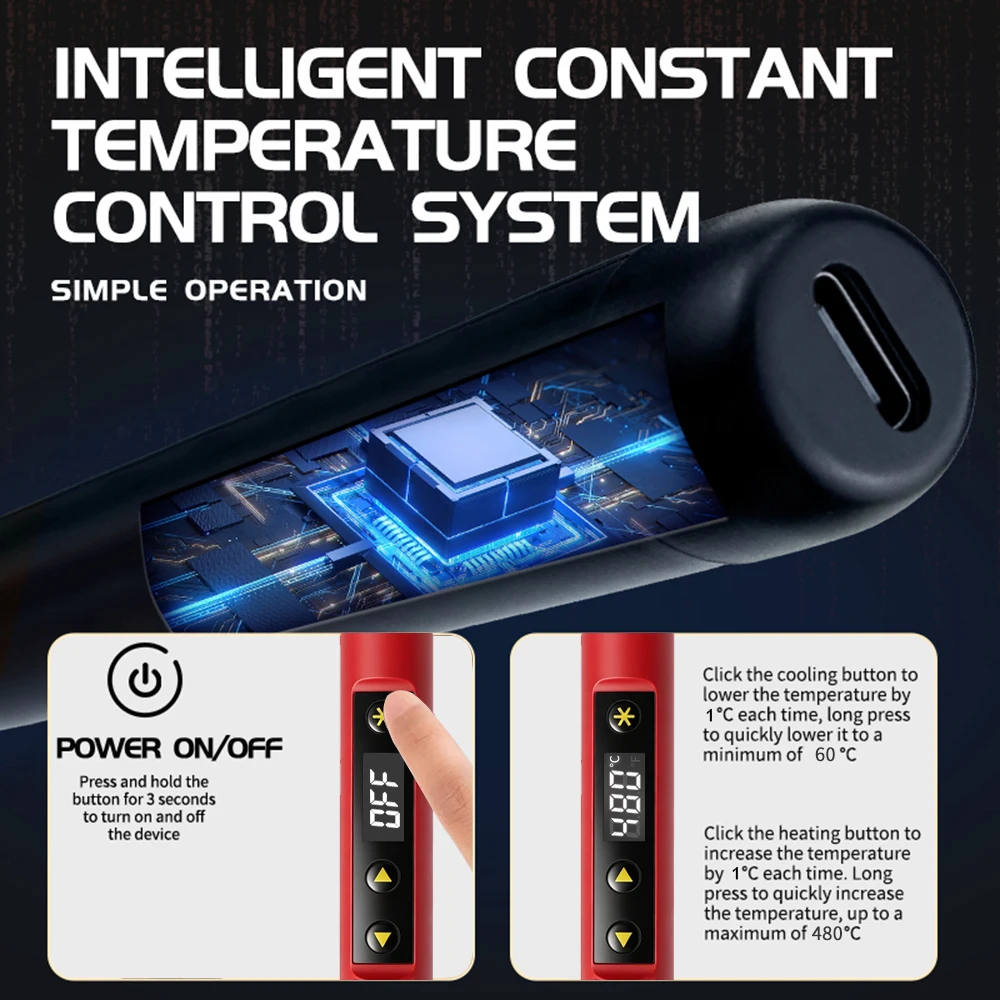
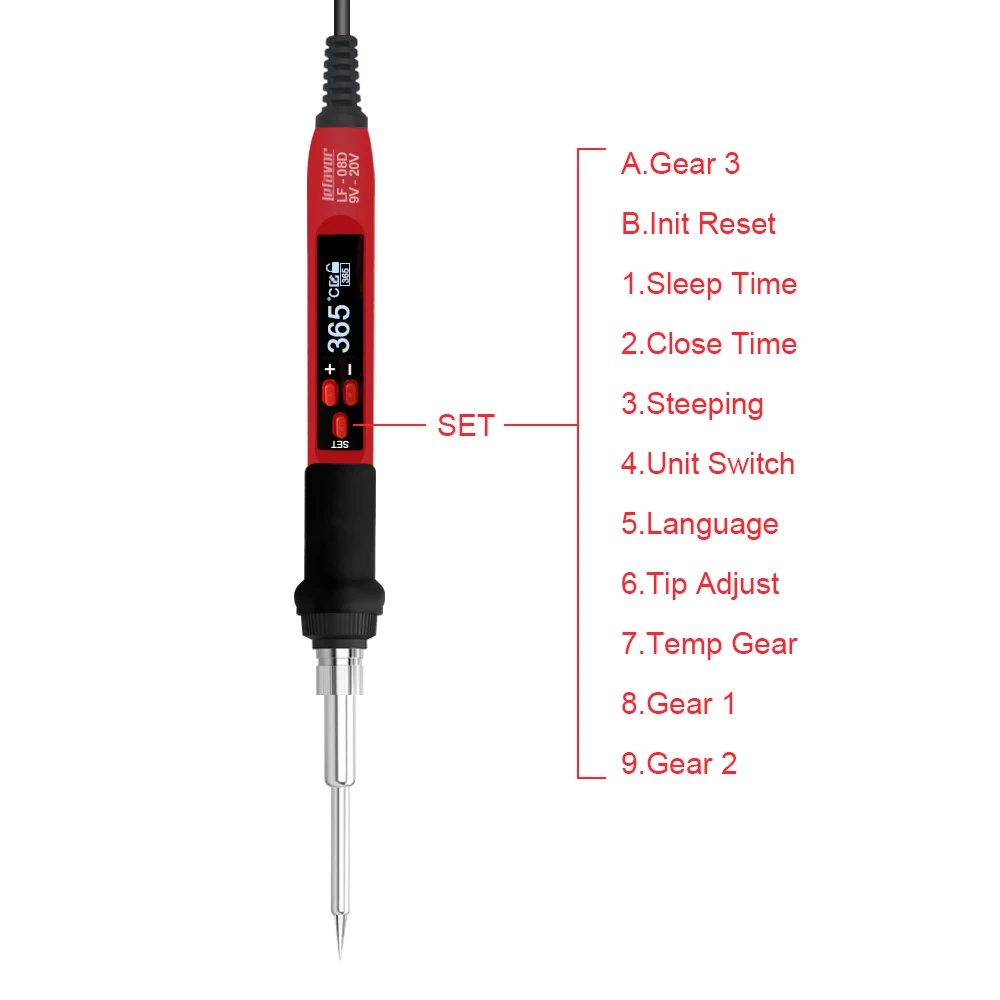
turn on/off
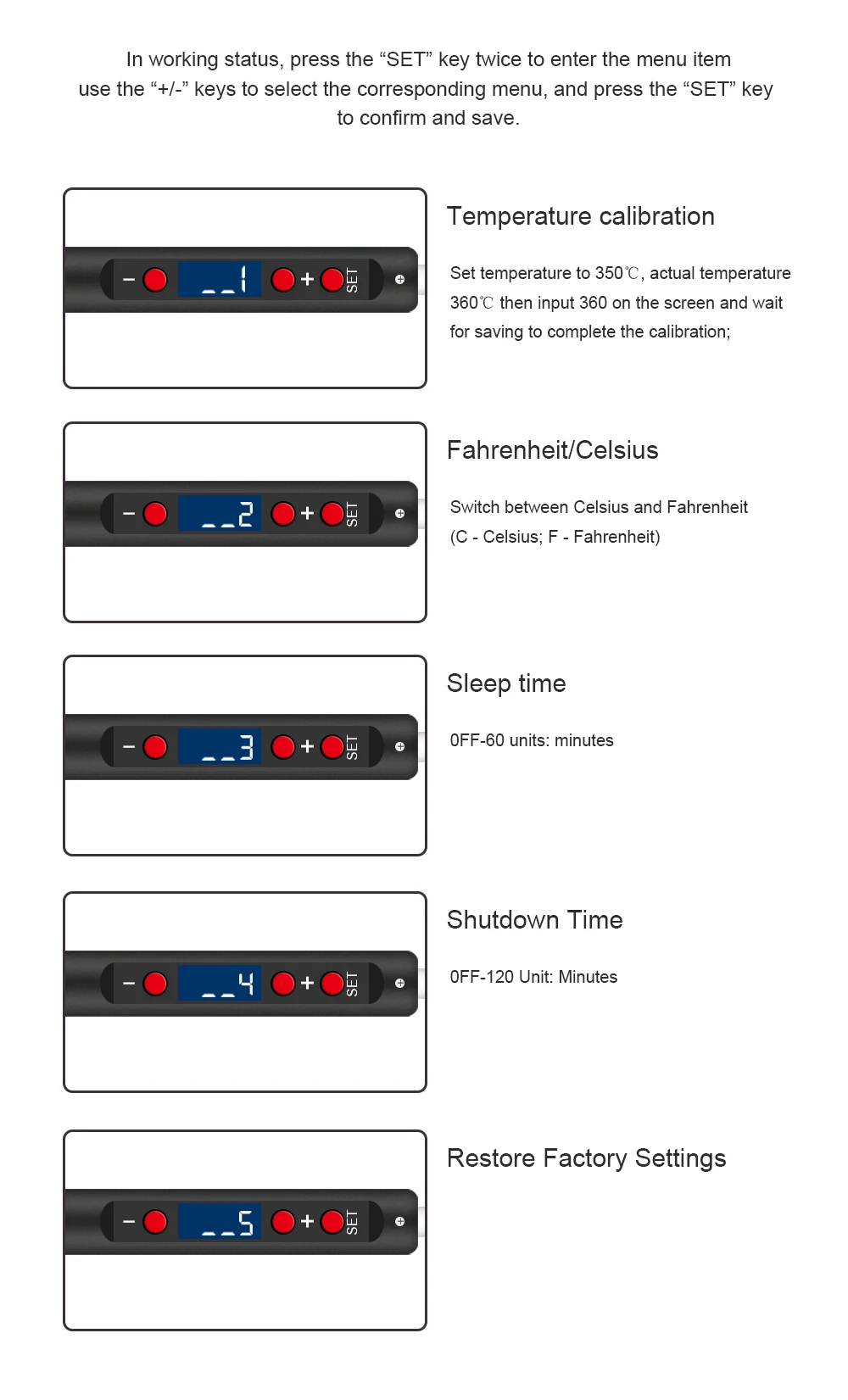
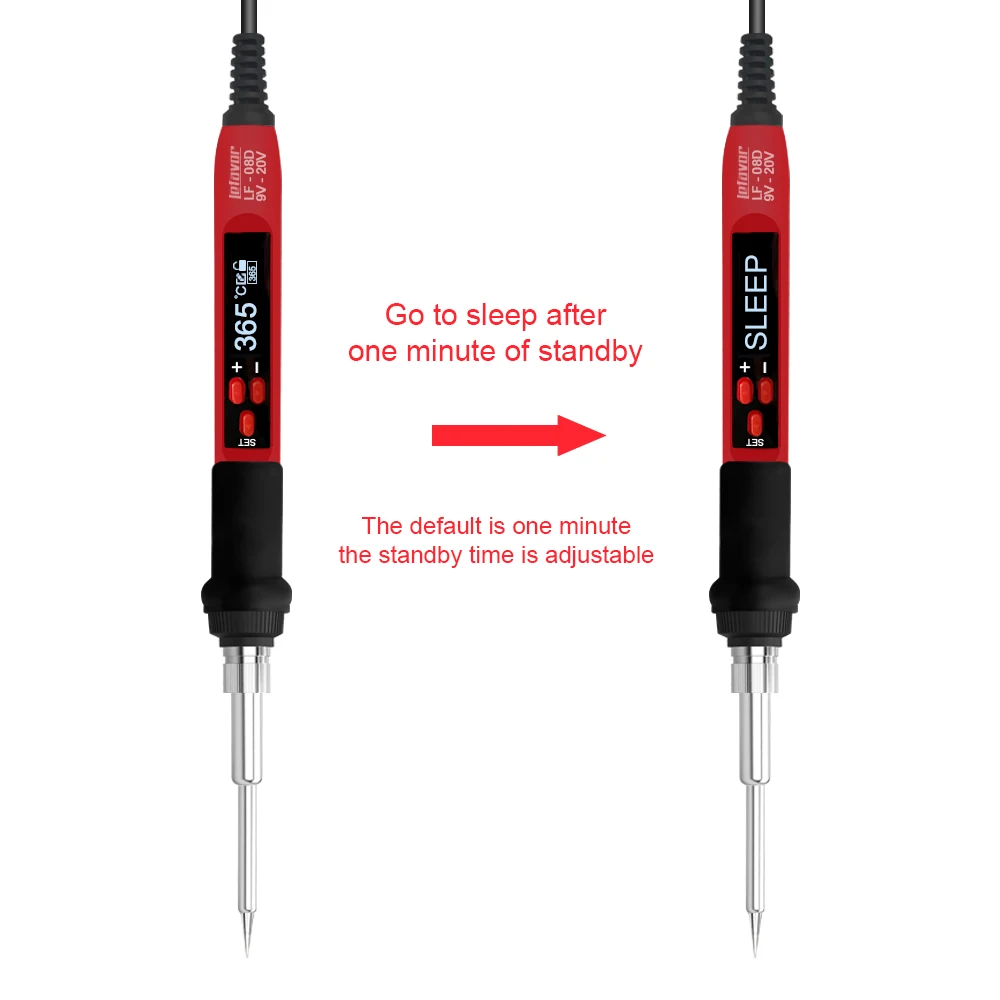
auto sleep
self calibration
restore factory settings
C/F switch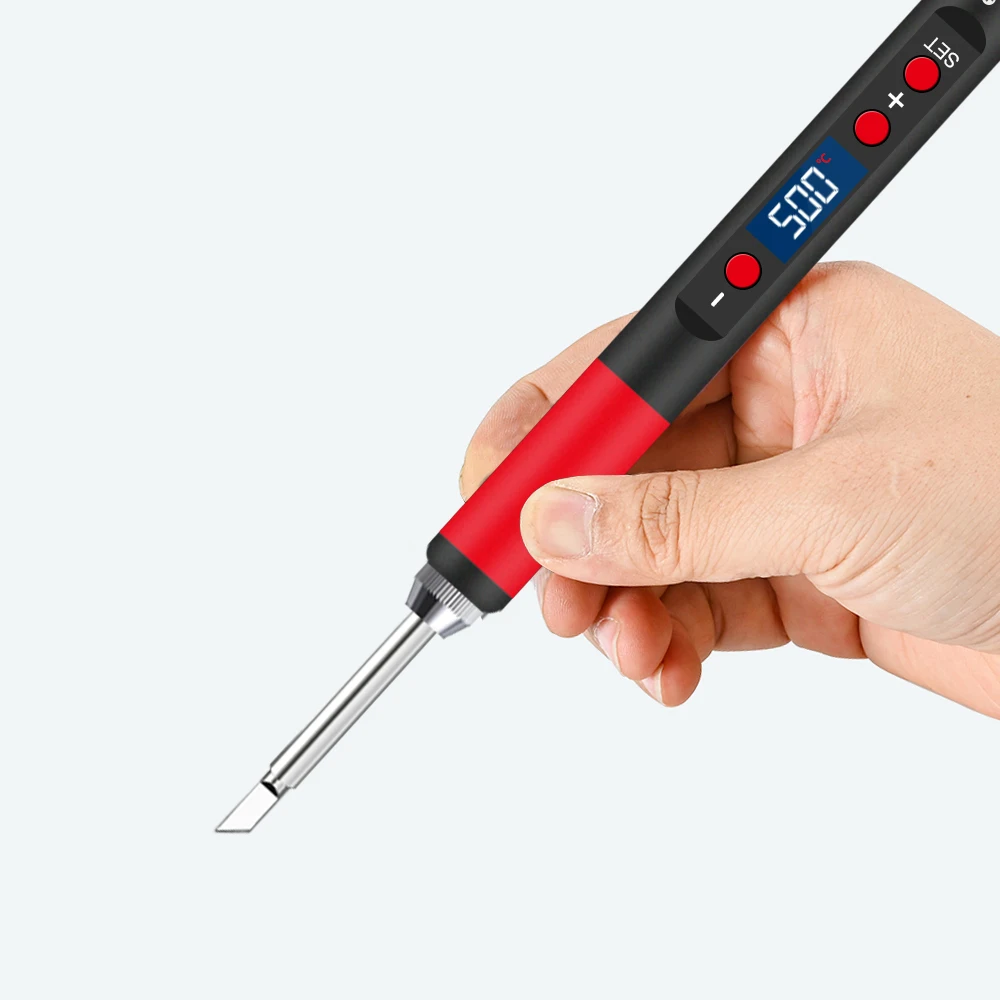
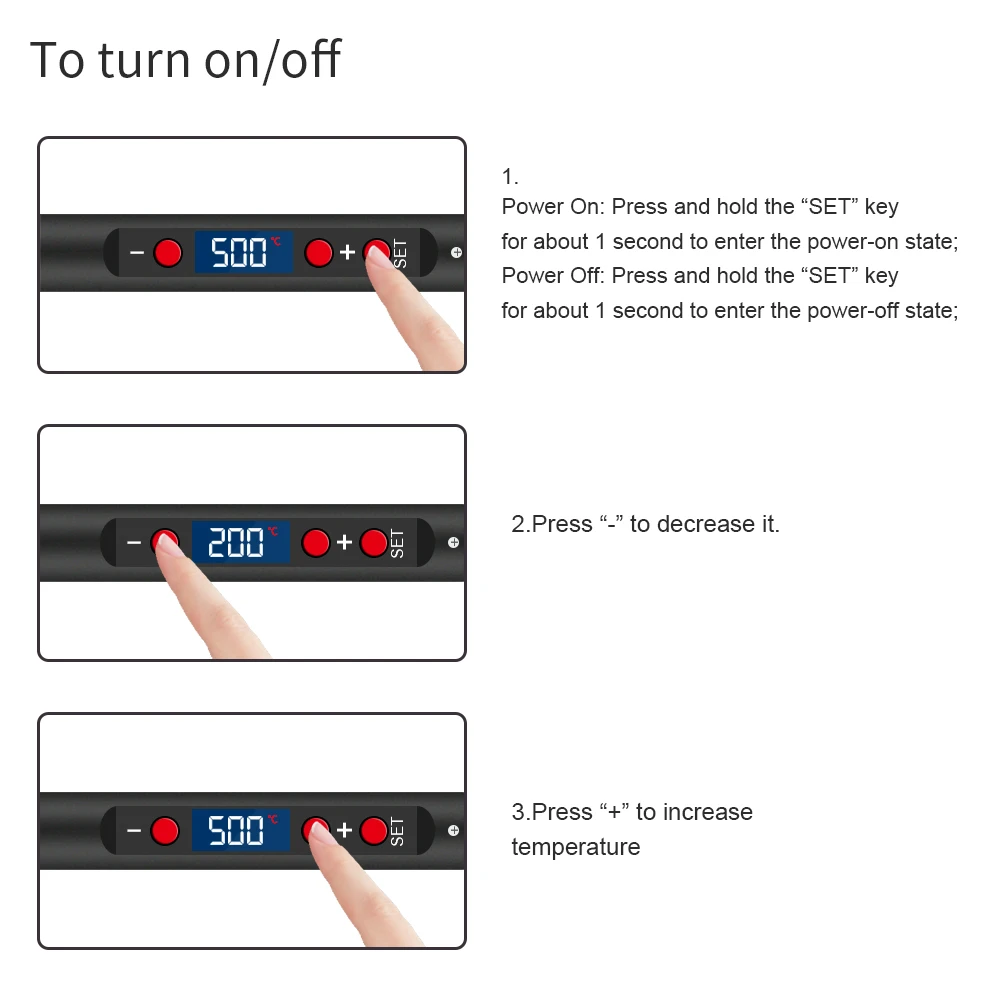
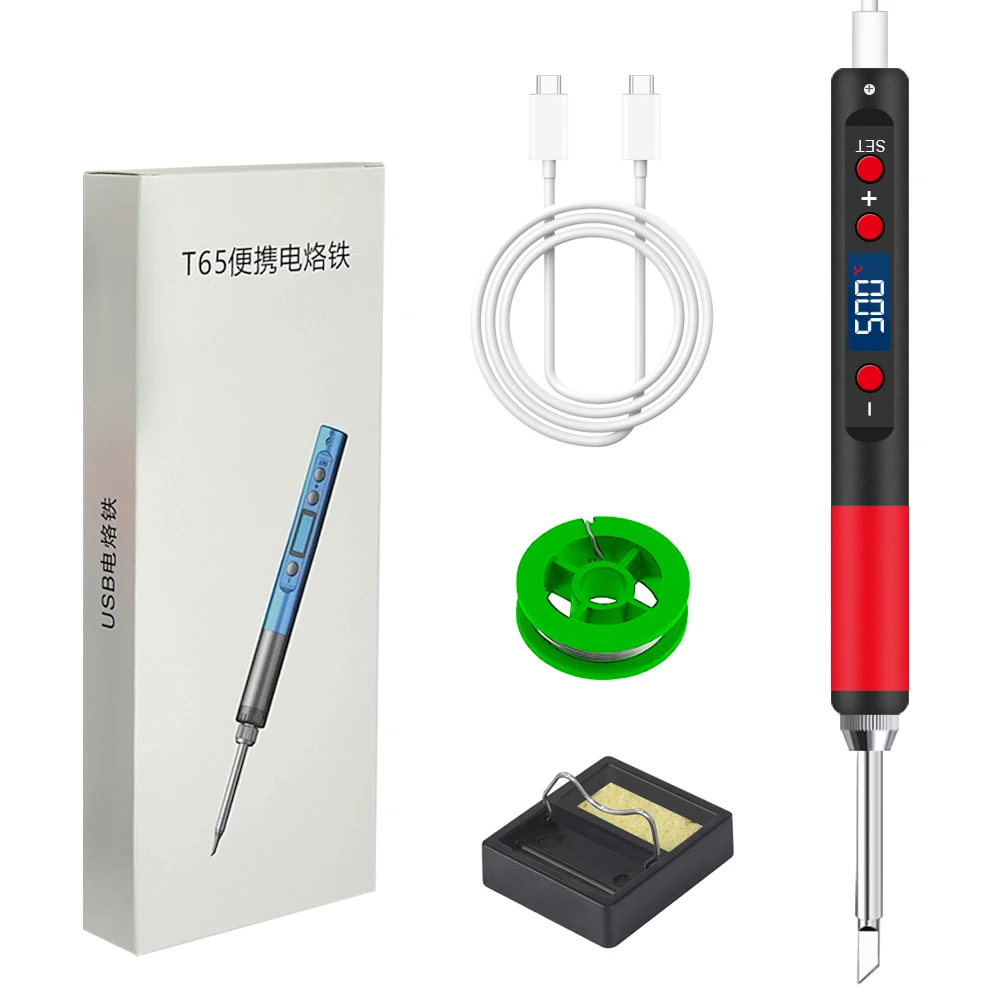
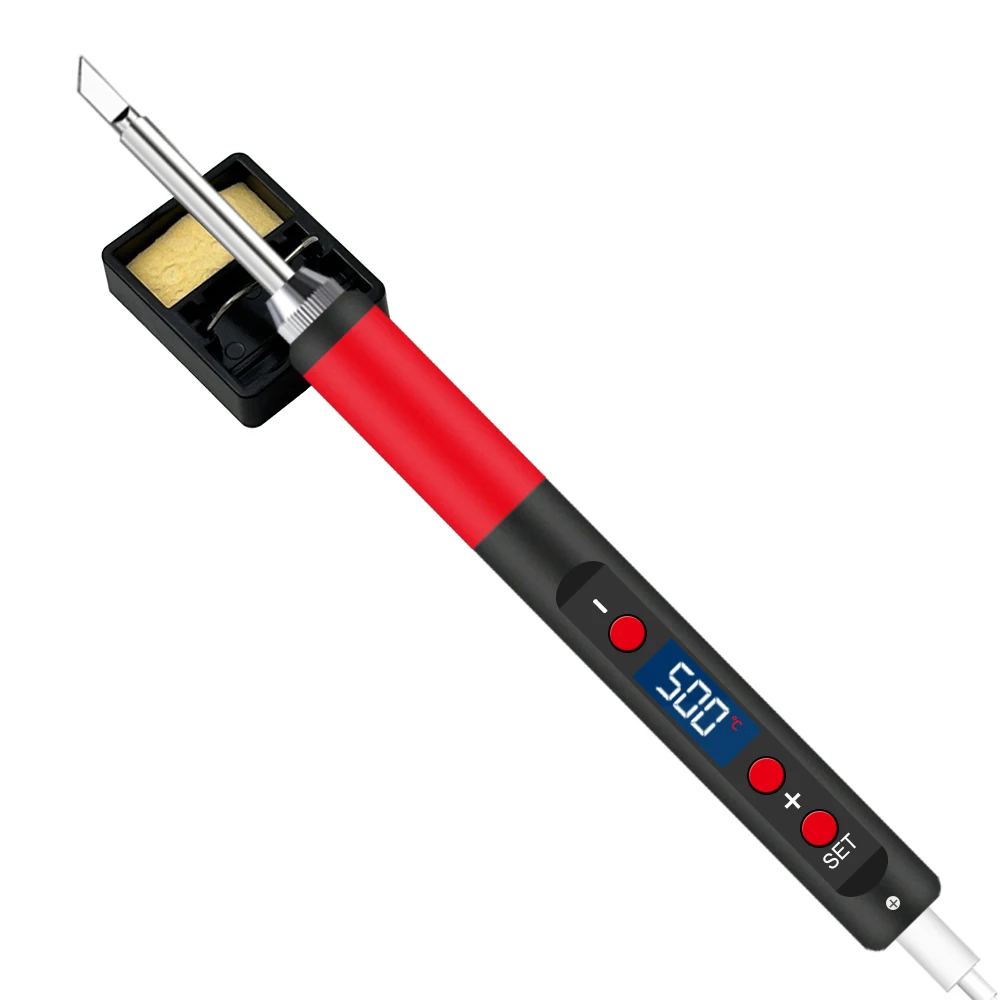
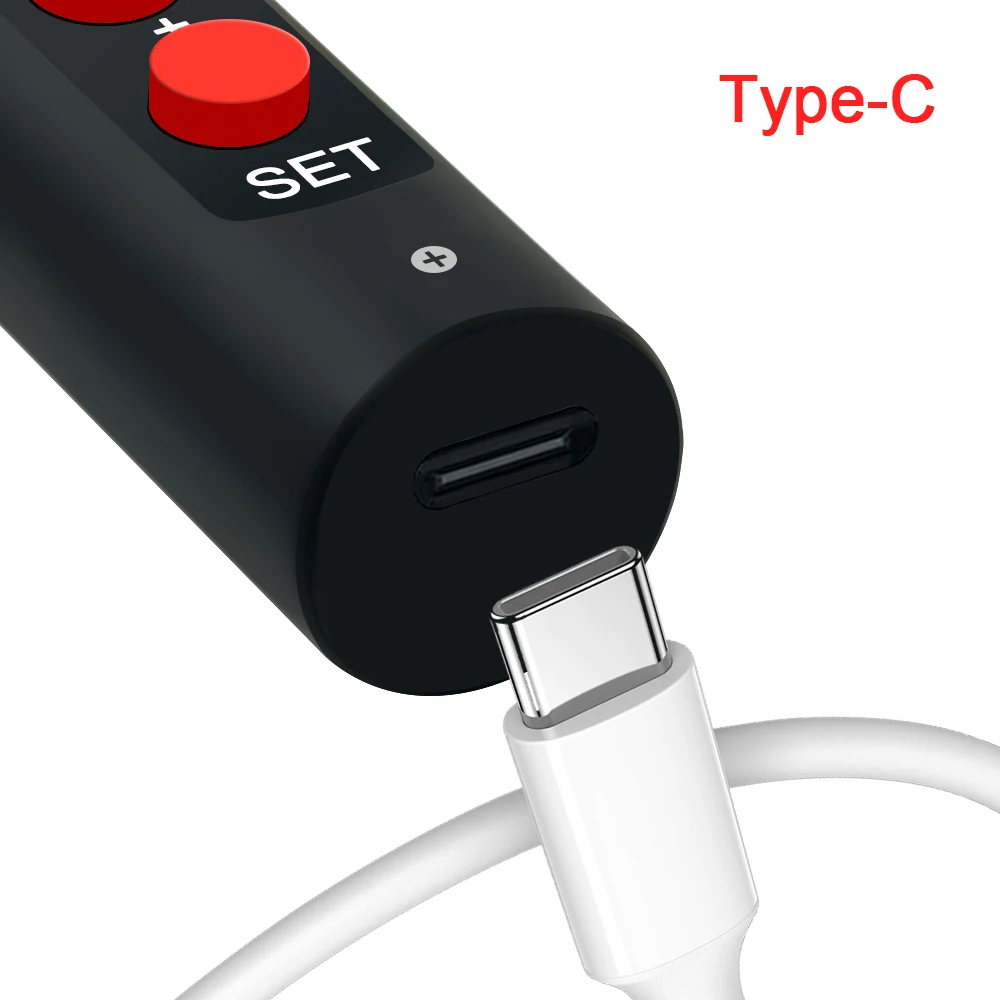
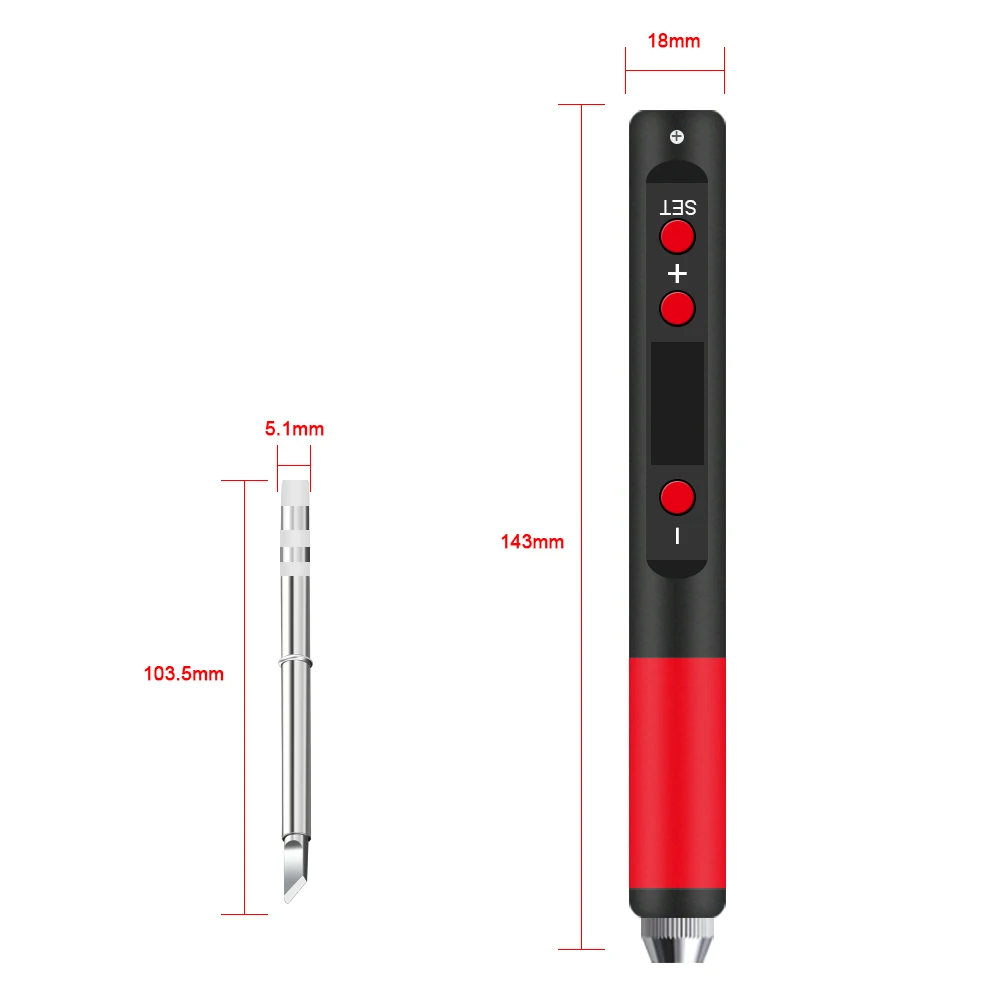
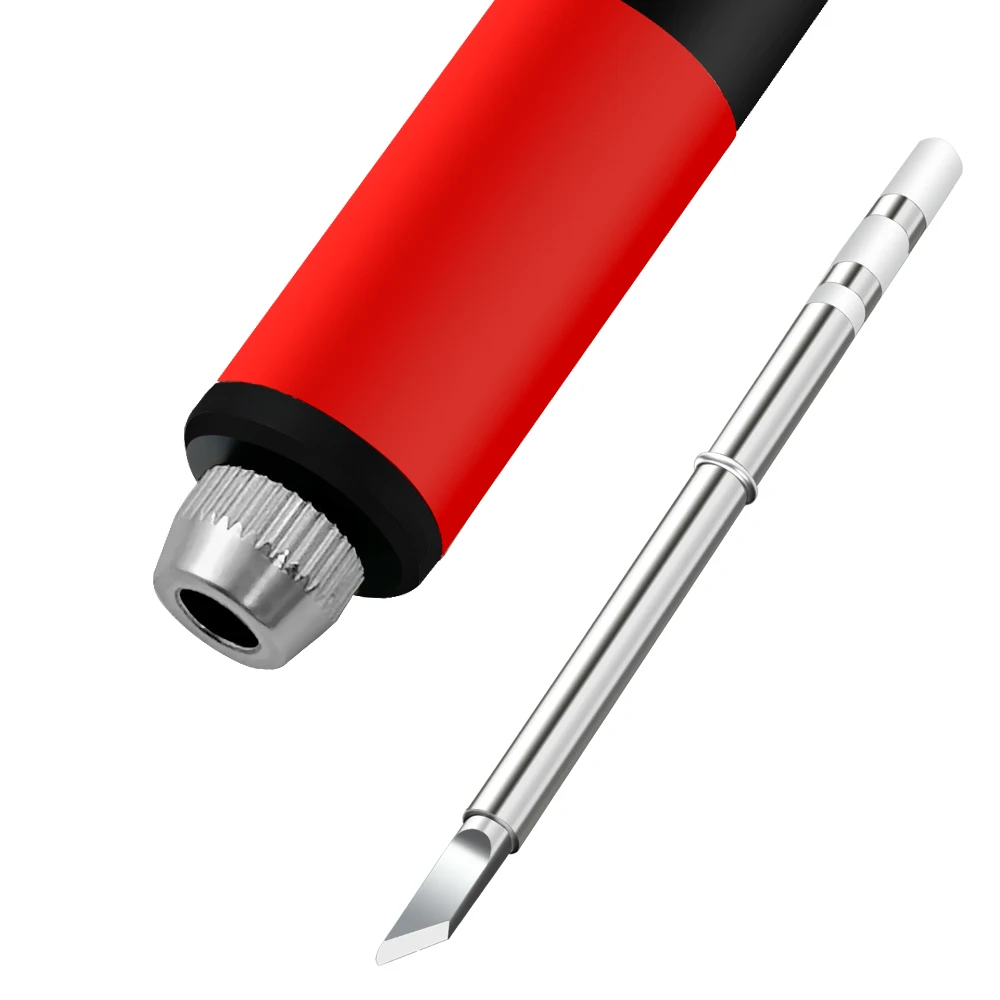
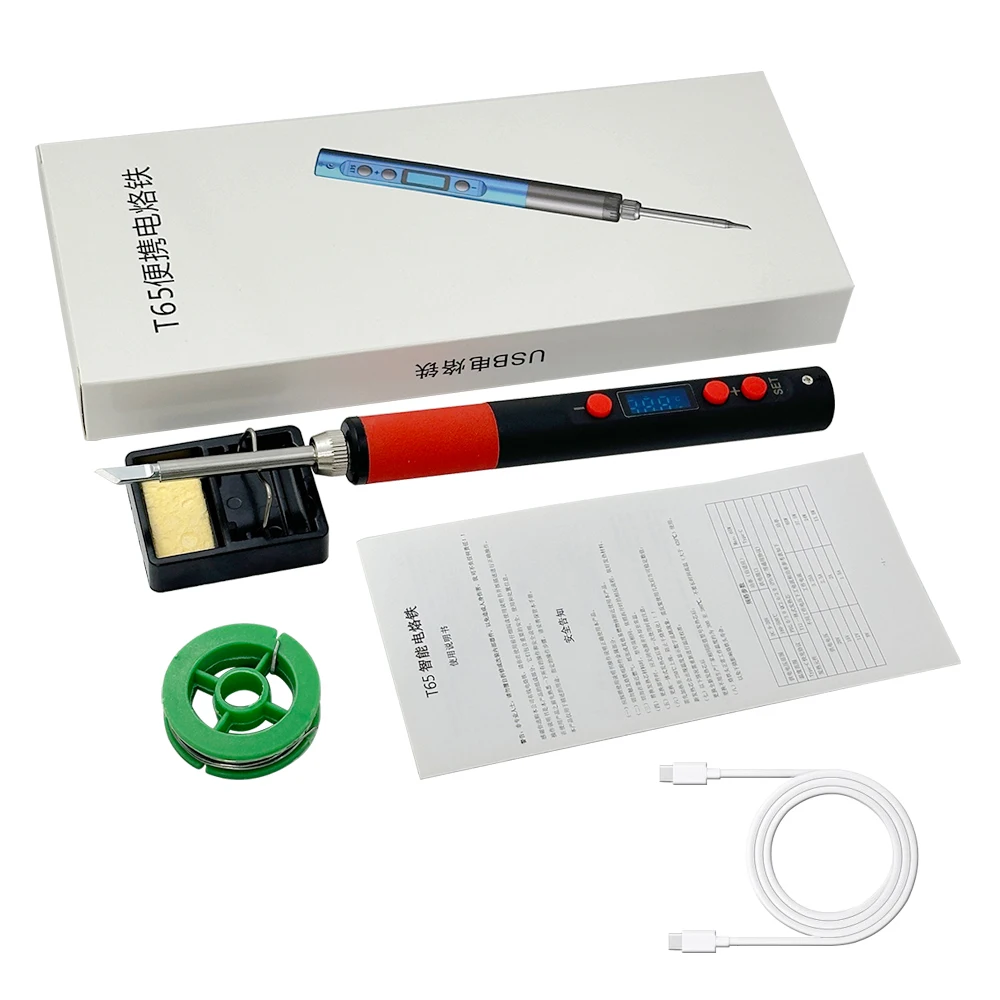
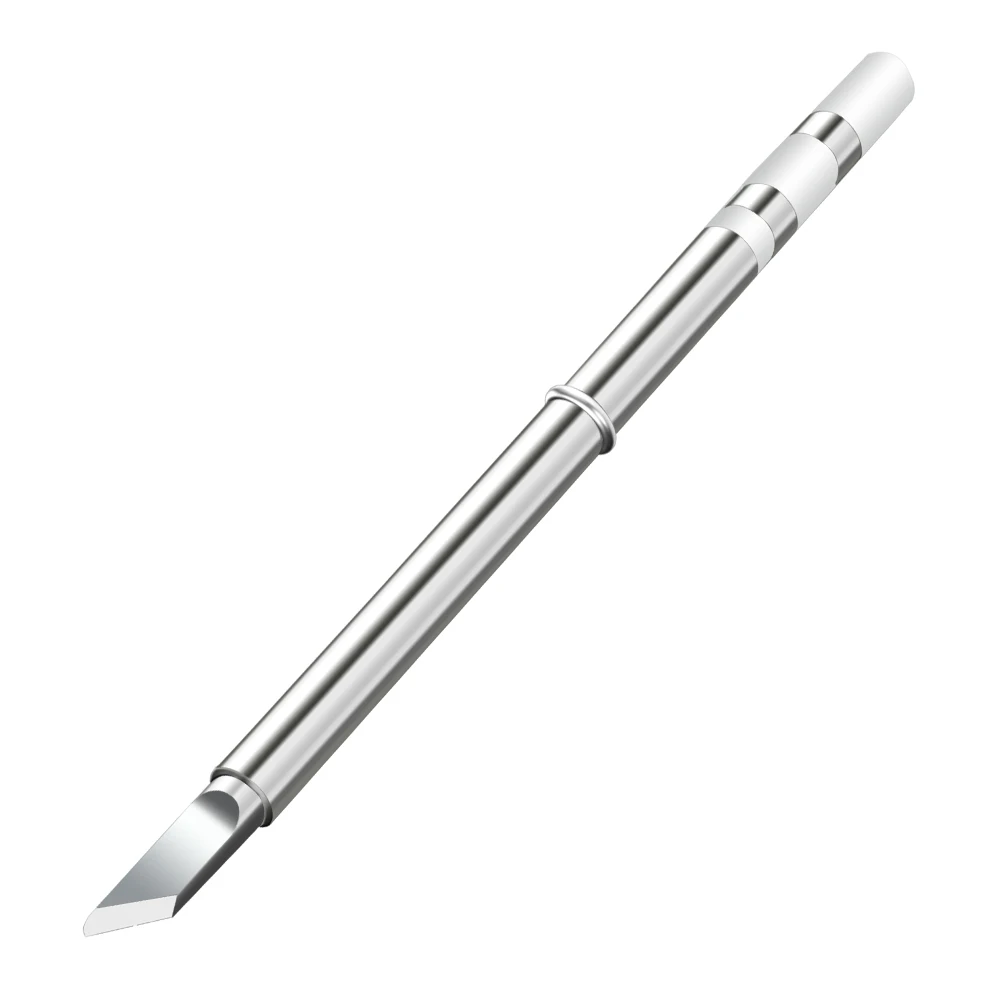
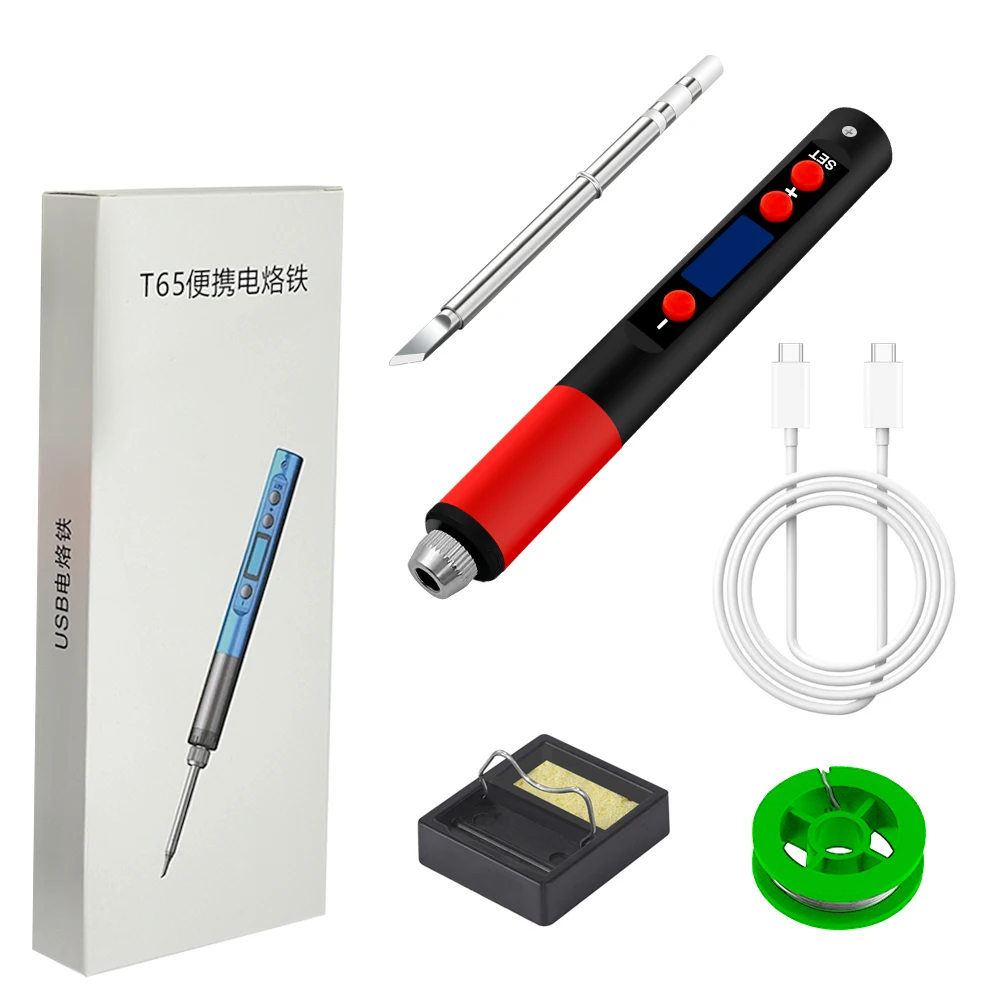
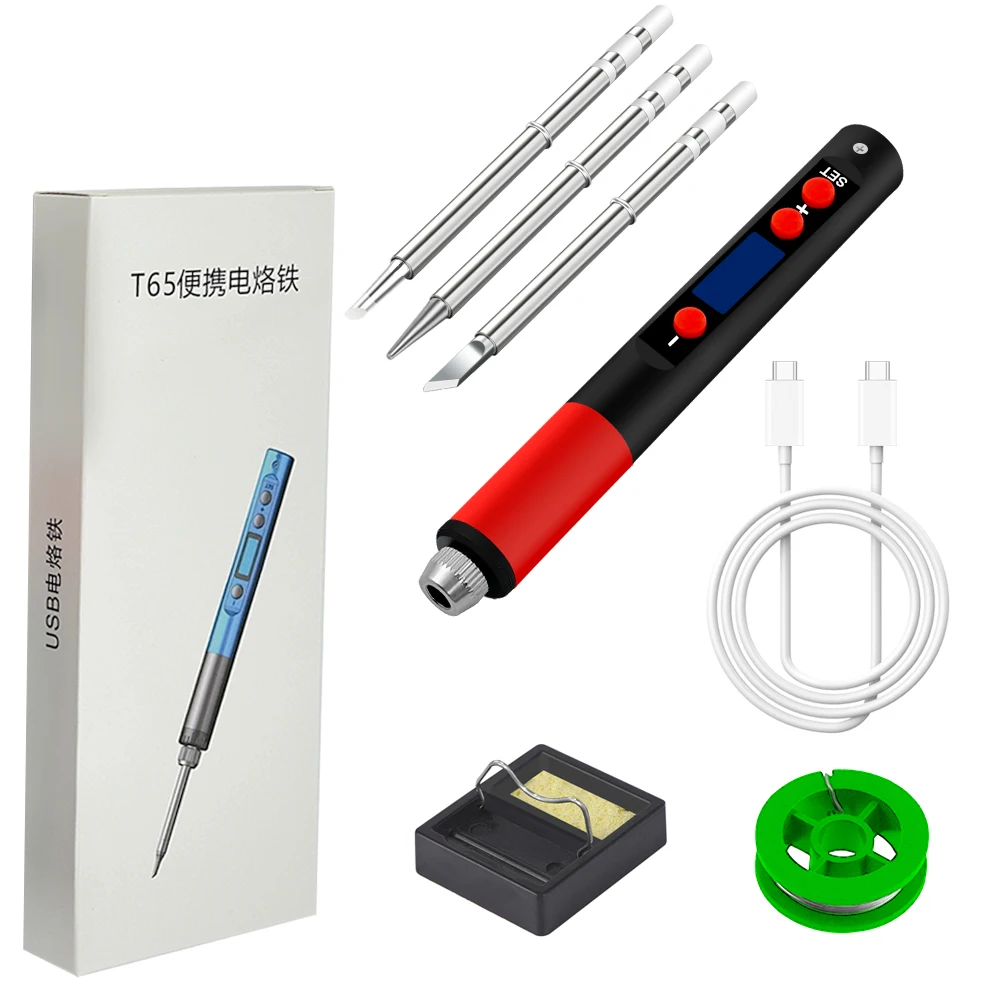
T65 upgraded version
Work Process Description
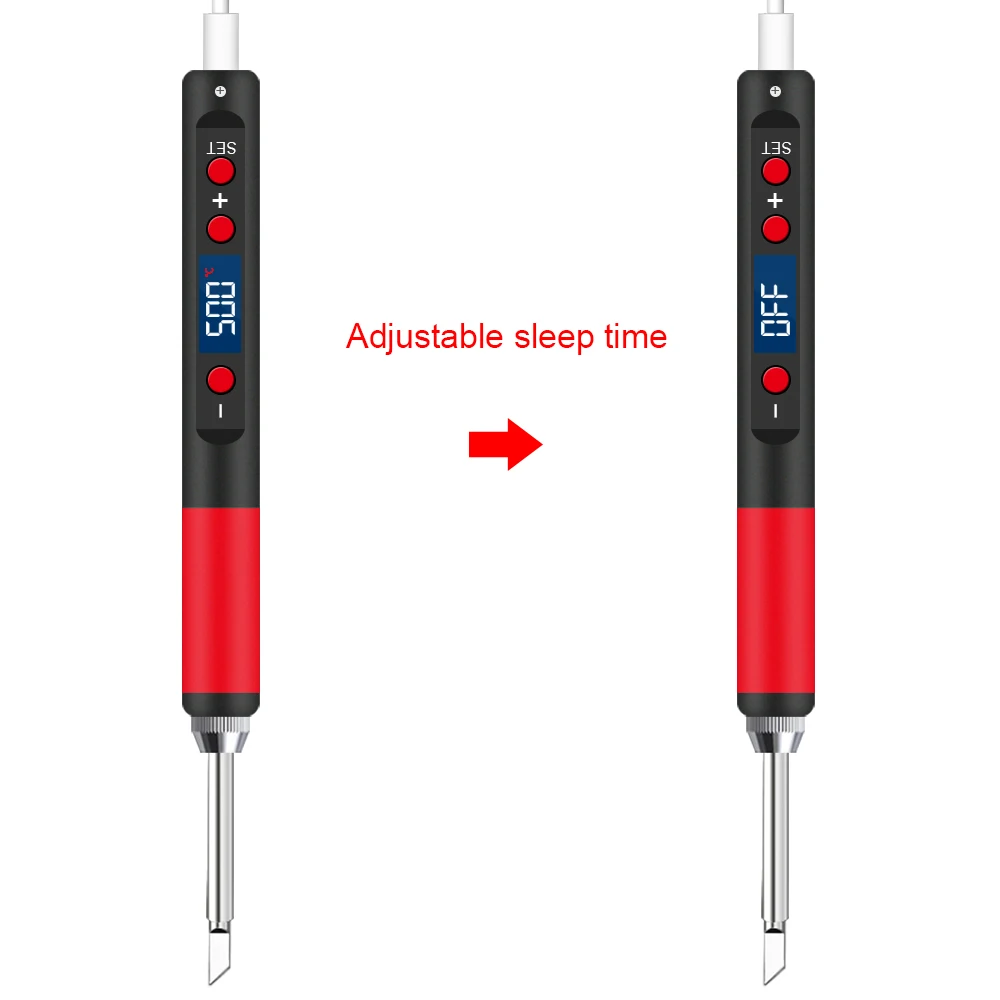
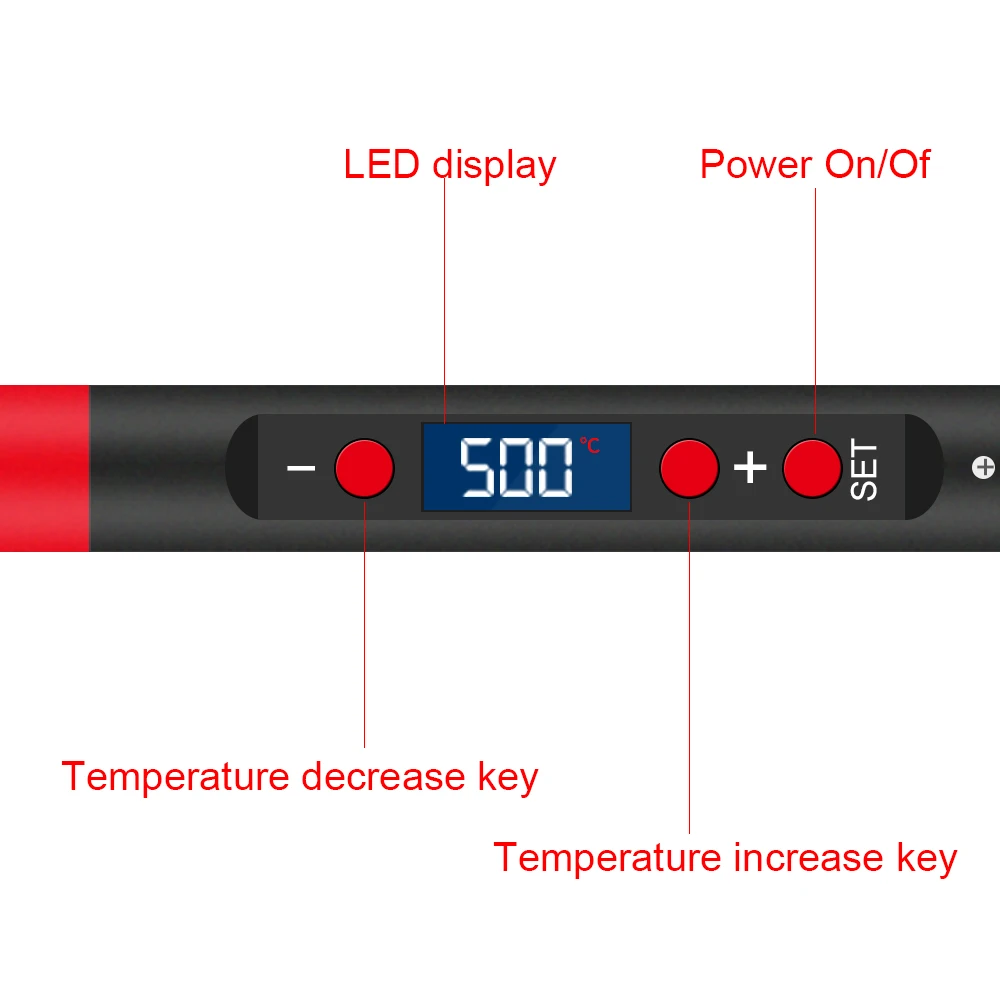
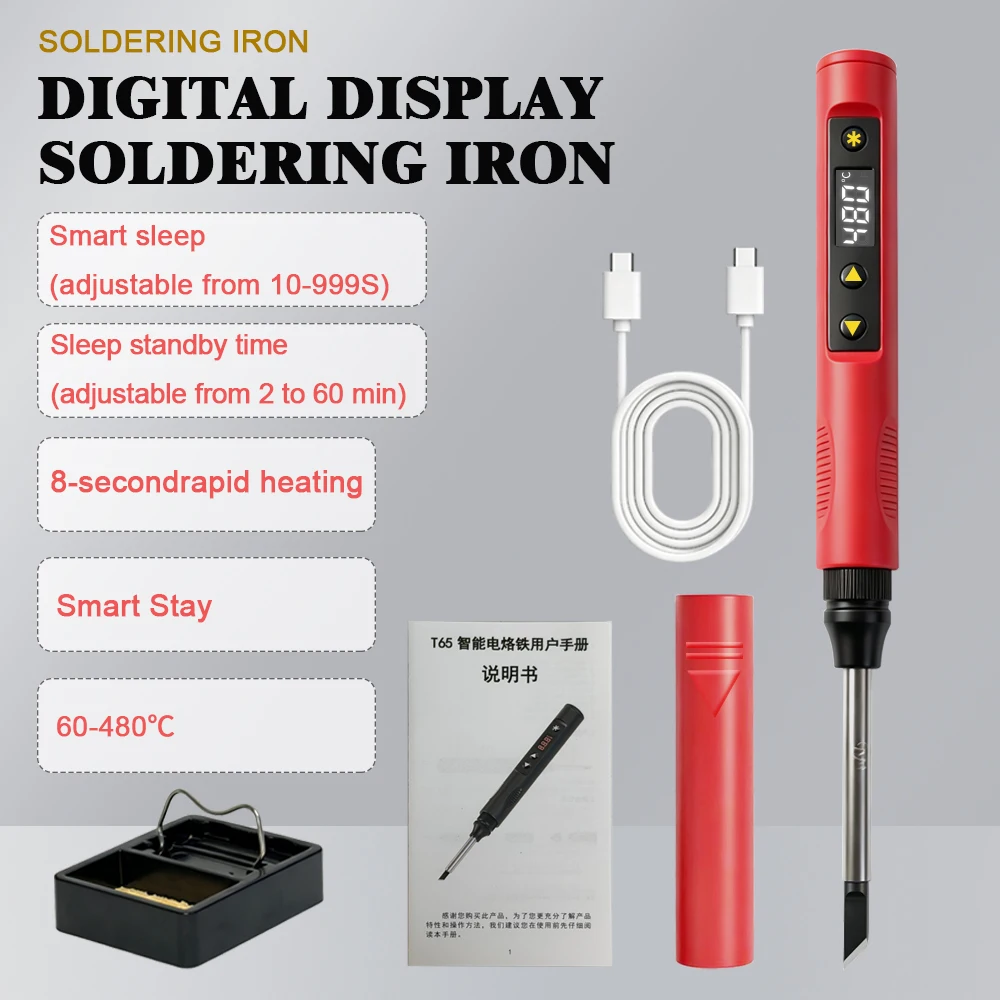
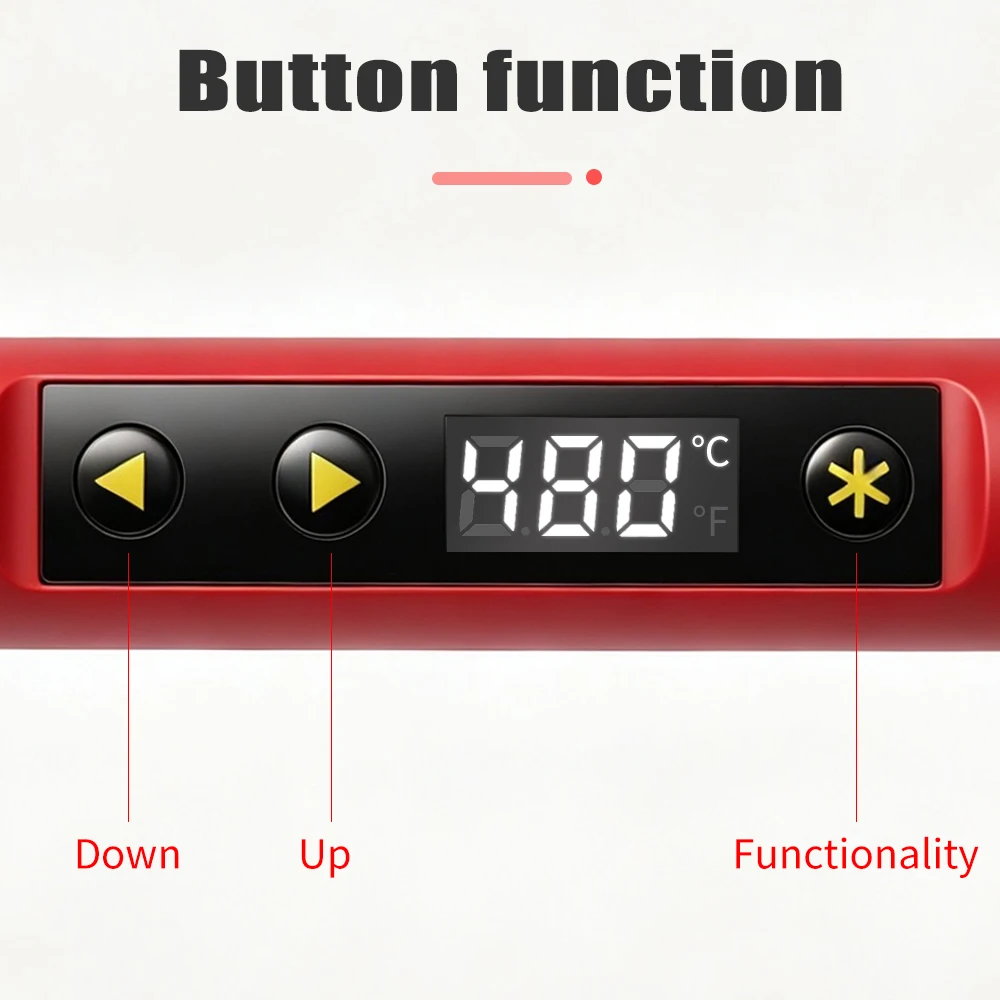
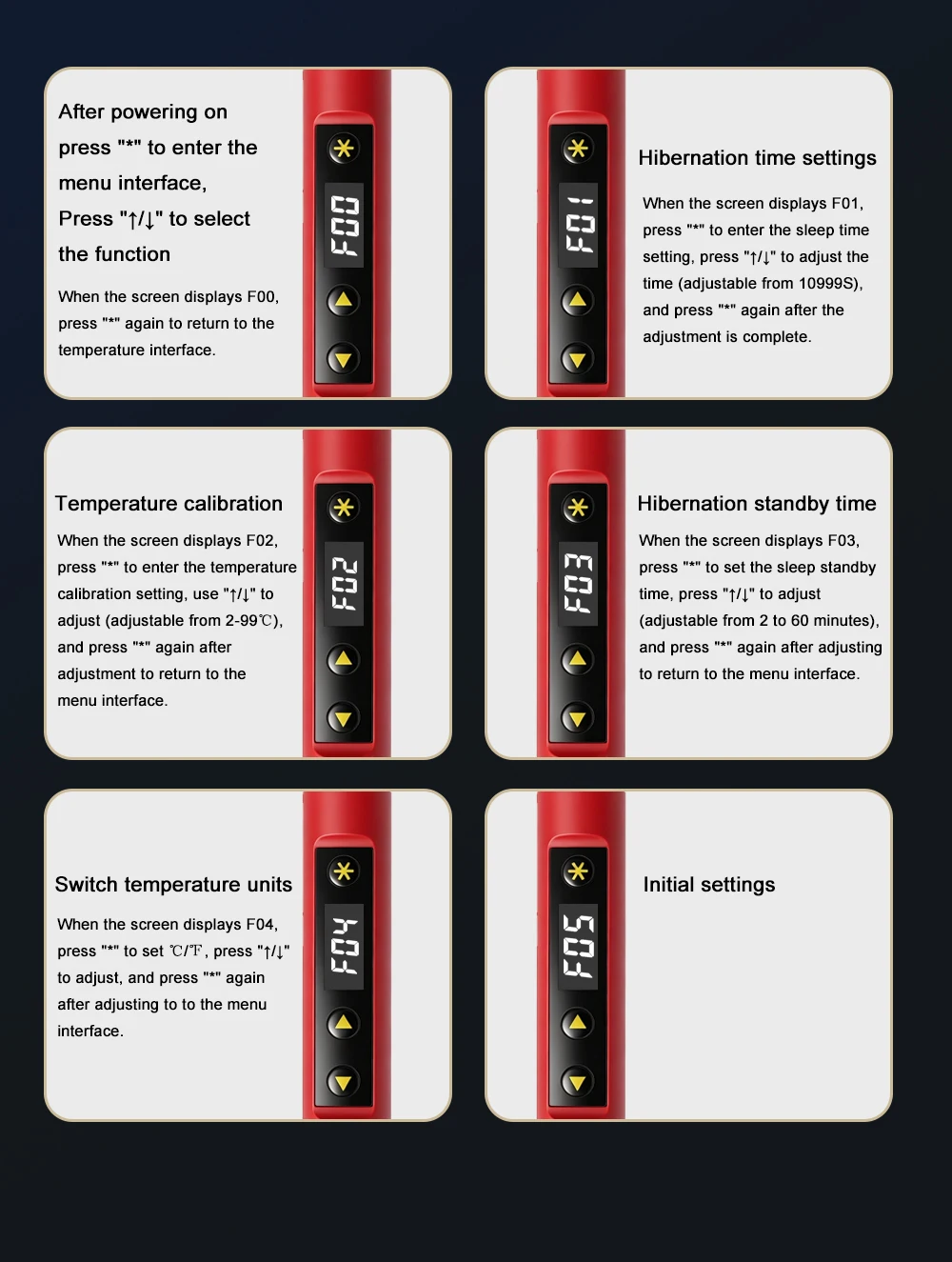
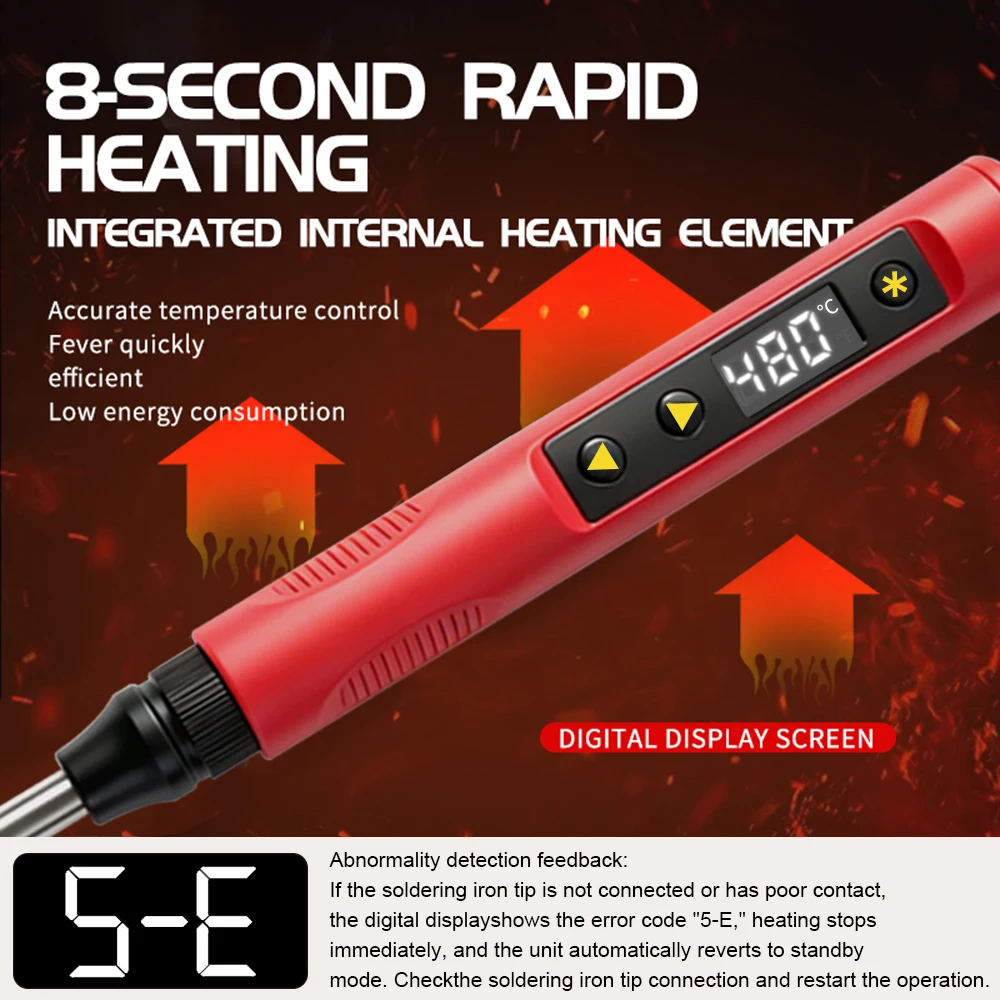
Upon power-on, it first displays "OFF." Then, press and hold the function key to enter the heating interface, followed by the main interface, with the soldering iron operating normally
state The temperature can be set directly by pressing the plus or minus keys, and the iron's status can be categorized as follows:
1. Working Status (Main Interface): Iron heating, temperature remains constant at the user-set temperature. For a period of time (Timer ①: Dormant)
If the handle is not used (no hand detection) within a certain period of time, it will enter sleep mode.
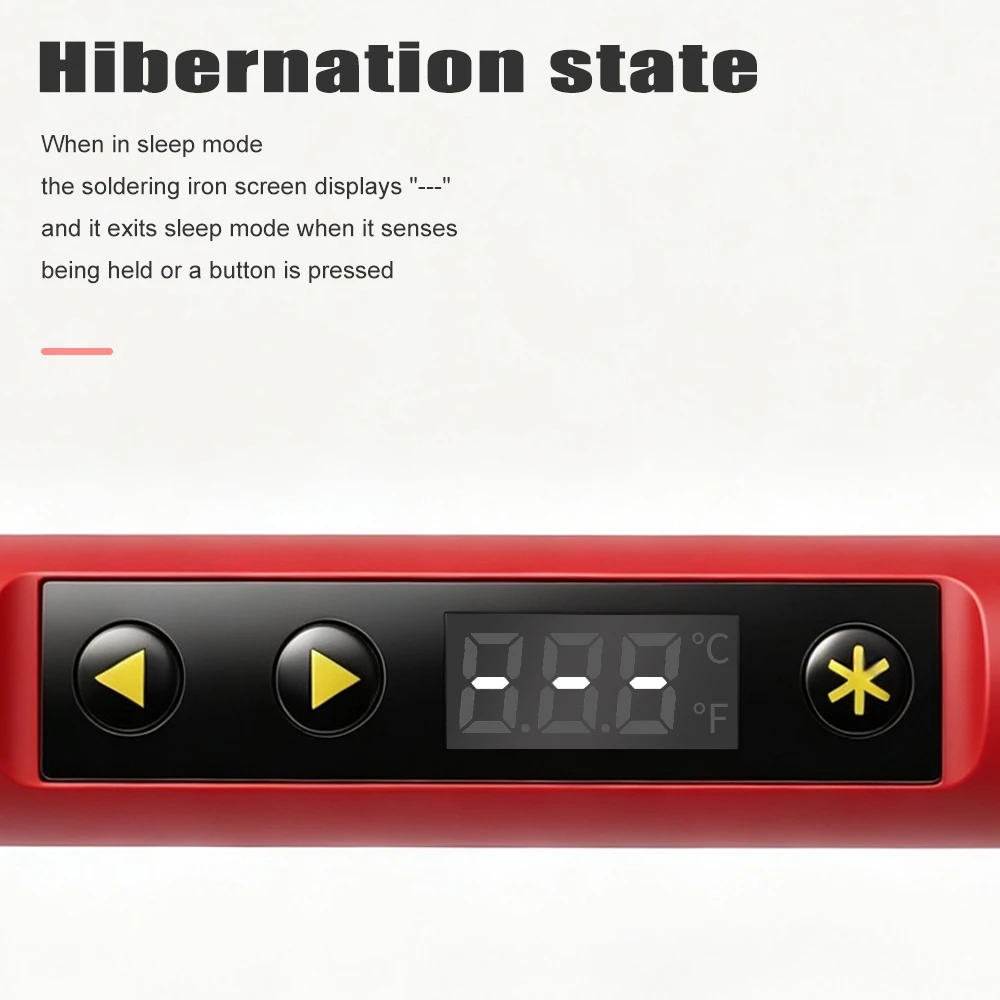
2. Sleep Mode: Displayed as (---) Iron heating, temperature remains constant at the sleep temperature (default is 200°). Detects hand presence
Hold or press the button to exit sleep mode and return to the main interface. Otherwise, after a period of time (Timer ②: Standby Time)
Then it enters standby mode.
3. Standby mode: The iron does not heat up. Similarly, holding or pressing the button exits standby mode and returns to the main interface
4. Power-off state: The soldering iron head does not heat up, displays OFF, and the power-on function key is activated
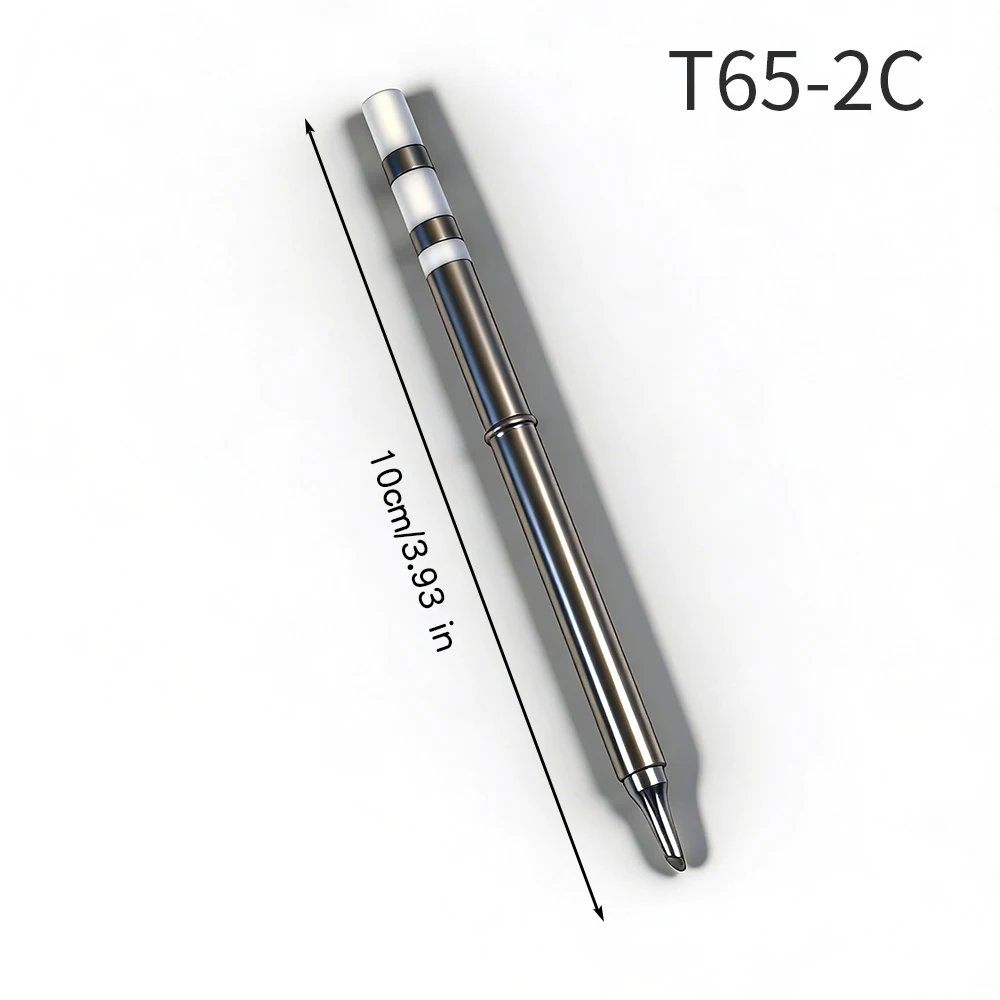
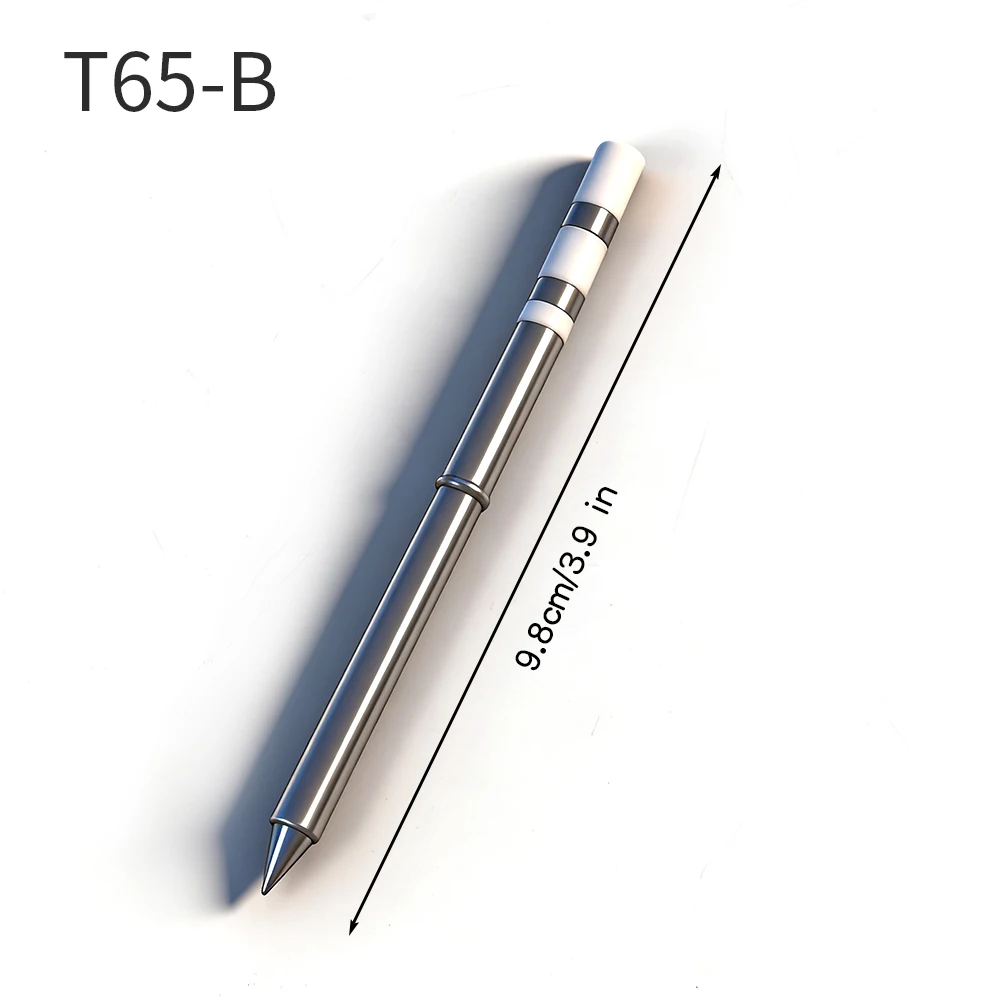
maintenance
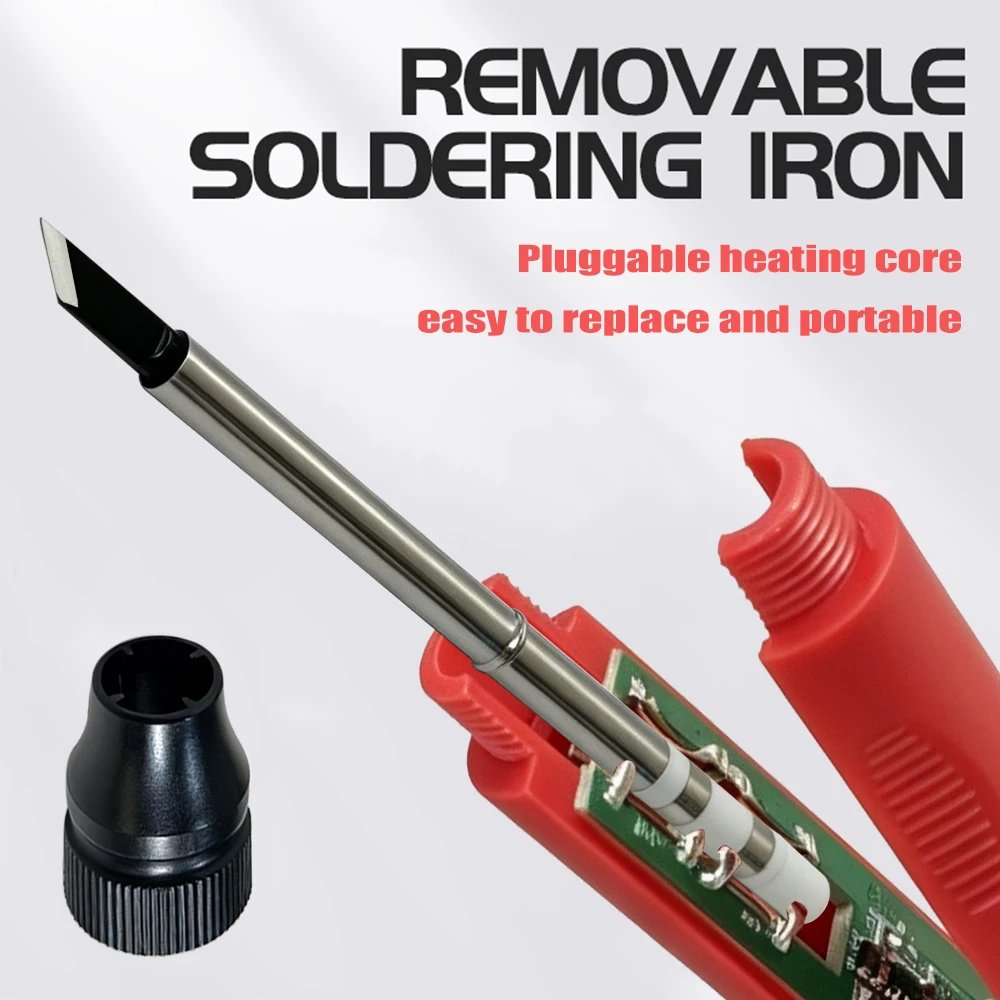
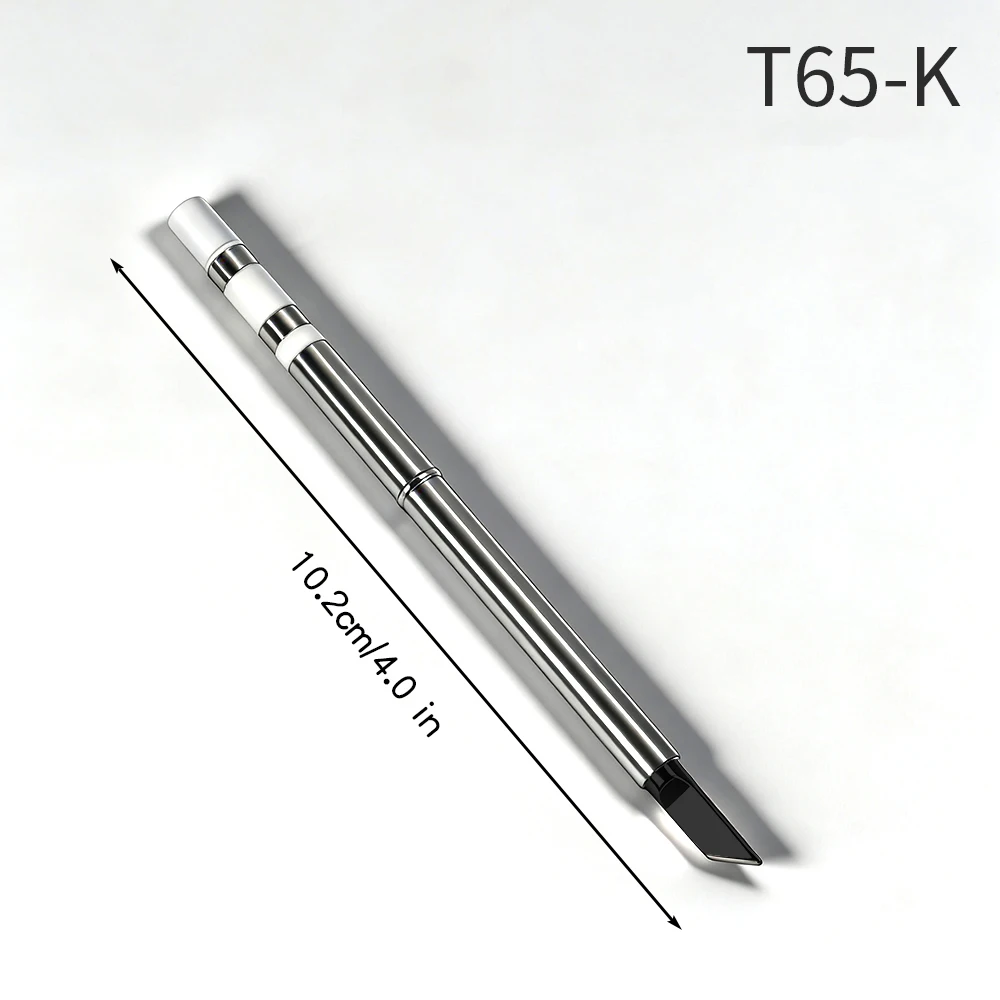
1. When using a new soldering iron tip for the first time, it needs to be heated to 250 ℃ and tinned to prevent dry burning and oxidation!
2. The new soldering iron tip may experience temperature fluctuations when used for the first time, but it will stabilize after repeated use!
3. After using the soldering iron, please apply appropriate tin to the head of the soldering iron tip to prevent oxidation.
4. The normal working temperature of the soldering iron tip is about 300 to 380 ℃. Do not use it for a long time at high temperatures (greater than 420 ℃) to avoid dryness
Burning affects the lifespan of the soldering iron tip.
5. Do not forcefully strike the soldering iron tip during welding work.
6. If the surface of the soldering iron tip is oxidized and does not adhere to tin, carefully wipe off the surface layer with a sandpaper or other tool, and then heat it up to
At 250 ℃, immediately tin the surface to prevent further oxidation.
7. When using a wet sponge, do not have any visible water. A semi dry state is best, otherwise the soldering iron tip is prone to oxidation.
8. Do not use soldering flux containing chlorine or high acidity to avoid surface corrosion.
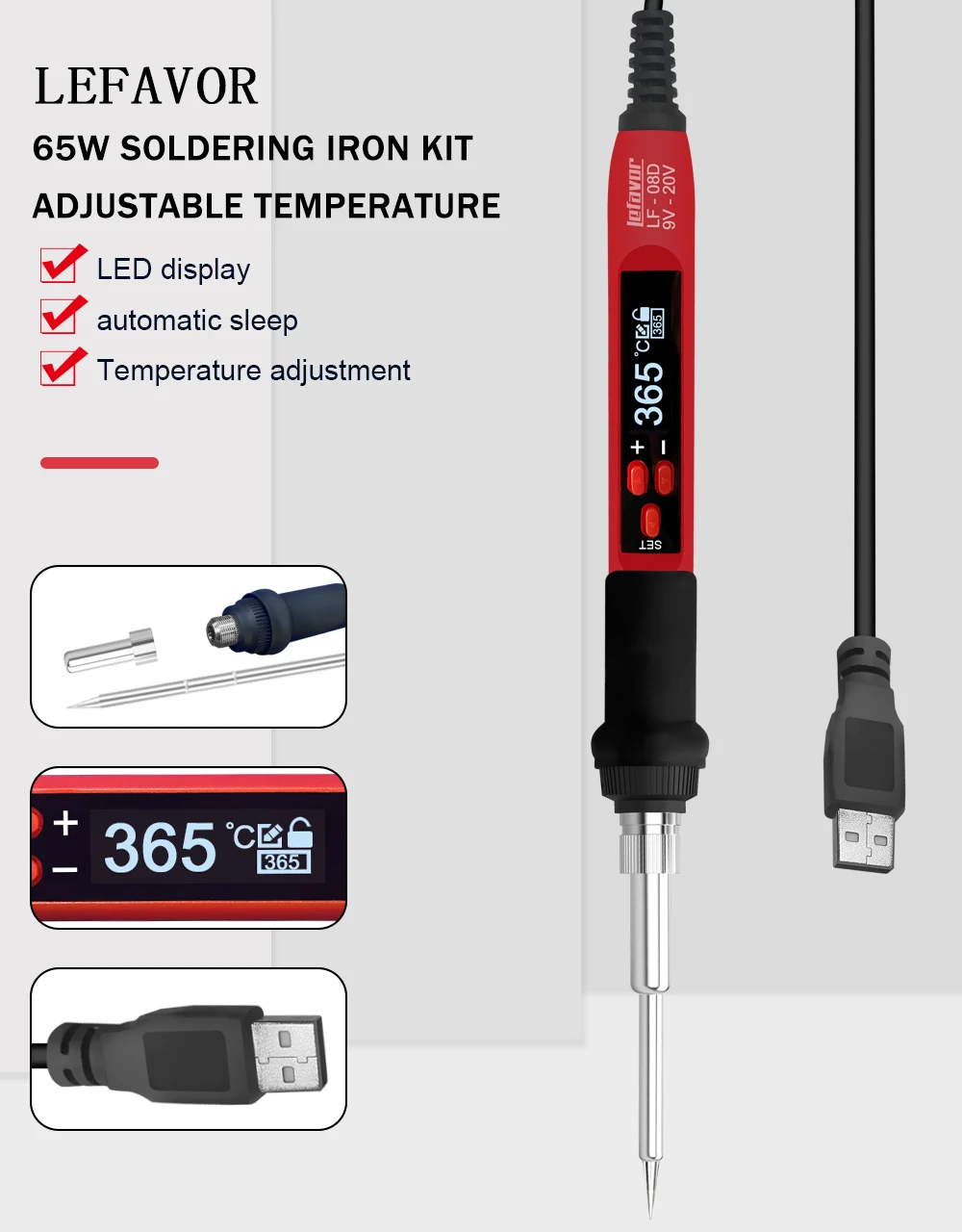
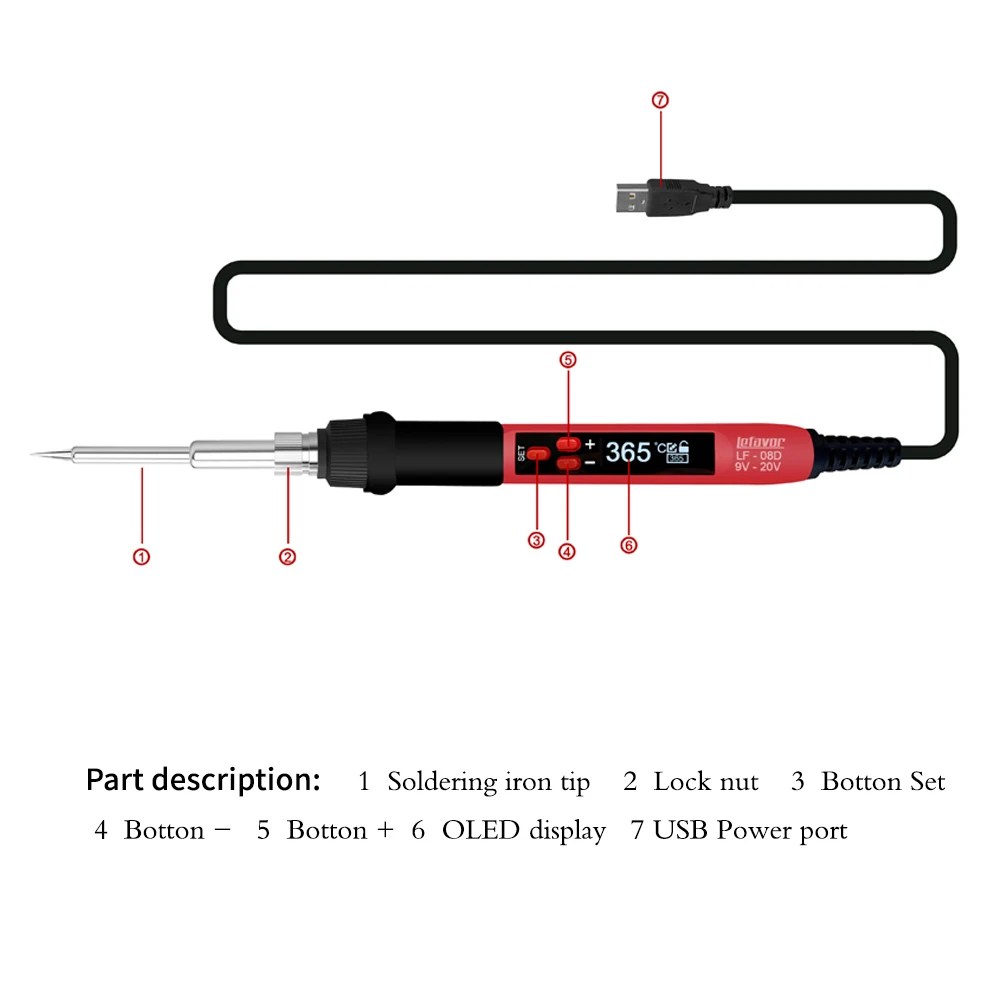
Free Shipping Over $199
- Standard Shipping: Standard Shipping (12–18 Business Days)
- Express Shipping: Expedited Shipping (5–9 Business Days)
- Free Shipping: Orders over $199 qualify automatically
- Tracking: Full tracking number provided for all orders
30-Day Return Policy
- Returns: 30-day hassle-free return window
- Condition: Items must be unused and in original packaging
- Refund: Full refund processed within 3-5 business days
Why Choose Us?
- Factory Direct: ISO/TS 16949 certified manufacturer
- Quality: 100% electrical continuity tested before shipment
- Experience: 15+ years in automotive connector industry
- Support: Professional technical support available

You may also like
Blog posts
Title
An excerpt of your blog post's content
Title
Date|Author
Subscribe to our emails
Be the first to know about new collections and special offers.