

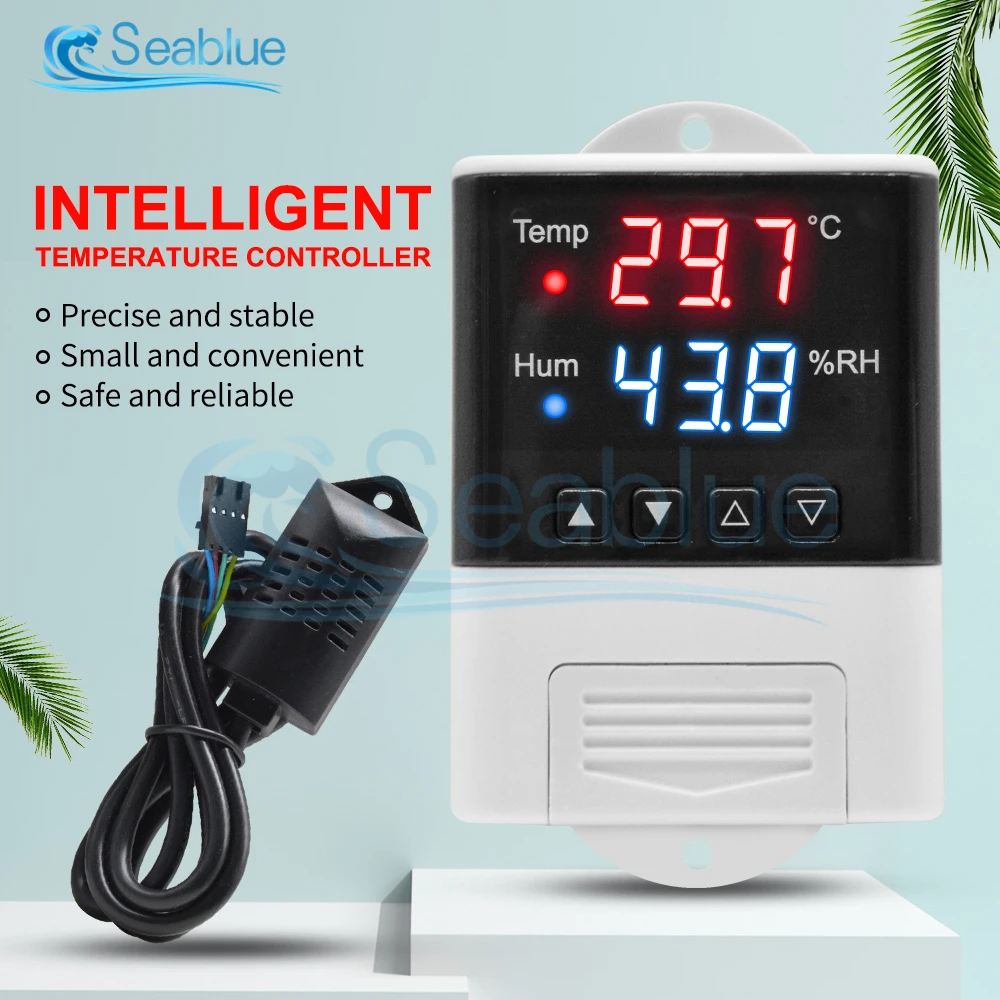
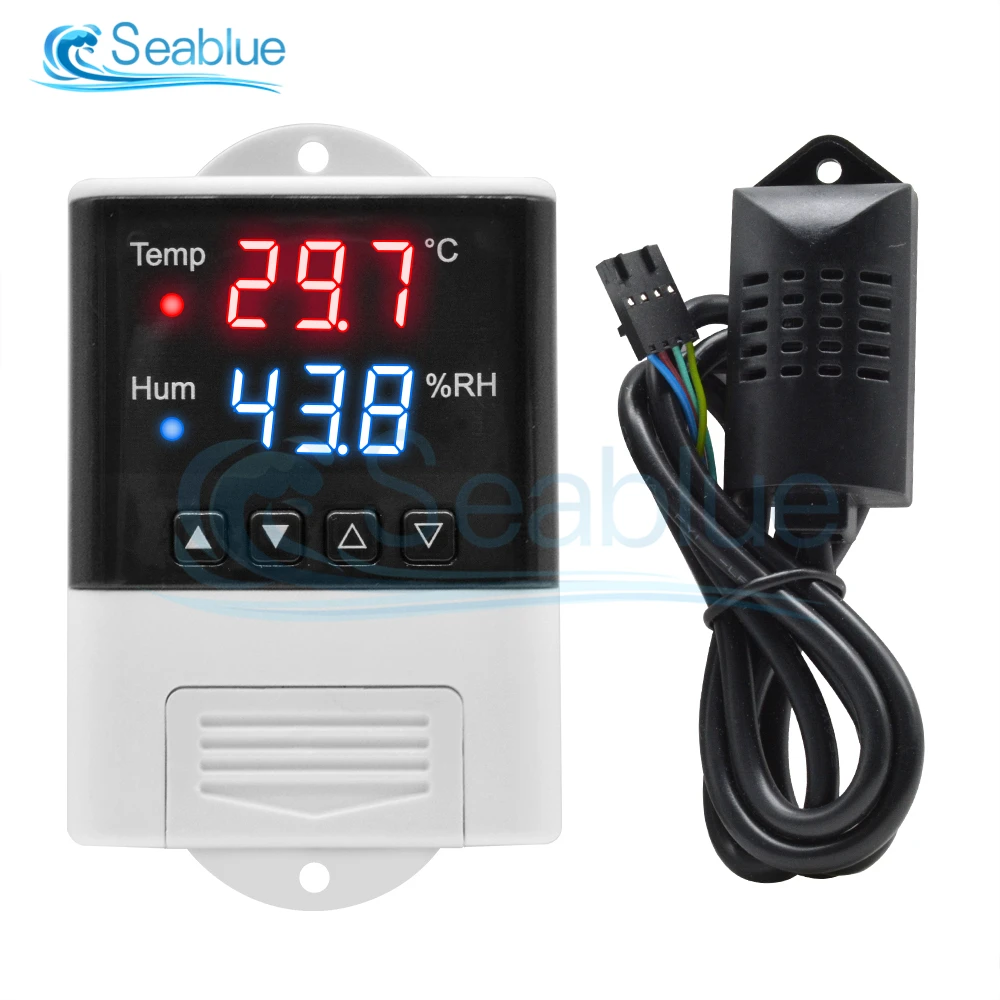
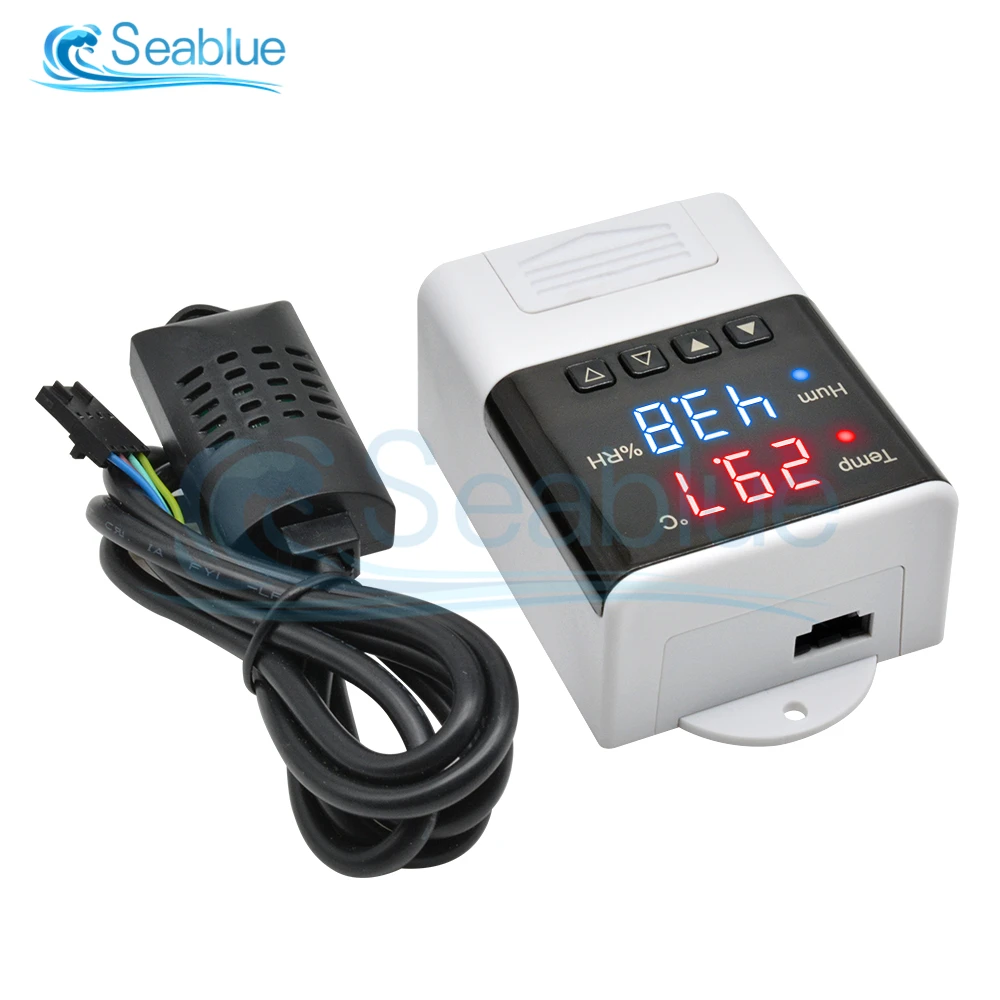
AC 110V-220V DTC3200 LED Microcomputer Intelligent Temperature and Humidity Controller Thermometer Hygrometer SHT20 Sensor Probe
Default Title
$86.54
Sale price
$86.54
Regular price
$0.00
Skip to product information


AC 110V-220V DTC3200 LED Microcomputer Intelligent Temperature and Humidity Controller Thermometer Hygrometer SHT20 Sensor Probe
$86.54
Sale price
$86.54
Regular price
$0.00
Description
SPECIFICATIONS
Battery Included: no
Brand Name: Aideepen
Cable Length: 1m
Choice: yes
Display Size: 1.9 Inches & Under
Display Type: DIGITAL
Electronic: No
High-concerned chemical: none
Is Smart Device: no
Max Measuring Temperature: 49°C & Under
Model Number: DTC3200 Temperature Humidity Controller
Origin: Mainland China
Power Type: Charger
Style: Standing and Wall Hanging
Theory: Thermometer Hygrometer
Use: Industrial
semi_Choice: yes
DTC3200
Specification:
Product Name: Temperature and Humidity Controller
Product model: DTC3200
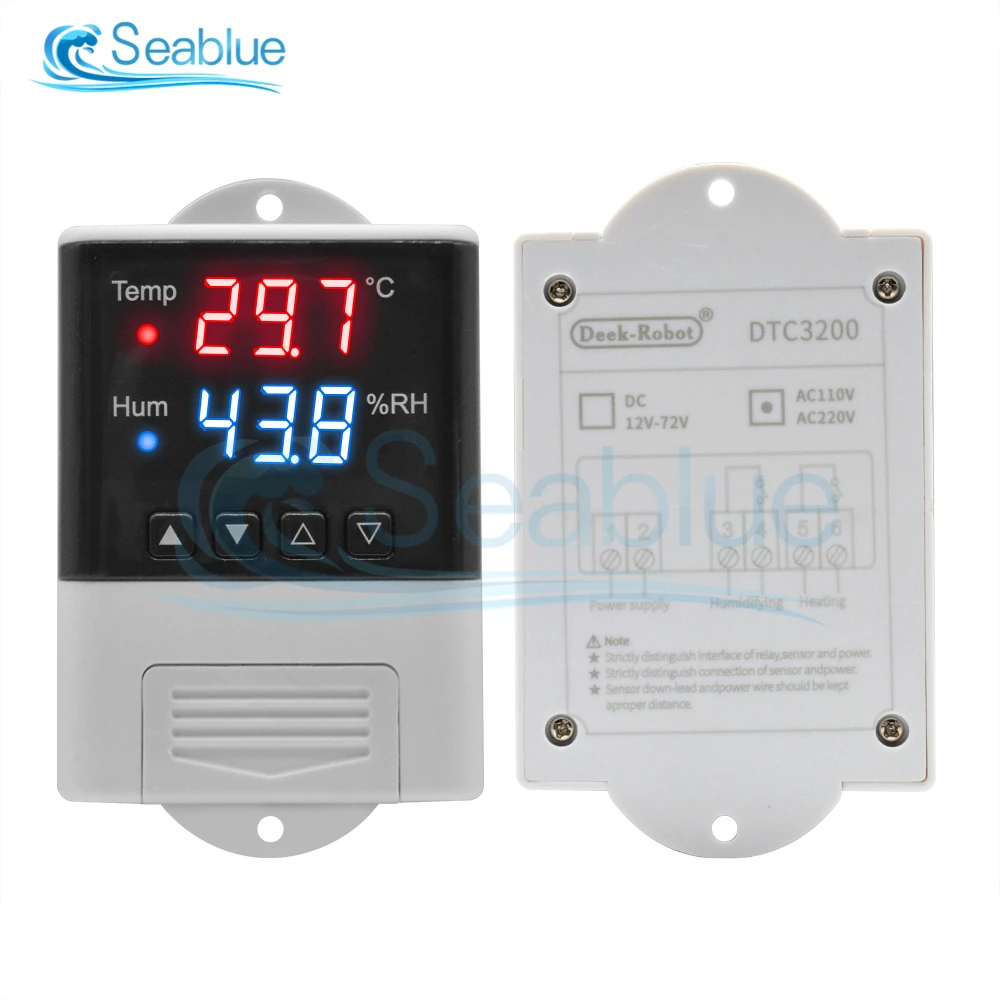
Power supply voltage: AC 110 -230V
Power supply frequency: 50 / 60Hz
Sensor Probe Length: 1m
Sensor Probe Type: SHT20
Temperature measurement range: -20 -60 ℃
Humidity measurement range: 0% -100% RH
Temperature measurement accuracy: 0.3 ℃
Humidity measurement accuracy: 3%
Output control: Relay output
Output power: MAX 10A
Size: 93*56*34mm
Setting:
Setting method: start value stop value (the program automatically determines the working mode to be cooling / dehumidifying mode)
Heating / cooling mode setting
Setting method: setting (starting temperature): long press the ▲ button, the starting temperature flashes, and the starting temperature value is set by the ▲ ▼ button
Setting (stop temperature): long press the ▼ button to stop the temperature flashing, set the stop temperature value by ▲ ▼ button
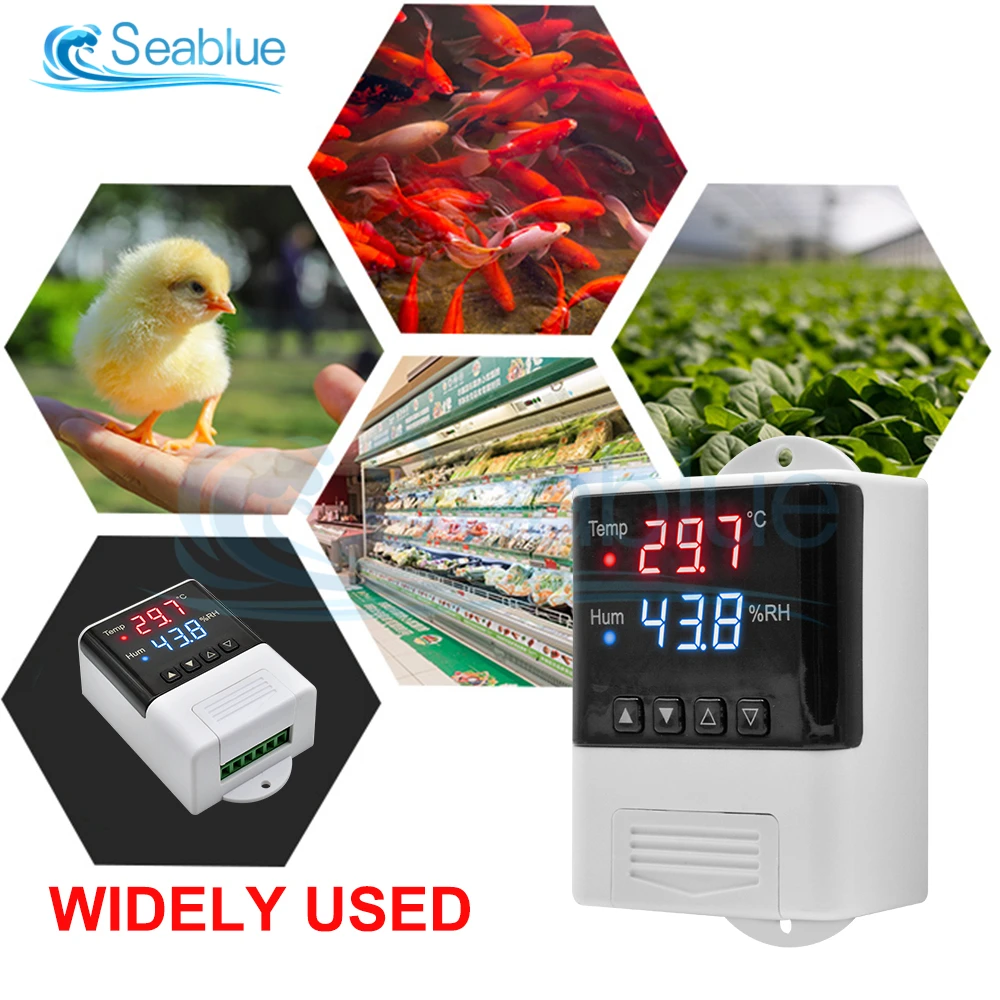
Heating use case: control the water heater, heating to 65 ℃ to stop, the temperature drops to 50 ℃ to start heating again
The first step: heating working mode, start temperature stop temperature
Step 2: Press and hold the ▲ button, the starting temperature flashes, and set the starting temperature to 30 ℃ via the ▲ ▼ button
Step 3: Press and hold the ▼ button to stop the temperature flashing, and set the stop temperature to 26 ° C with the ▲ ▼ button. The setting is complete!
Humidification / dehumidification mode settings:
Setting (Start Humidity): Long press the △ key, the start humidity value flashes, and set the start humidity value with the △ ▽ key. Set [Stop Humidity]: Long press the △ key, stop the humidity value flashing, and set the stop humidity with the △ ▽ key value.
Examples of humidification: Fresh supermarket humidification, control humidifier 50% RH to start humidification, humidification to 80% RH to stop humidification.
Setup steps:
Step 1: Press and hold the △ key for 3 seconds to start the humidity value flashing, and set the start humidity value to 50% RH.
Step 2: Press and hold the ▽ key for 3 seconds to stop the humidity value flashing, set the value to 80% RH, the setting is completed, press the button for 5 seconds without operation, and automatically return to the normal display state
Dehumidification example: workshop control exhaust dehumidification system, humidity 70% RH starts dehumidification, humidity 40% RH stops dehumidification
Setup steps:
Step 1: Press and hold the △ key for 3 seconds to start the humidity value flashing, and set the start humidity value to 40% RH.
Step 2: Press and hold the ▽ key for 3 seconds to stop the humidity value from flashing, set the value to 70% RH, the setting is completed, press the button for 5 seconds without operation, and automatically return to the normal display state
Temperature correction:
Simultaneously press the ▲ ▼ key for 3 seconds to start the temperature digit flashing, and use the ▲ ▼ key to set the start temperature correction value; after the setting is completed, press the button for 5 seconds without operation, and automatically return to the normal display state.
Humidity correction:
Simultaneously press the △ ▽ key for 3 seconds to start the humidity digit flashing, and set the humidity correction value by the △ ▽ key; after the setting is completed, press the button for 5 seconds without operation, and it will automatically return to the normal display state.
Package Included:
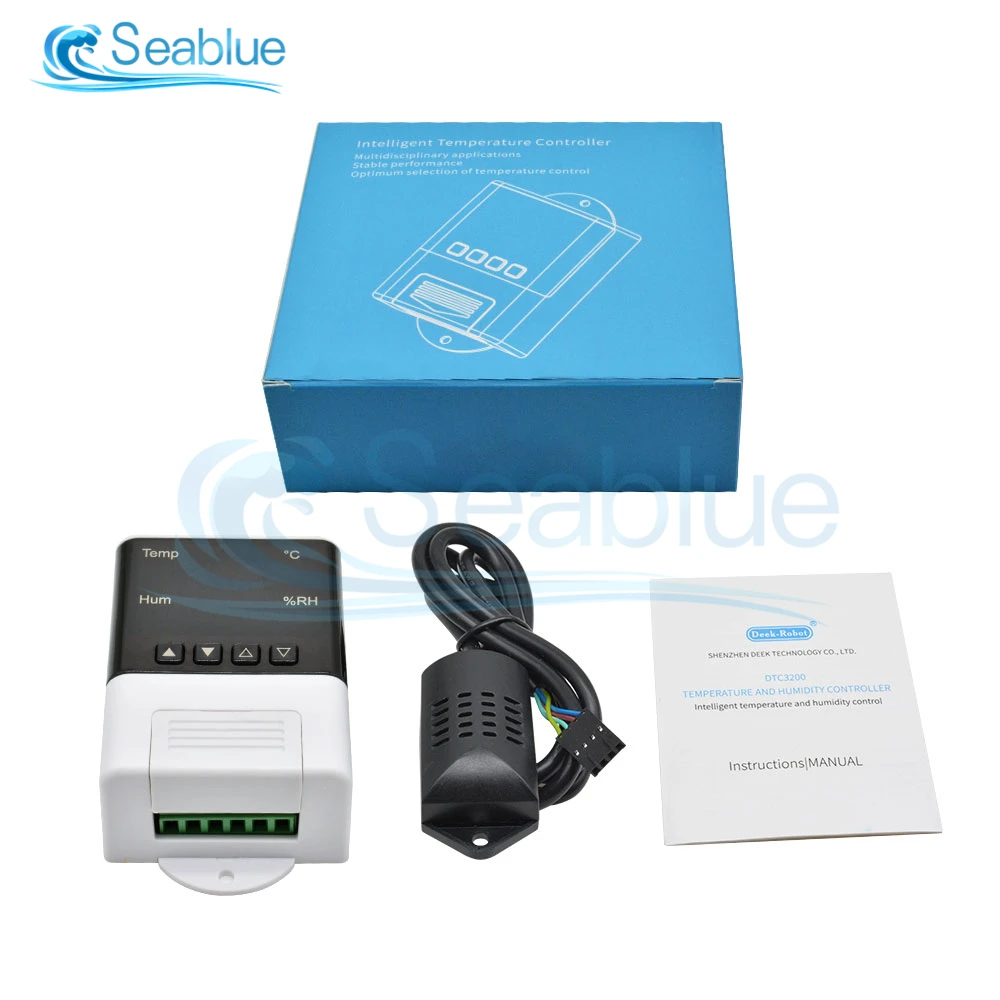
1 * DTC3200 Thermometer Hygrometer
1 * SHT20 Sensor Probe
1 * Manual
Note:
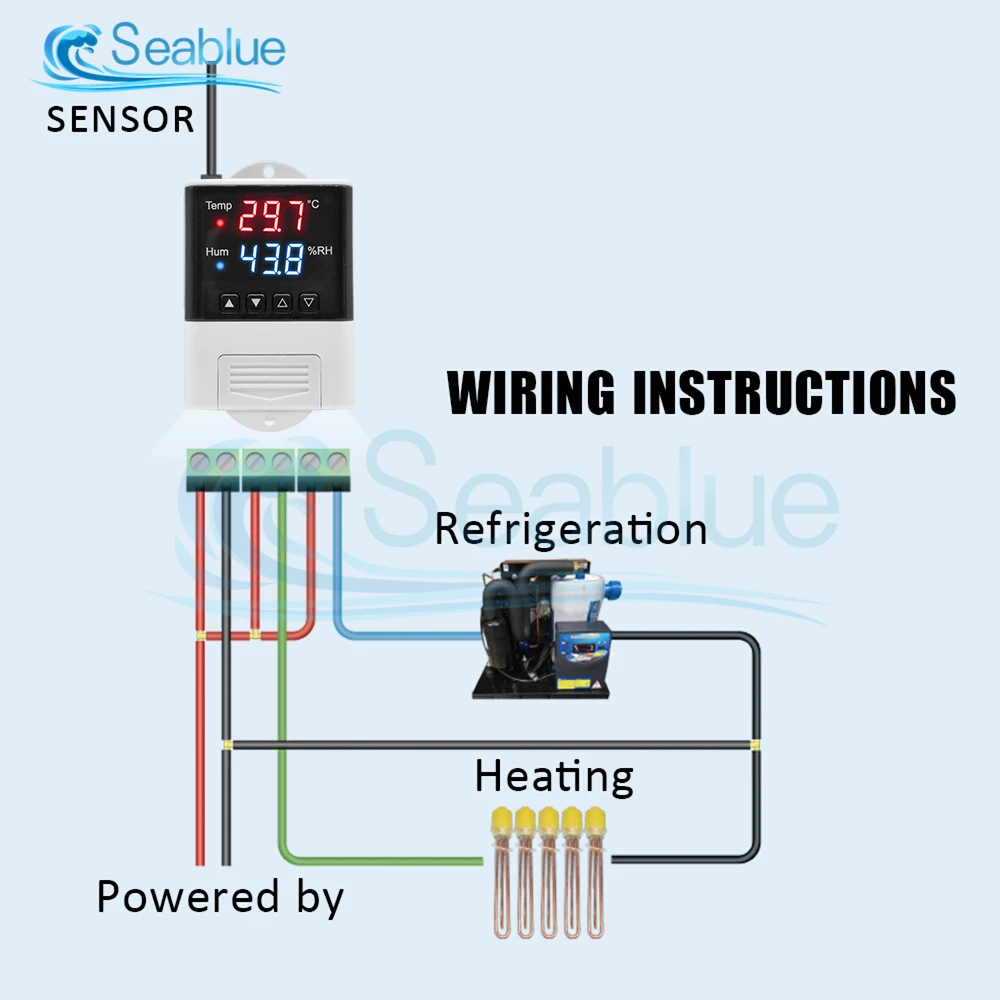
If the temperature and humidity display LLL, please confirm whether the wiring of the SHT20 digital temperature and humidity sensor is correct, whether there is poor contact, you can try to reconnect the wiring.

Free Shipping Over $199
- Standard Shipping: Standard Shipping (12–18 Business Days)
- Express Shipping: Expedited Shipping (5–9 Business Days)
- Free Shipping: Orders over $199 qualify automatically
- Tracking: Full tracking number provided for all orders
30-Day Return Policy
- Returns: 30-day hassle-free return window
- Condition: Items must be unused and in original packaging
- Refund: Full refund processed within 3-5 business days
Why Choose Us?
- Factory Direct: ISO/TS 16949 certified manufacturer
- Quality: 100% electrical continuity tested before shipment
- Experience: 15+ years in automotive connector industry
- Support: Professional technical support available

You may also like
Blog posts
Title
An excerpt of your blog post's content
Title
Date|Author
Subscribe to our emails
Be the first to know about new collections and special offers.