

CC1101 NRF24L01 2-in-1 Module with Case for M5Stack Cardboard ADV Suitable for Bruch firmware
Brown
$215.10
Sale price
$215.10
Regular price
$0.00
Skip to product information


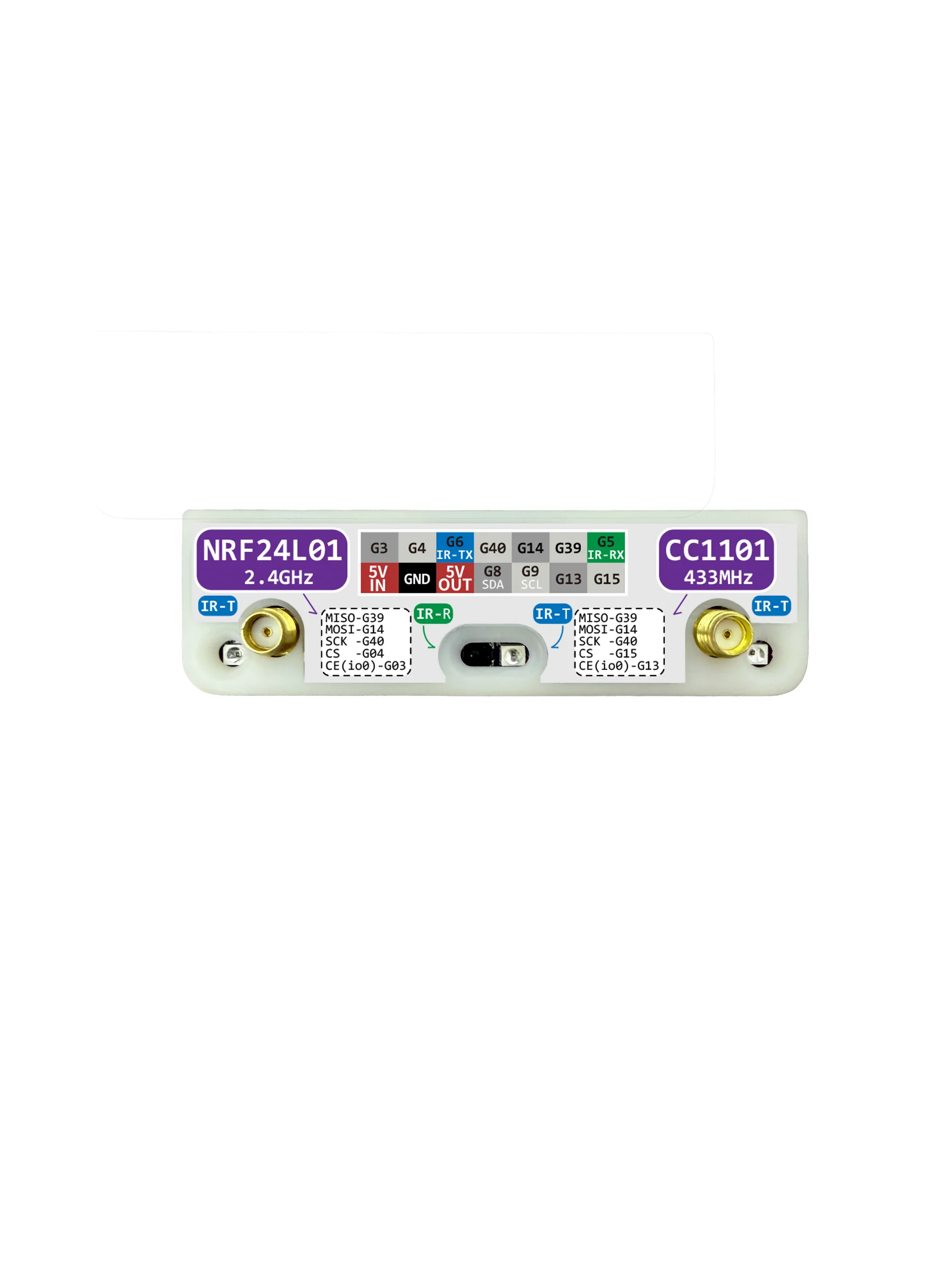


CC1101 NRF24L01 2-in-1 Module with Case for M5Stack Cardboard ADV Suitable for Bruch firmware
$215.10
Sale price
$215.10
Regular price
$0.00
Description
SPECIFICATIONS
Brand Name: NONE
DIY Supplies: Electrical
Electronic: No
High-concerned chemical: none
Origin: Mainland China
Introduction to M5Stack Cardputer ADV Multi functional Expansion Accessories
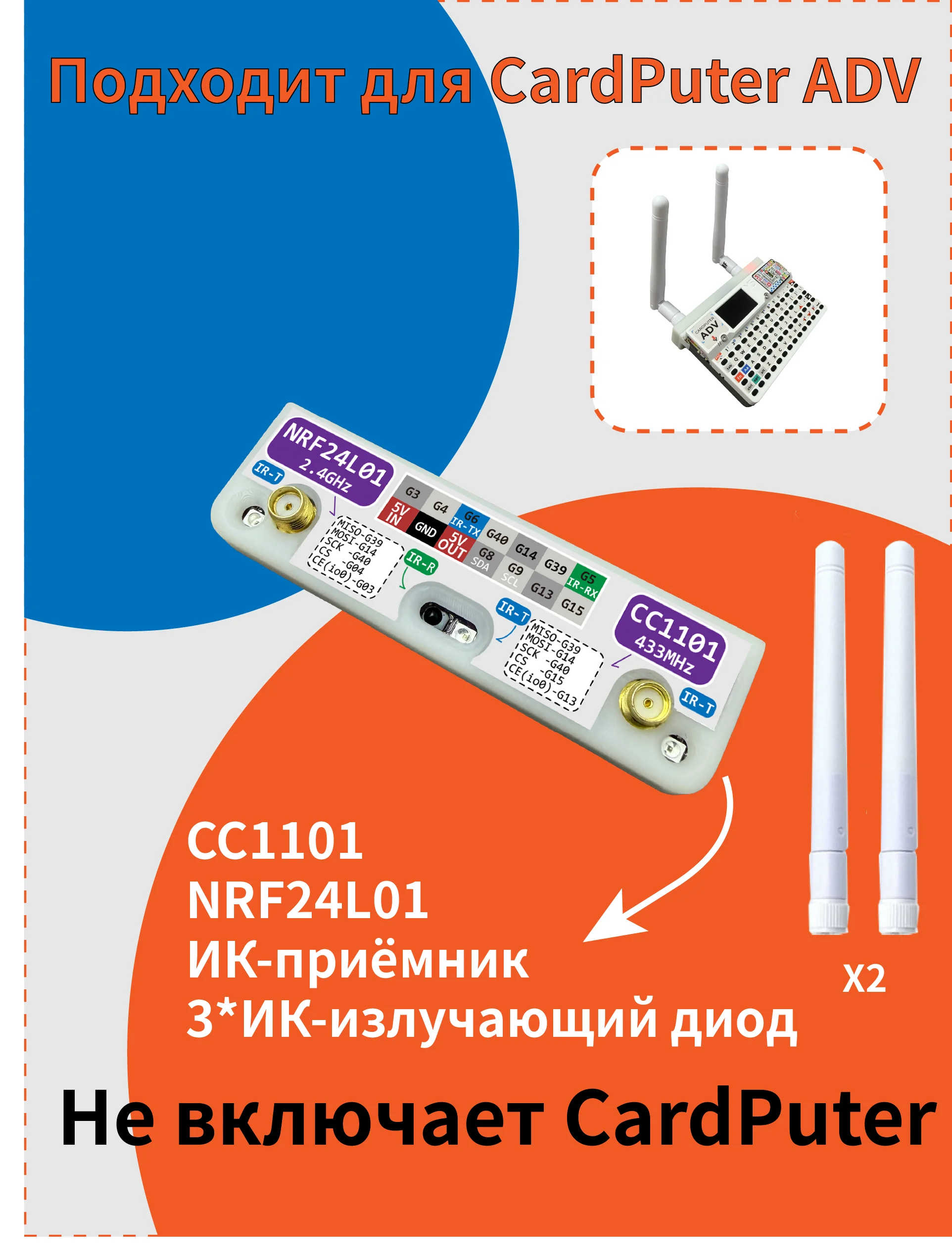
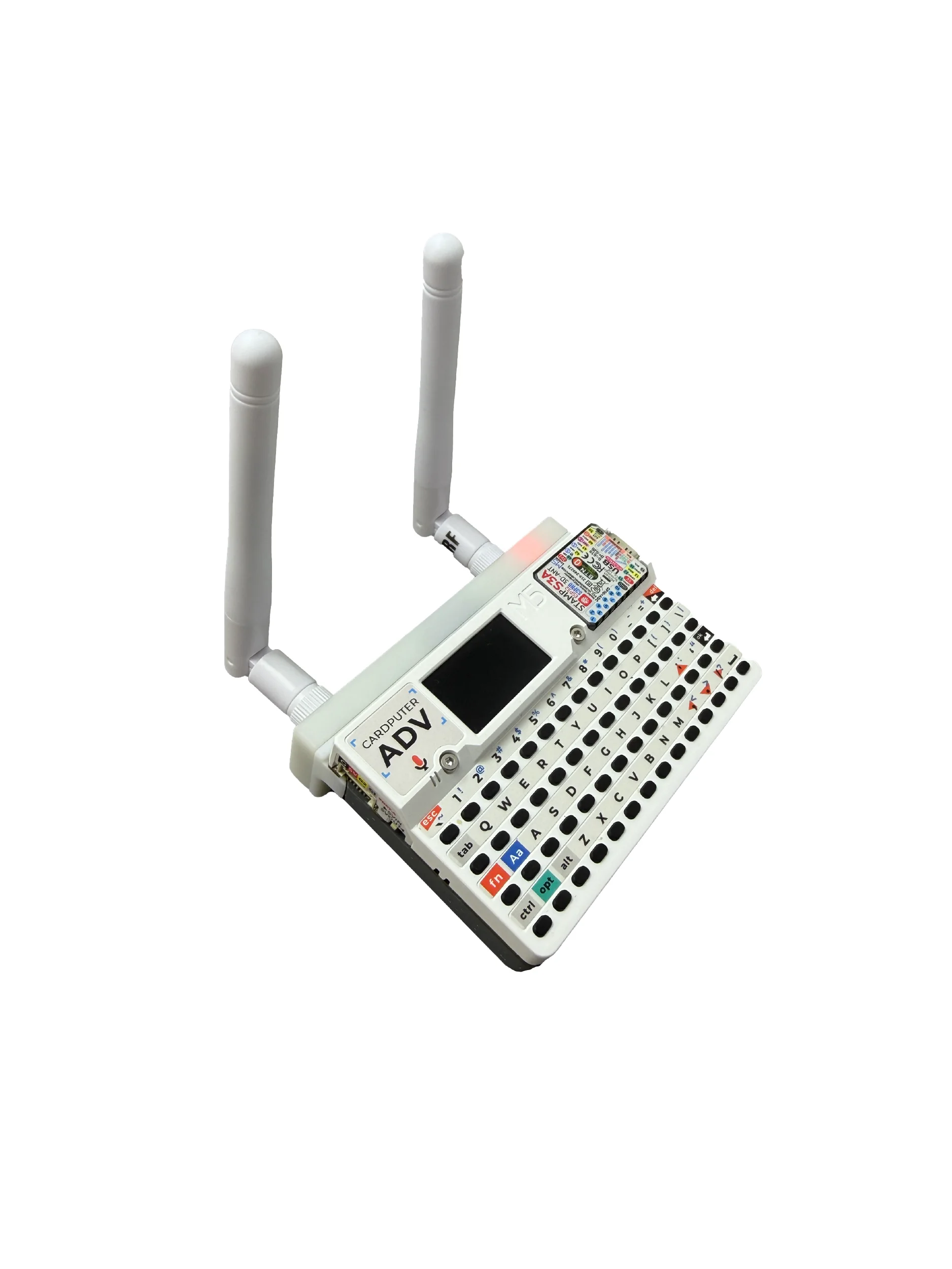
This is a multifunctional expansion accessory suitable for M5Stack Cardputer ADV, integrating CC1101, NRF24L01, 3 infrared emission tubes, and 1 infrared reception tube. It can be used for wireless communication testing, infrared remote control learning and emission, hardware development, and other scenarios.
The accessory integrates CC1101 wireless module, 2.4GHz wireless module, and infrared transceiver function together, making it more convenient to use and reducing the trouble of external modules and wiring.
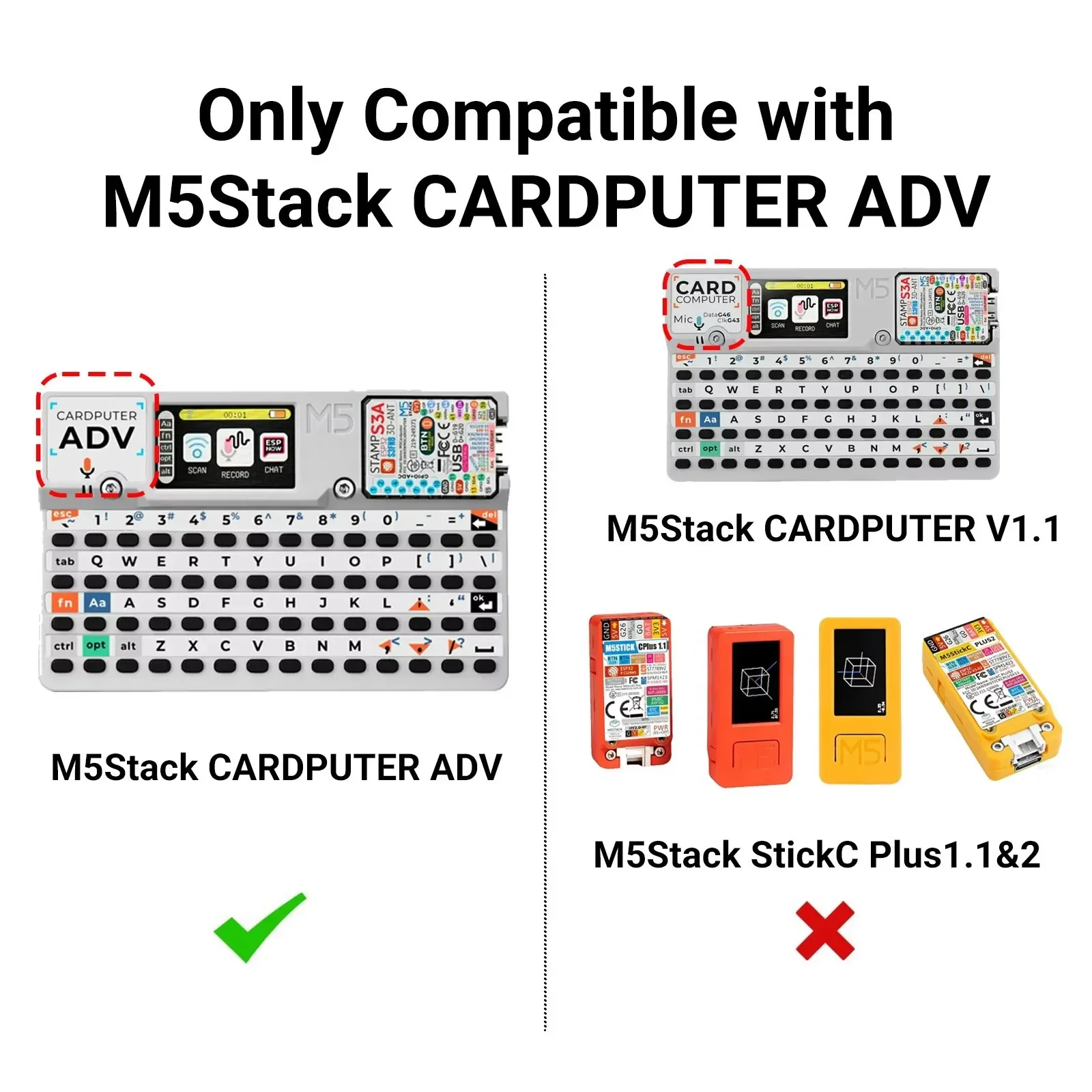
Main function 1: Integrate CC1101 wireless module, which can be used for sub GHz wireless communication testing and development. 2. Integrated NRF24L01 2.4GHz wireless module, suitable for short-range wireless communication applications. 3. Equipped with 3 infrared emission tubes, the emission angle is wider and the intensity is higher, which can improve the distance and success rate of infrared remote control. 4. Equipped with one infrared receiver tube, it can be used for infrared signal reception, learning, and analysis. 5. Suitable for M5Stack Cardputer ADV. 6. Can be used in conjunction with Bruce firmware.
If you need to use this accessory in the Bruce firmware, you need to modify the pin configuration file first.
Operation steps:
1. Go to: Files>WebUI in Bruce firmware
2. Open the WebUI file management page, select the connection method, and enter the configuration modification interface through the corresponding IP address.
3. Find and modify: brucePins
4. Modify the corresponding settings based on the actual pin configuration of this product.
5. Save and restart the device for the configuration to take effect.
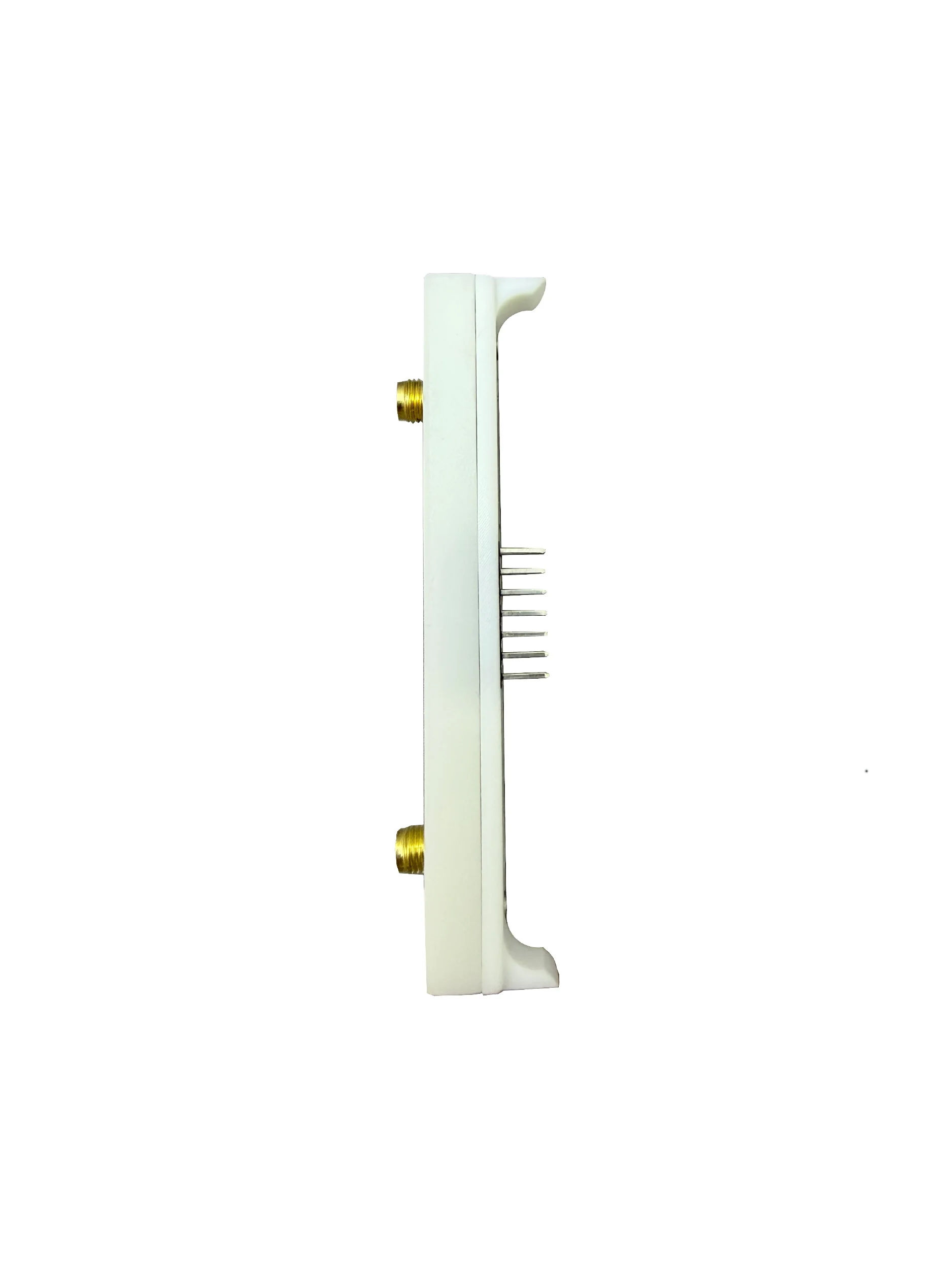
Note 1: Please confirm that the installation direction of the accessories is correct before use. 2. After modifying Bruce Pins, it is recommended to restart the device. 3. If CC1101, NRF24L01, or infrared function cannot be used, please prioritize checking if the pin configuration is correct. 4. Please use wireless related functions in a legal and compliant environment.
Free Shipping Over $199
- Standard Shipping: Standard Shipping (12–18 Business Days)
- Express Shipping: Expedited Shipping (5–9 Business Days)
- Free Shipping: Orders over $199 qualify automatically
- Tracking: Full tracking number provided for all orders
30-Day Return Policy
- Returns: 30-day hassle-free return window
- Condition: Items must be unused and in original packaging
- Refund: Full refund processed within 3-5 business days
Why Choose Us?
- Factory Direct: ISO/TS 16949 certified manufacturer
- Quality: 100% electrical continuity tested before shipment
- Experience: 15+ years in automotive connector industry
- Support: Professional technical support available

You may also like
Blog posts
Title
An excerpt of your blog post's content
Title
Date|Author
Subscribe to our emails
Be the first to know about new collections and special offers.