

Tuya Alexa WIFI COB LED Strip Light Dimmable 280LEDs/M Neon Lights Waterproof Pure Silicone Tube for Kitchen Room Garden Decor
EU Plug Full Set / WHITE / 2m
$78.80
Sale price
$78.80
Regular price
$0.00
Skip to product information


Tuya Alexa WIFI COB LED Strip Light Dimmable 280LEDs/M Neon Lights Waterproof Pure Silicone Tube for Kitchen Room Garden Decor
$78.80
Sale price
$78.80
Regular price
$0.00
Description
SPECIFICATIONS
Average Life (hrs): over 50000h
Brand Name: CHNAITEKE
Certification: ce,CE
Choice: yes
Color Temp(K): 30000k/4000k/6500k
High-concerned chemical: none
Is Batteries Included: no
Is Smart Device: Yes
Item Type: Strip
LED Chip Model: cob
LEDs Number/M: 280
Luminous Flux: 2000-82000
Model Number: wifi led strip
Nominal Voltage: 24V
Occasion: Bedroom
Origin: Mainland China
Power Generation: Switch
Power Source: DC
Specifications (light beads / m): 280
Strip type: COB
Voltage: 24v
Waterproof: Yes
Specification:
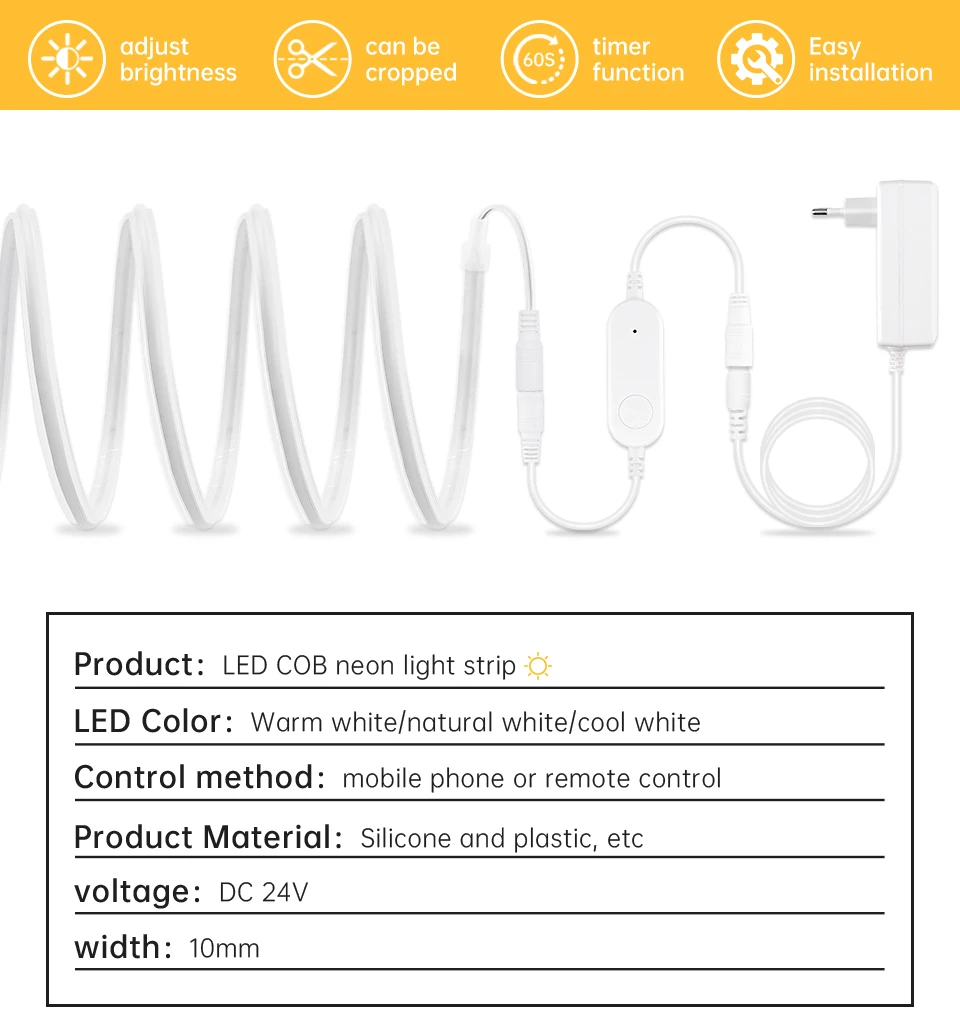
Type: WiFi COB LED Neon light Strip
Input Voltage:DC24V
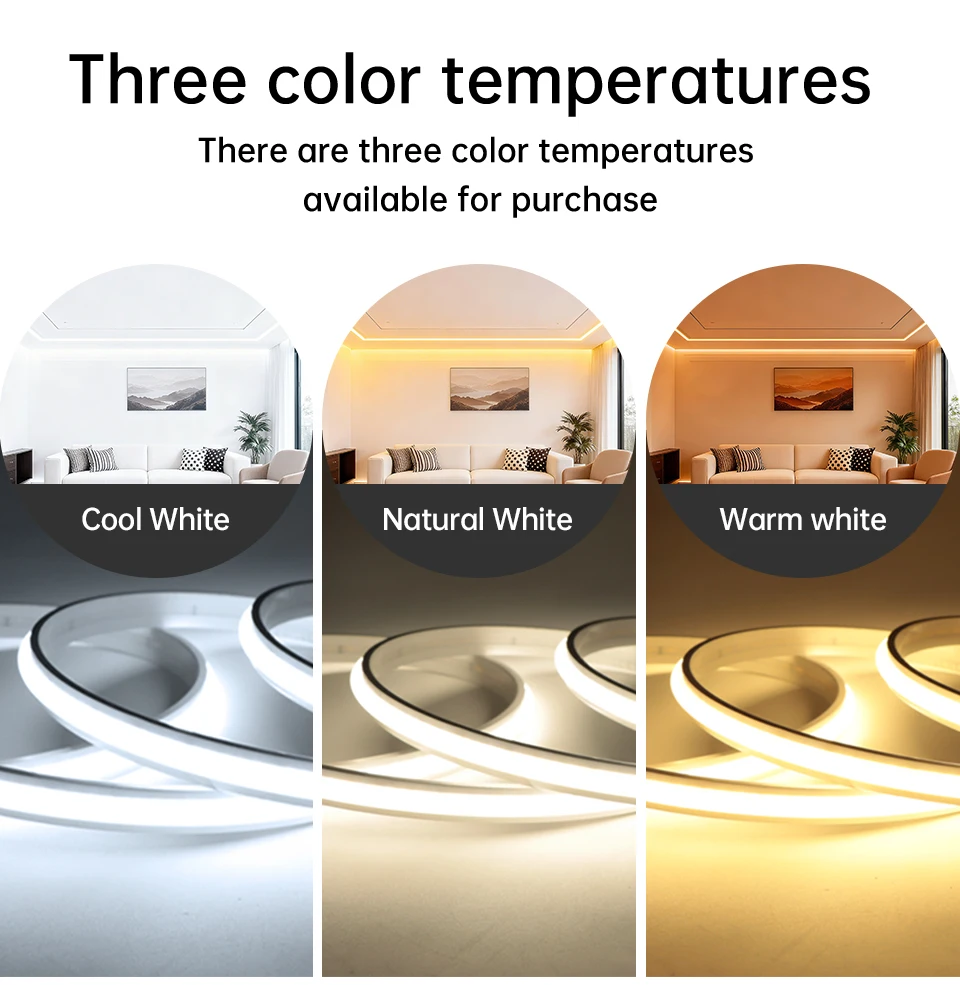
Light Color:Warm White/White/Natrual White
Color temperature: Warm White(3000K), Natural White(4000K), Cool White(6500K)
LED type: COB
LED QTY: 280LEDs/M
Length: 2M/3M/5M/10M
App: Tuya or Smart Life
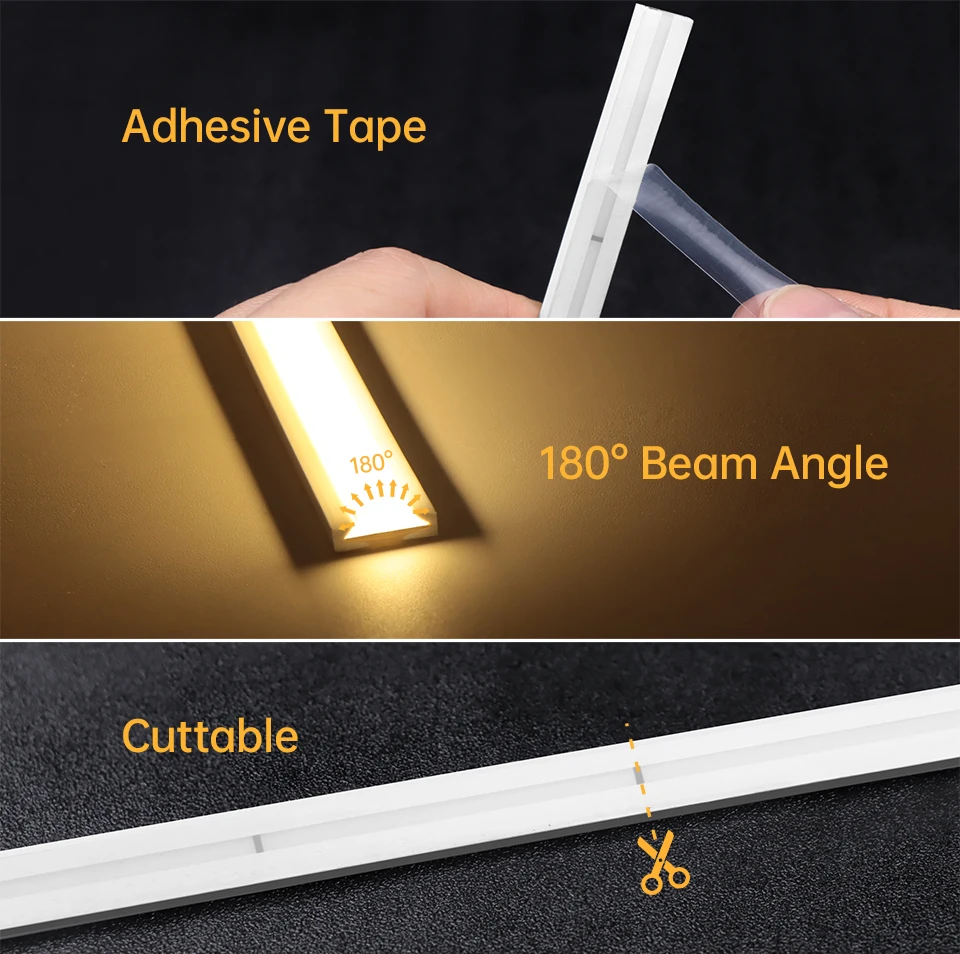
Width : 9MM
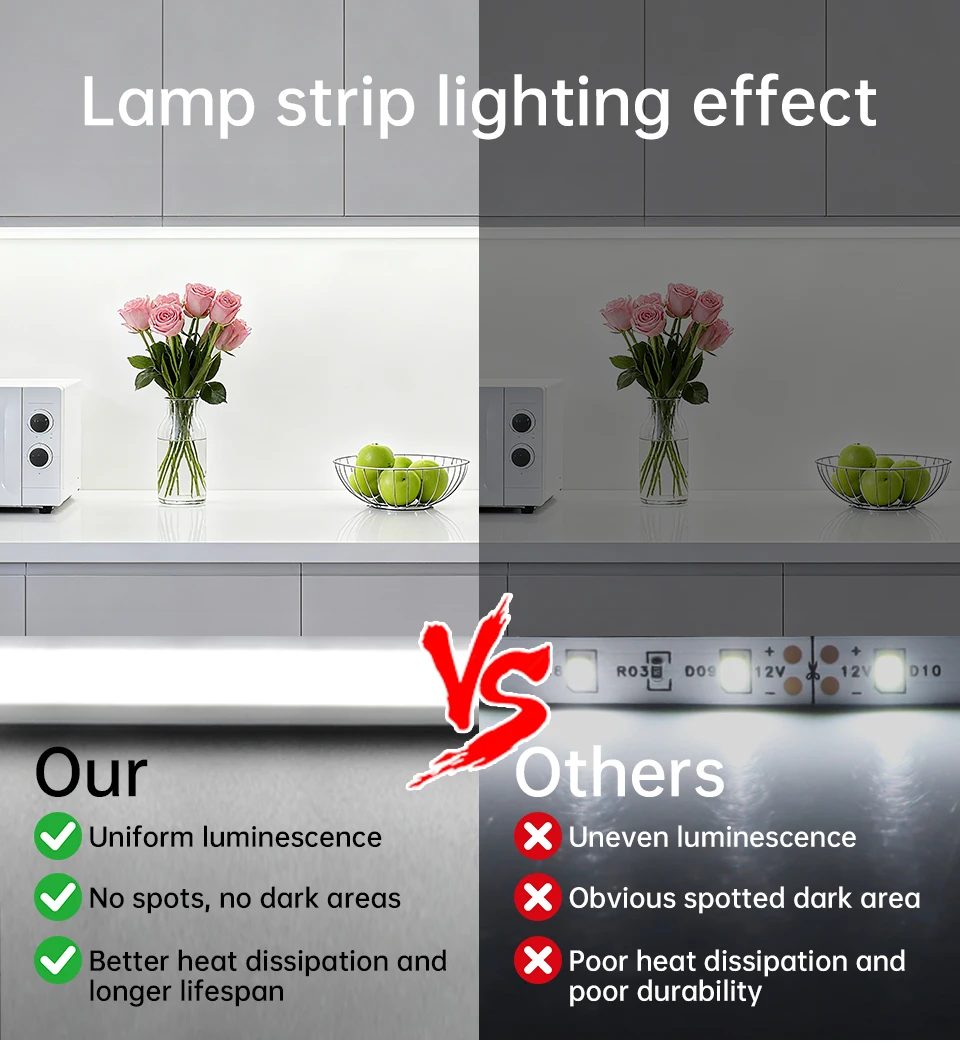
Material: 100% pure silicone tube (fireproof and waterproof)
Power:9W/M
Features:
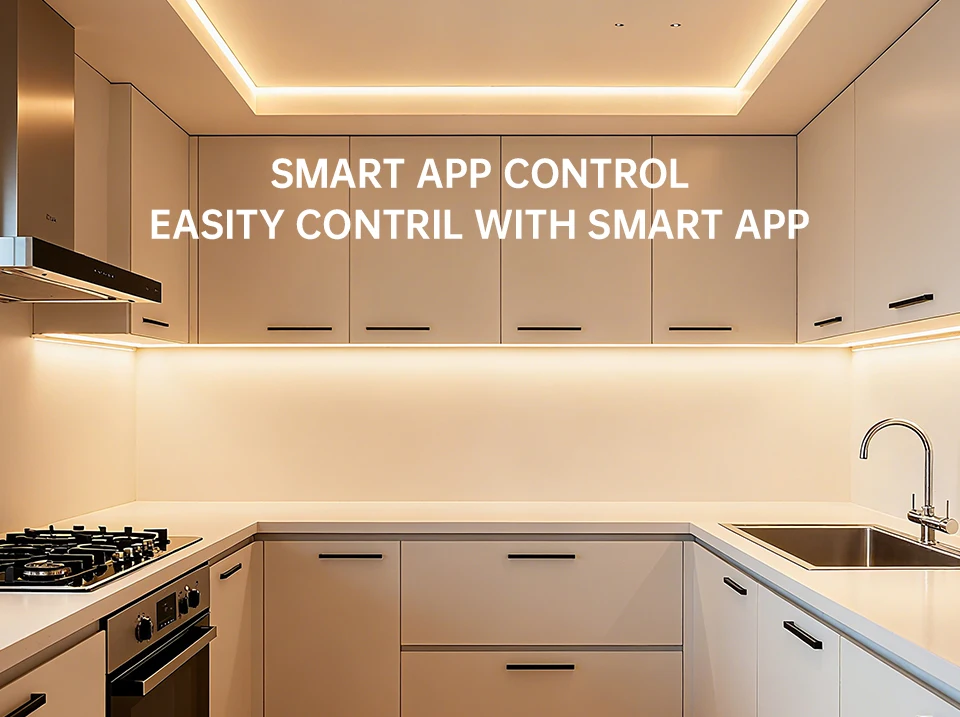
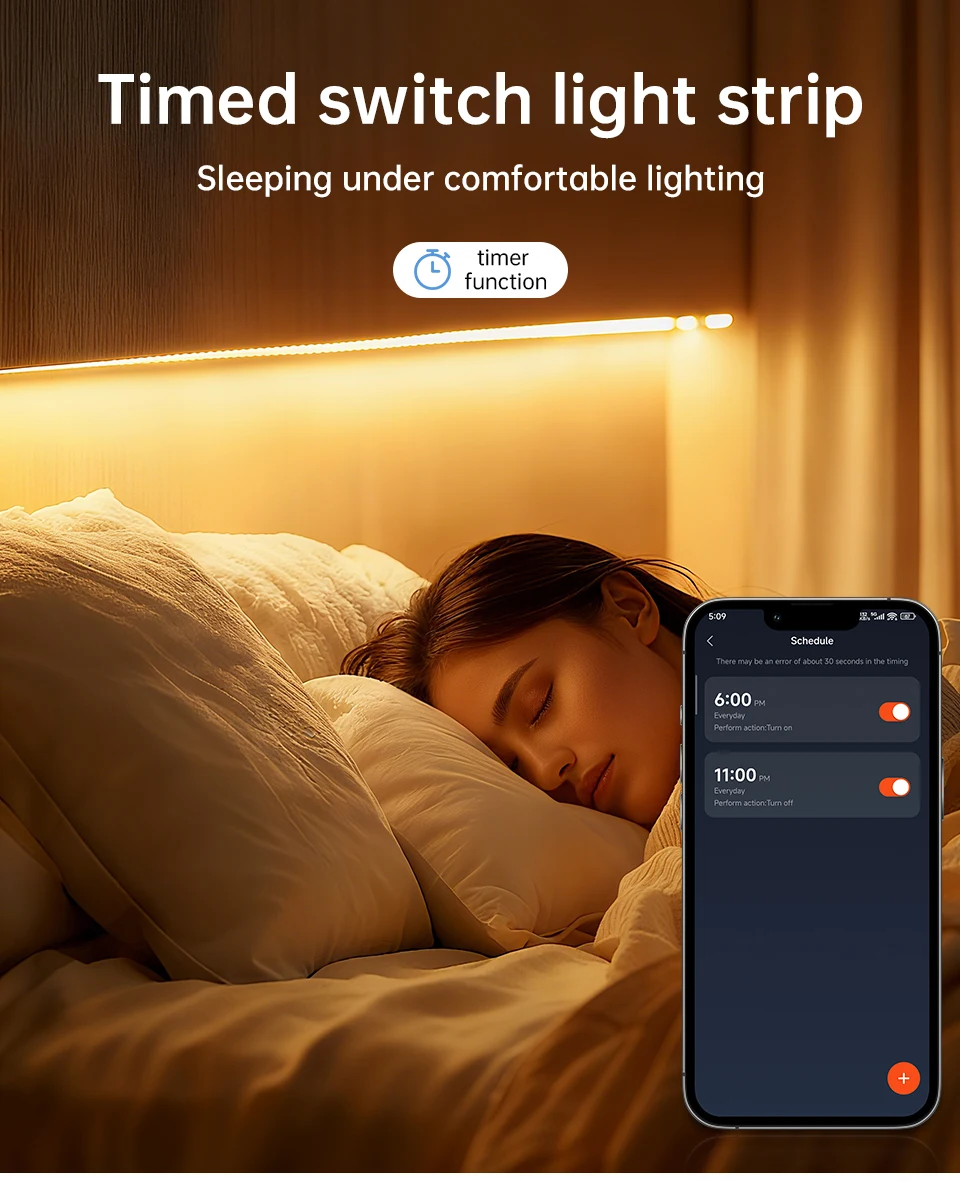
【Remote Control】 Even you are not at home, you can control your smart led strip on/off with your phone via Tuya or Smart Life App. Easily set schedule for your smart led strip. Customize your home light system, like setting lights to come on at dusk or turn off at sunrise. You can create a group for all of your smart led strip and control them all with just one command. Works with 2.4GHz Wi-Fi network.
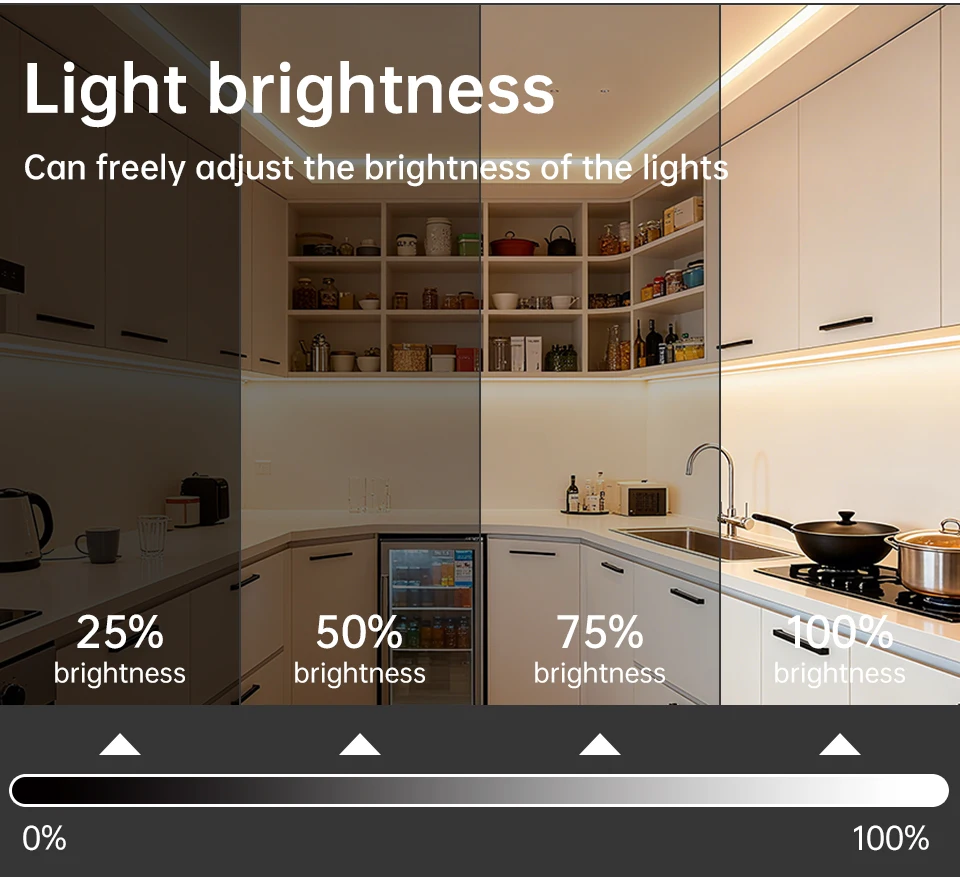
【Voice Control】 Control your smart led strip via your voice with Google Assistant . Just give a voice command to turn on/off or dim/brighten your light, No hub required and easy to install. No need subscription.
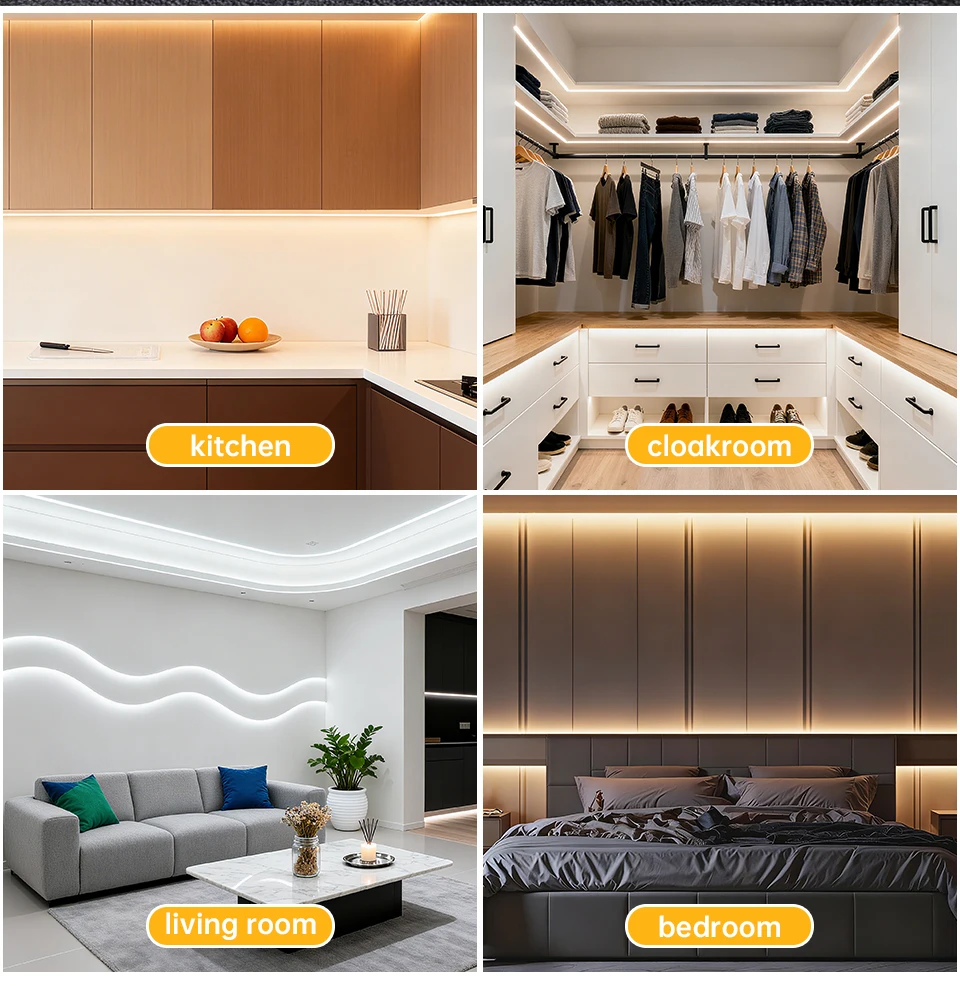
【Energy Saving&Wide Usage】With LED technology, Save your electricity charge with newest lighting technology. This bulb can be used on anywhere you need colorful light such as home indoor lighting, hotel, meeting room, museum, restaurants, bar, cafe, holiday
Know about Tuya APP:
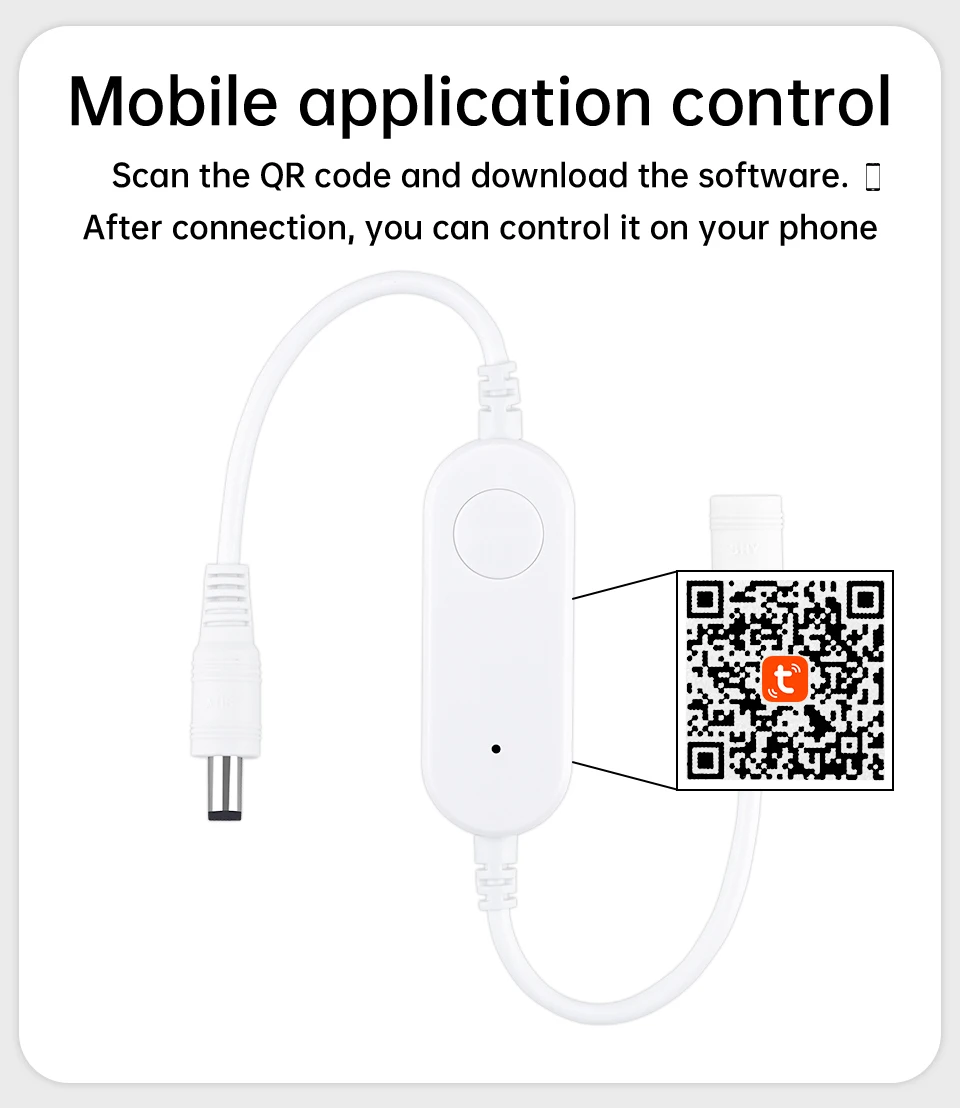
Step 1: Search "Tuya" or "Smart Life "on Phone to download it.
Step 2: Connect the bulb to your local 2.4G WIFI with your phone connecting to it.
Step 3: Set up your Tuya account. Add Device>Lighting devices and confirm the device in the App.
Step 4: Easy Mode or AP Mode(Press on/off button of the device 5 times)
Tips--App
Be sure that you are using 2.4GHz WiFi when connecting with the smart bulb. And WiFi must be detectable status. Many routers have 5 GHz and 2.4 GHz network and your phone will always automatically connect to the 5 GHz network. So, you have to completely turn off your 5 GHz network by going to your router settings (enter the router IP address into your internet browser, usually something like 192.168.1.1), forcing your phone to connect to the 2.4 GHz network.
In addition, the router encryption mode must be WPA2-PSK type and the authentication type must be AES.
Free Shipping Over $199
- Standard Shipping: Standard Shipping (12–18 Business Days)
- Express Shipping: Expedited Shipping (5–9 Business Days)
- Free Shipping: Orders over $199 qualify automatically
- Tracking: Full tracking number provided for all orders
30-Day Return Policy
- Returns: 30-day hassle-free return window
- Condition: Items must be unused and in original packaging
- Refund: Full refund processed within 3-5 business days
Why Choose Us?
- Factory Direct: ISO/TS 16949 certified manufacturer
- Quality: 100% electrical continuity tested before shipment
- Experience: 15+ years in automotive connector industry
- Support: Professional technical support available

You may also like
Blog posts
Title
An excerpt of your blog post's content
Title
Date|Author
Subscribe to our emails
Be the first to know about new collections and special offers.