

Vgate VLinker MC/MC+ Bluetooth 3.0/4.0 OBD2 Scanner ELM327 Compatible for BimmerCode FORScan for IOS/Android Car Diagnostic Tool
BT 4.0
$267.20
Sale price
$267.20
Regular price
$0.00
Skip to product information


Vgate VLinker MC/MC+ Bluetooth 3.0/4.0 OBD2 Scanner ELM327 Compatible for BimmerCode FORScan for IOS/Android Car Diagnostic Tool
$267.20
Sale price
$267.20
Regular price
$0.00
Description
SPECIFICATIONS
Brand Name: Vgate
Certification: RoHS,FCC,CE
Choice: yes
Communication Interface: OBD-II,Bluetooth
Electronic: No
External Testing Certification: ce
Hardware Version: Vgate vLinker ELM327 V2.2
High-concerned chemical: none
Is Batteries Included: no
Item Height: 4
Item Length: 13
Item Weight: 0.11
Item Width: 8
Origin: Mainland China
Power (W): w
Software Version: Vgate vLinker ELM327 V2.2
Use: Not Telecommunication
Voltage: v
Wireless Support: Bluetooth
Vgate vLinker MC/MC+ Bluetooth 3.0/4.0 OBD2 Scanner ELM327 Compatible for BimmerCode FORScan FOR iOS/Android Car Diagnostic Tool
Purchase Notes:
1.Our products support popular software such as:BimmerCode/Torque/Forscan/JScan/Auto Doctor/OBD Fusion etc.,We only sell adapters to be compatible with these software, but some of the functions of the software or the software itself are not free, you need to pay additional fees to the software company
2.If your mobile phone is IOS, when you use BT4.0 Ver., please connect to BT directly in the software,Don't connect to BT in phone settings.If you are using MC BT version on Android, you need to press the switch first, and then search for BT:vlinker MC-Android
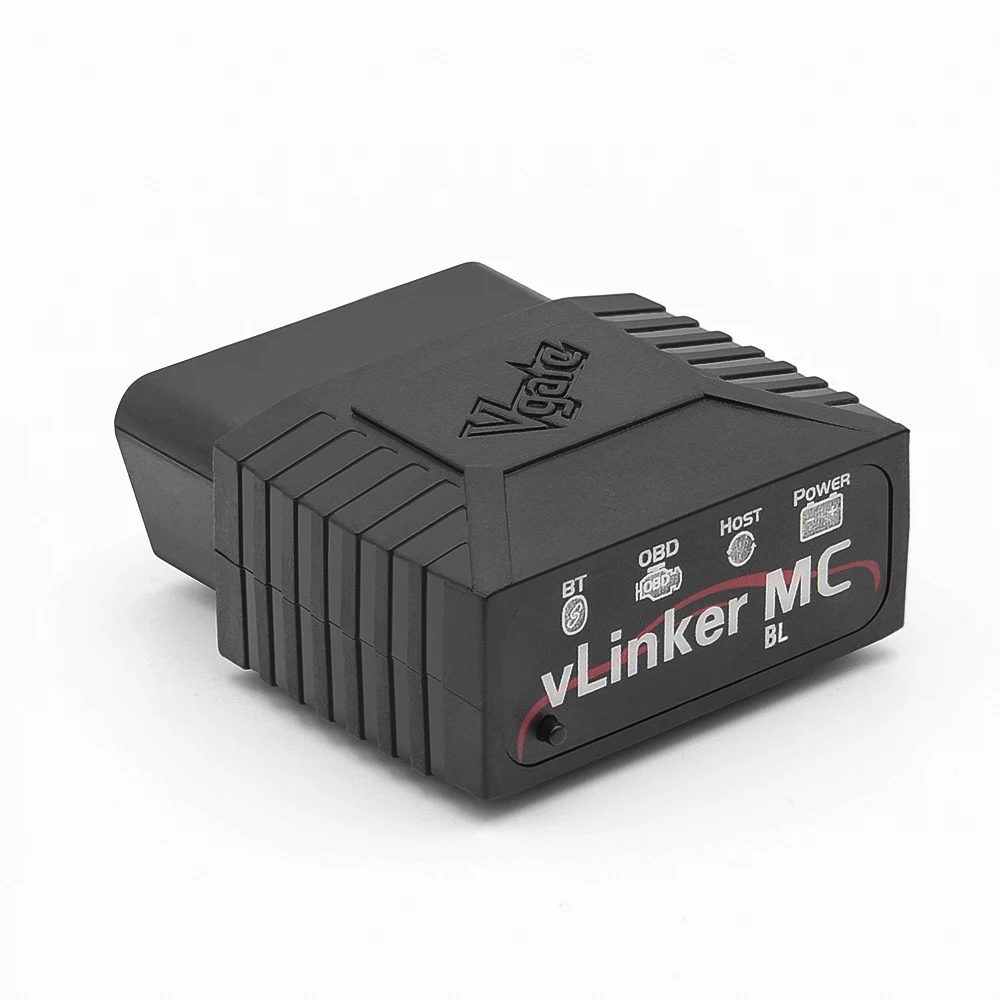
 Vgate vLinker BT 3.0 For Android:
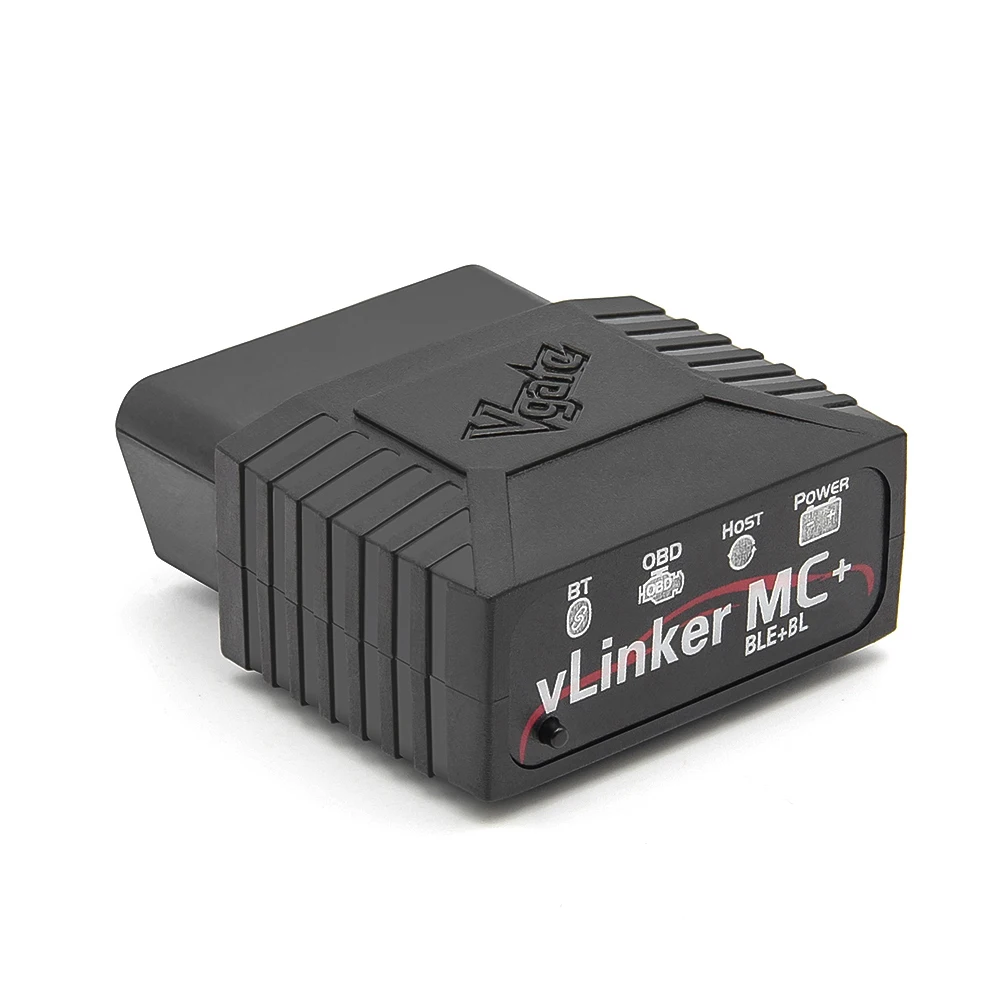
 Vgate vLinker BT 4.0 For Android/IOS:
100% Original Vgate vLinker BT3.0/4.0:
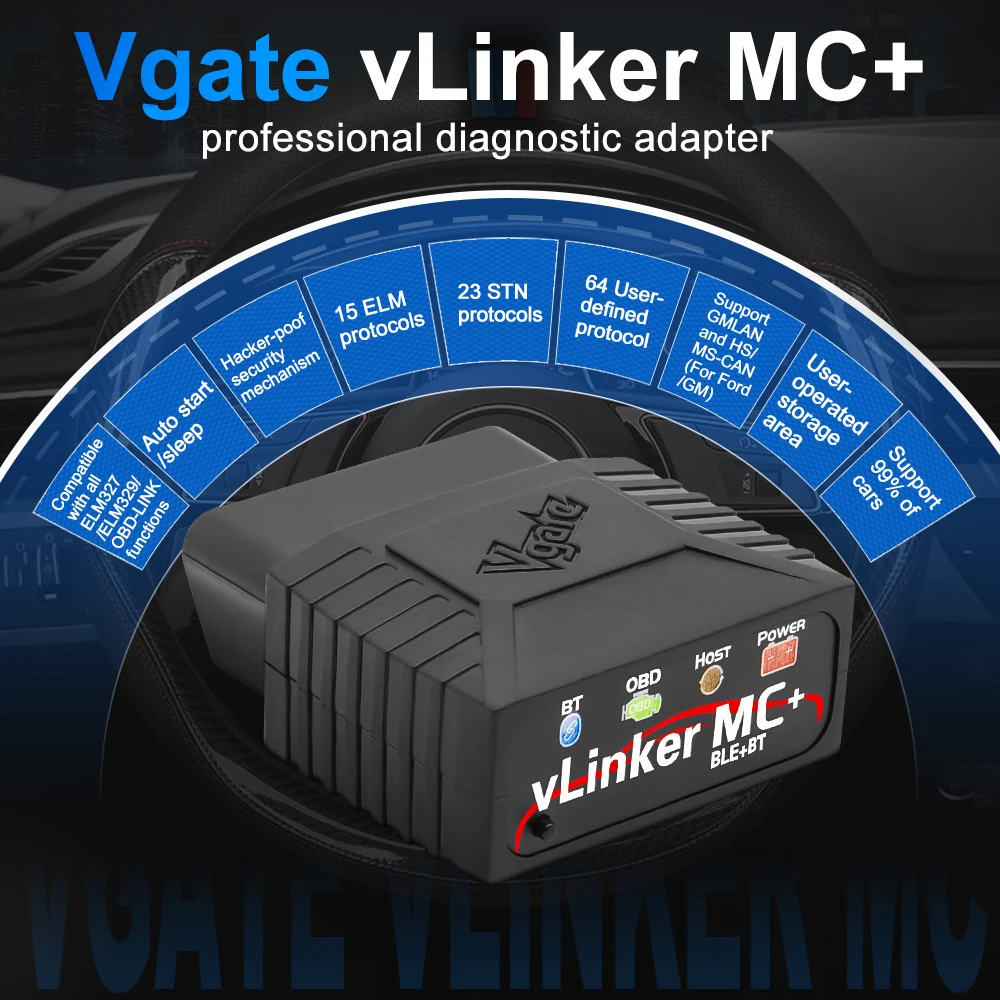
compatible with 99%+ world car models
1.Data buffer up to 2K bytes, UART baud rate increased to 230. 4 Kbpsc
2.Support Almost All ELM327/ELM329 Adapter Software
3.Automatic sleep and start to reduce power consumptione
4.OBD2 Standard Protocols+More protocols
5.Support user-defined commands
6.Request bytes up to 48 bytes
7.Support Firmware Update
8.Support user-defined APP
9.Support GMLAN and HS/MS-CAN (for Ford/GM)
10.15 ELM protocols/23 STN protocols/64 User-defined protocol
 Support Protocols:
Multiple protocols:
--15 ELM format protocols;
-- 23 STN format protocols;
-- Up to 64 user-defined protocols.
OBDII 5 standard protocols:
-- SAE J1850 VPW
-- SAE J1850 PWM
-- ISO 9141-2
-- ISO 14230-4
-- ISO 15765-4 CAN
Additionalprotocols:
-- SAE J1939 CAN
-- ISO 11898 (raw CAN)
-- for GMLAN Single Wire CAN (for GMW3089)
-- for Ford Medium Speed CAN (MS CAN)
Theseprotocolscover almost 99% of the OBDII Cars on the market Software Support:
Perfect compatibility: For Bimmer Code/For Torque/For Forscan/For JScan/For Auto Doctor/For OBD Fusion etc. 99% APP Software
Please Note:
We only sell adapters. If you need to charge for some functions of the software you choose, this money is paid to the software developer,not to us
Rich instruction set, compatible with more APP software:
-- Fully compatible with ELM's AT command set;
-- Fully compatible with STN's ST command set;
-- Expanded 7 AT commands for HS-CAN, MS-CAN, SW-CAN;
--39 VT macro commands, some instructions are equivalent to the effect of several AT and ST instructions, simplifying the communication steps.
-- Compatible with ELM and STN power management solutions.
-- Support for instructions, UART silence, battery low voltage, OBD bus silence, etc. Up to 5 ways to go to sleep;
-- Support UART active, battery voltage drop, OBD bus active, key, etc. Up to 5 ways to wake up from sleep mode.
-- Device sleep power consumption is less than 2 mA.
-- OBD request byte up to 48 bytes, can meet the needs of some special long framecommunication.
-- UART data buffer up to 2K bytes, baudrate increased to 230.4Kbps.
-- 256-byte storage unit
-- More than 100,000 erasable times
-- Read and write operations on any unit in the storage area by using the VT command
-- Mix ID Sending" mode of CAN protocol.
-- Optional formatted send data according to protocol
-- Multiple WM sequence settings
-- Support AT command to manually set WM sequence
-- Support for specifying a protocol or a full protocol-wide temporary WM sequence
-- Support for a permanent link between a protocol and a private WM sequence
-- Secure bootloader for easy firmware updates
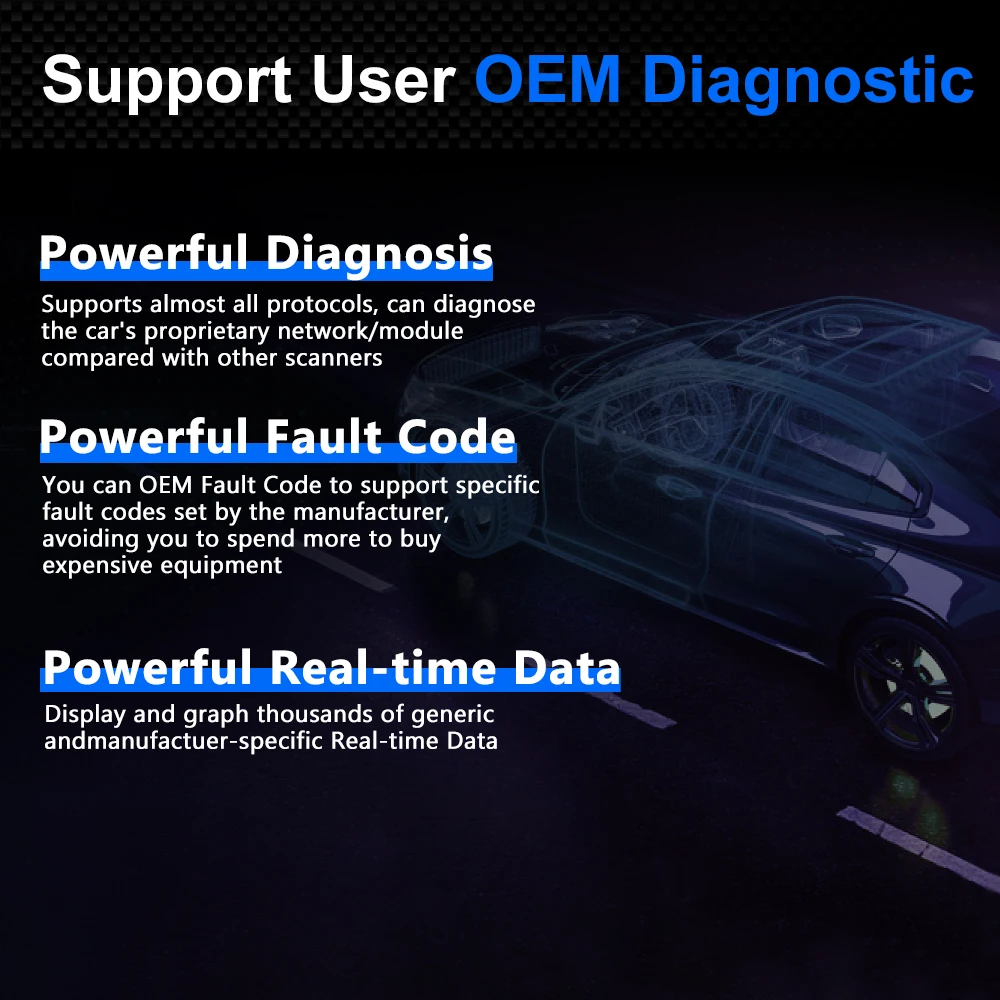
Vgate vLinker MC+
Support AImost All ELM329+ELM327
Tpyical Applications:
Vehicle telematics
Fleet management and tracking applications
Usage-based insurance (UBI)
OBD data loggers
Automotive diagnostic scan tools and code readers
Digital dashboards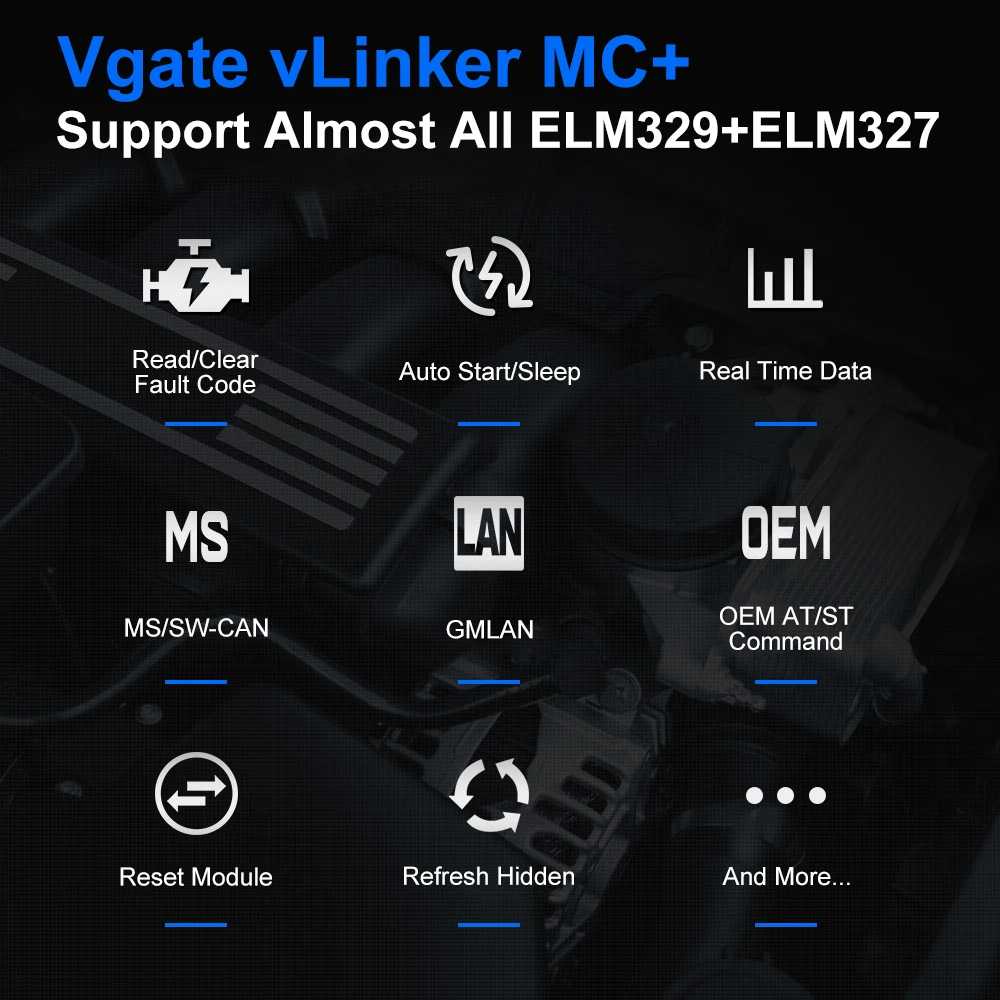
Vgate vLinker MC+ Automatic Wake-up And Sleep
vLinker MC+ can automatically recognize the start and stop of the car,No need to plug every time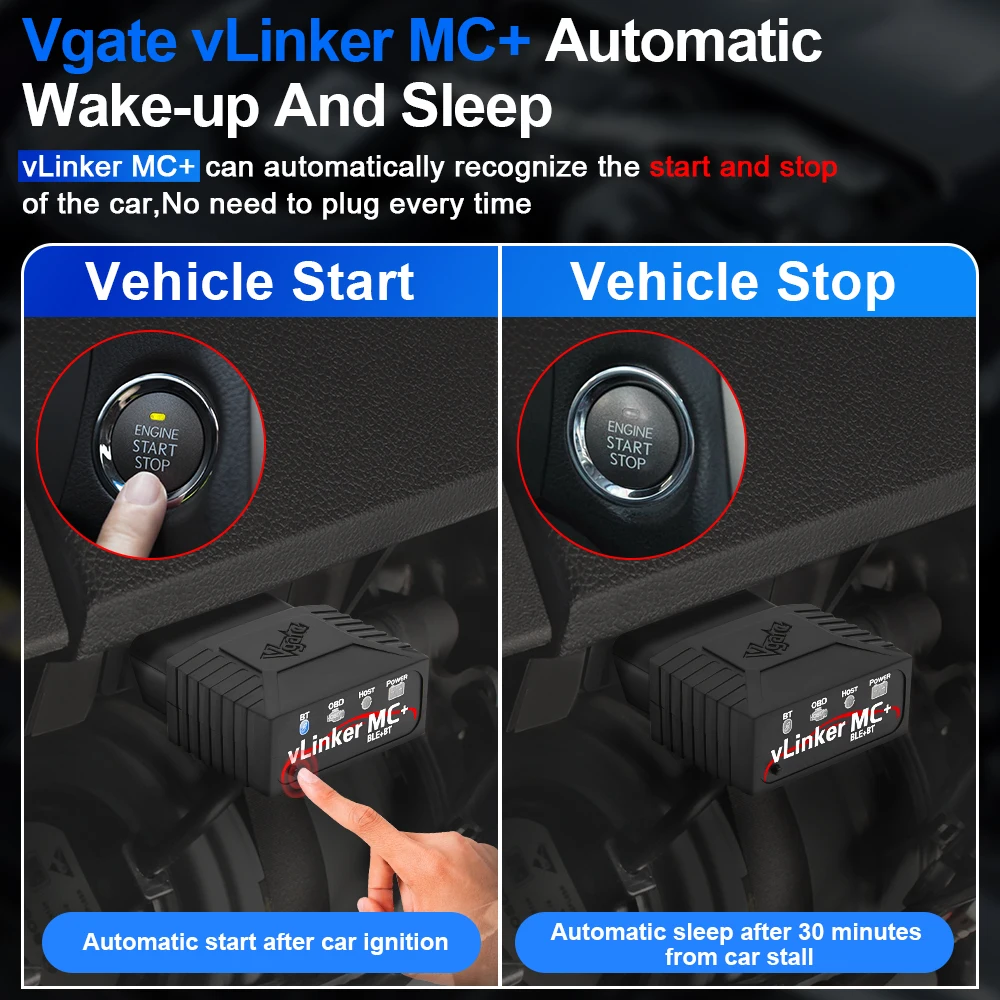
Vgate vLinker MC+ Easy To Use
Connection method:
BT4.0/3.0:
1.Turn on theIgnition in the car
2.Plug in the adapterinto the OBD Port
3.Turn on BT,BT only needs to be turned on
4.Open OBD Auto Doctor choose “Extras” ,cick “Connectivity”,choose “BT”and “vLinker MC+” Drop out software and Enter again
WIFI:
1.Turn on theIgnition in the car
2.Plug in the adapterinto the OBD Port
3.Turn on WIFI,connected “vLinker”
4.Open OBD Auto Doctor choose “Extras” ,cick “Connectivity”,choose “WIFI”,Drop out software and Enter again


Free Shipping Over $199
- Standard Shipping: Standard Shipping (12–18 Business Days)
- Express Shipping: Expedited Shipping (5–9 Business Days)
- Free Shipping: Orders over $199 qualify automatically
- Tracking: Full tracking number provided for all orders
30-Day Return Policy
- Returns: 30-day hassle-free return window
- Condition: Items must be unused and in original packaging
- Refund: Full refund processed within 3-5 business days
Why Choose Us?
- Factory Direct: ISO/TS 16949 certified manufacturer
- Quality: 100% electrical continuity tested before shipment
- Experience: 15+ years in automotive connector industry
- Support: Professional technical support available

You may also like
Blog posts
Title
An excerpt of your blog post's content
Title
Date|Author
Subscribe to our emails
Be the first to know about new collections and special offers.